What does this tool do?
It creates a new portrait with your requested longer hairstyle. Use a clear length marker such as upper chest or waist, then describe straight lengths, waves or curls.

Plan the edit before you generate
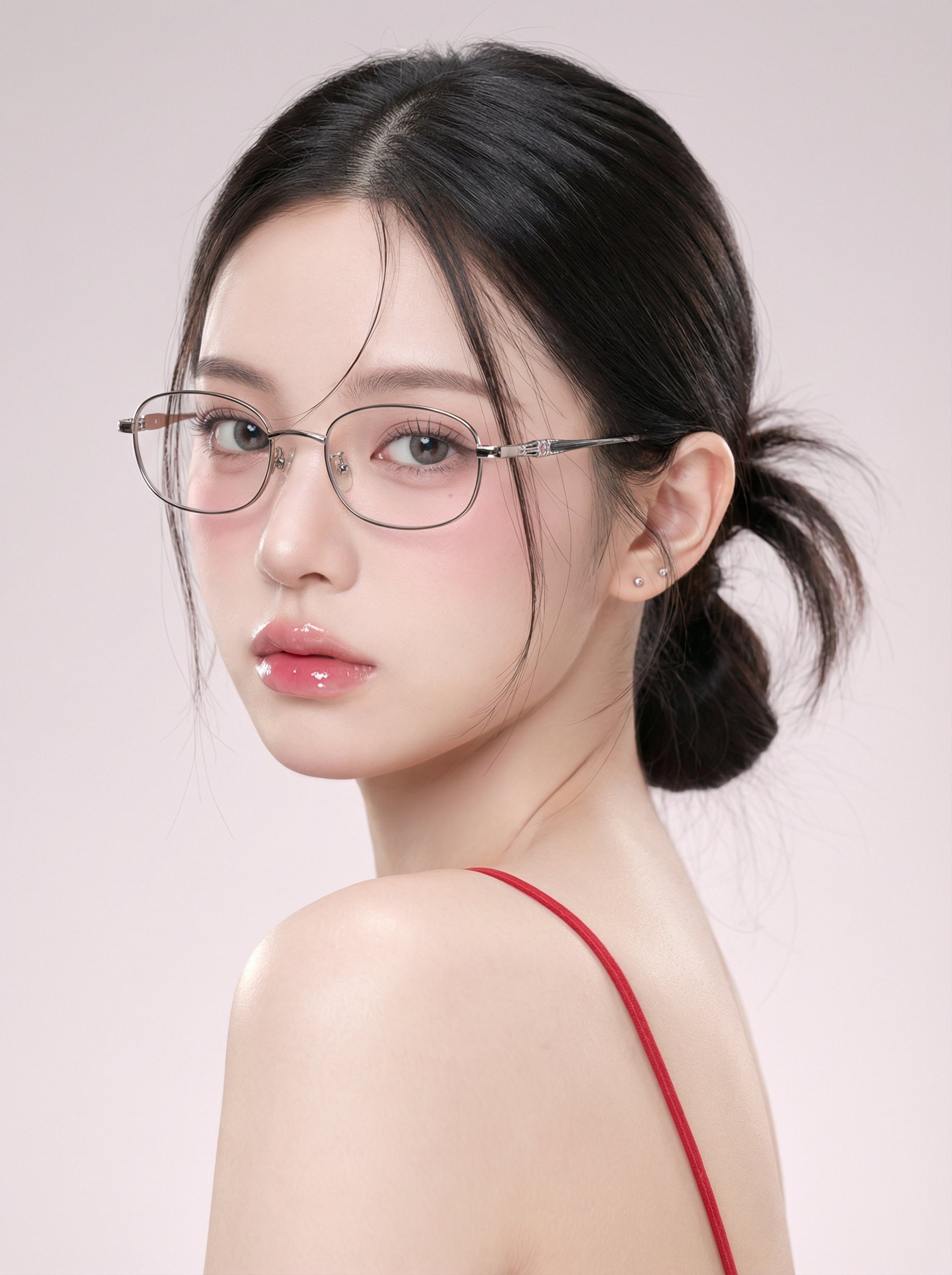
It creates a new portrait with your requested longer hairstyle. Use a clear length marker such as upper chest or waist, then describe straight lengths, waves or curls.
Choose one portrait with the full head and shoulders, plus space below the existing hair. A waist-up photo gives you more room to compare longer ends.
Image to Image uses your portrait. Text to Image needs no photo and is useful for a hairstyle concept rather than a personal before-and-after comparison.
Free use depends on the credits or offer currently available to your account. Sign in, check your balance and read the generator’s current quote before submitting. Choosing a style or editing your prompt does not start a generation.
Use the credit amount shown beside the generate action for your selected model and settings. Recheck it after changing the image size, model or other options. Your current plan and available balance determine whether you can submit the job.
After submission, follow the job in History. Timing varies with the selected model, image settings and current workload. Wait for the task status to finish rather than assuming a fixed delivery time or submitting the same job again.
An AI Long Hair Filter adds a longer hairstyle to a portrait from your photo and a written brief. Use Image to Image to compare shoulder, chest or waist length, then refine the texture while keeping the rest of the portrait consistent. Check the live credit quote before submitting and follow the image in History.
Create a long hair comparisonUse this guide to see how a hairstyle silhouette works with the neckline, outfit and framing of a portrait. Leave room below the shoulders to judge the added length and its contact with clothing.
Choose a length first, then change the texture. Keeping these decisions separate makes it easier to see whether you prefer more length, more volume or a different shape around the face.
Select Image to Image and upload a portrait with room below the current hair. Keep the face sharp and both shoulders visible. Avoid a crop that leaves nowhere for the requested longer hair to appear.
Write “upper-chest length” or “waist length” rather than only “longer.” State whether the ends should be blunt, layered or softly tapered, while keeping the current color.
Check the selected model, image shape and displayed credits. Submit one version at a time so you can compare the effect of the length request.
Open the finished image in History. Check the ends, face and shoulder overlaps. Keep the length that works and change only the texture or parting in the next prompt.
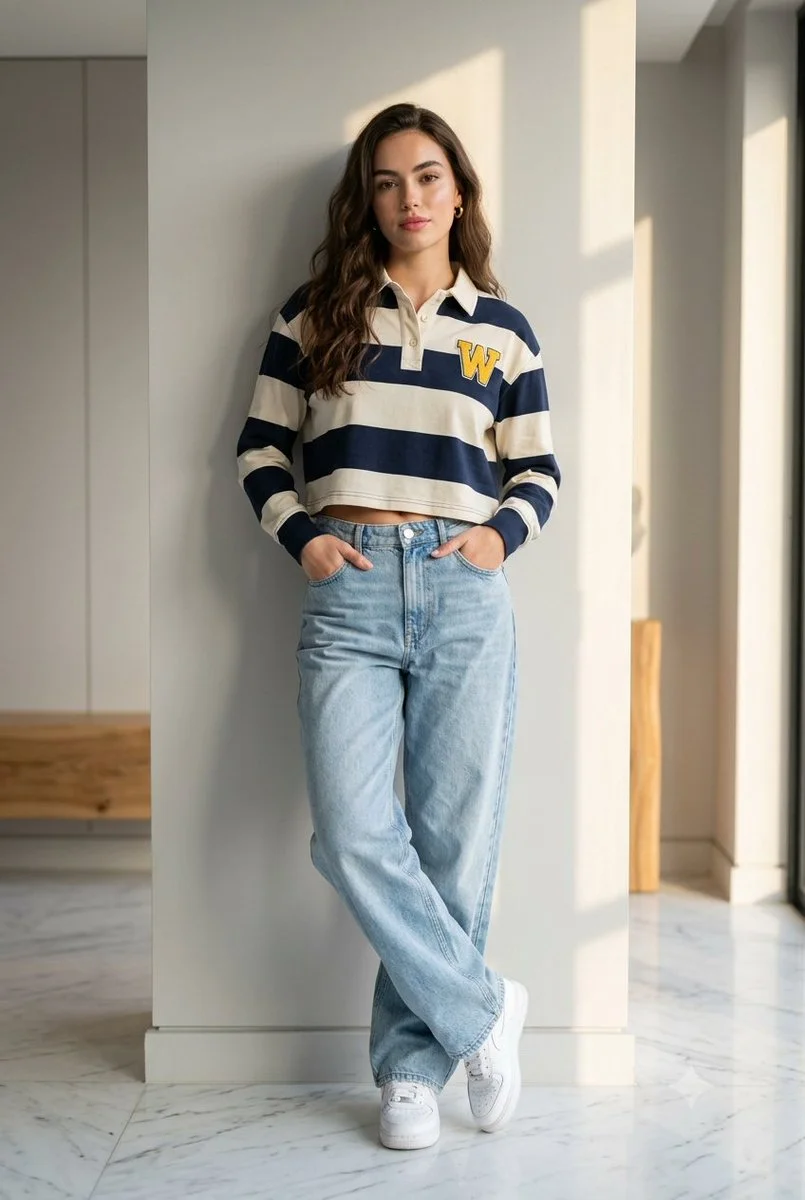
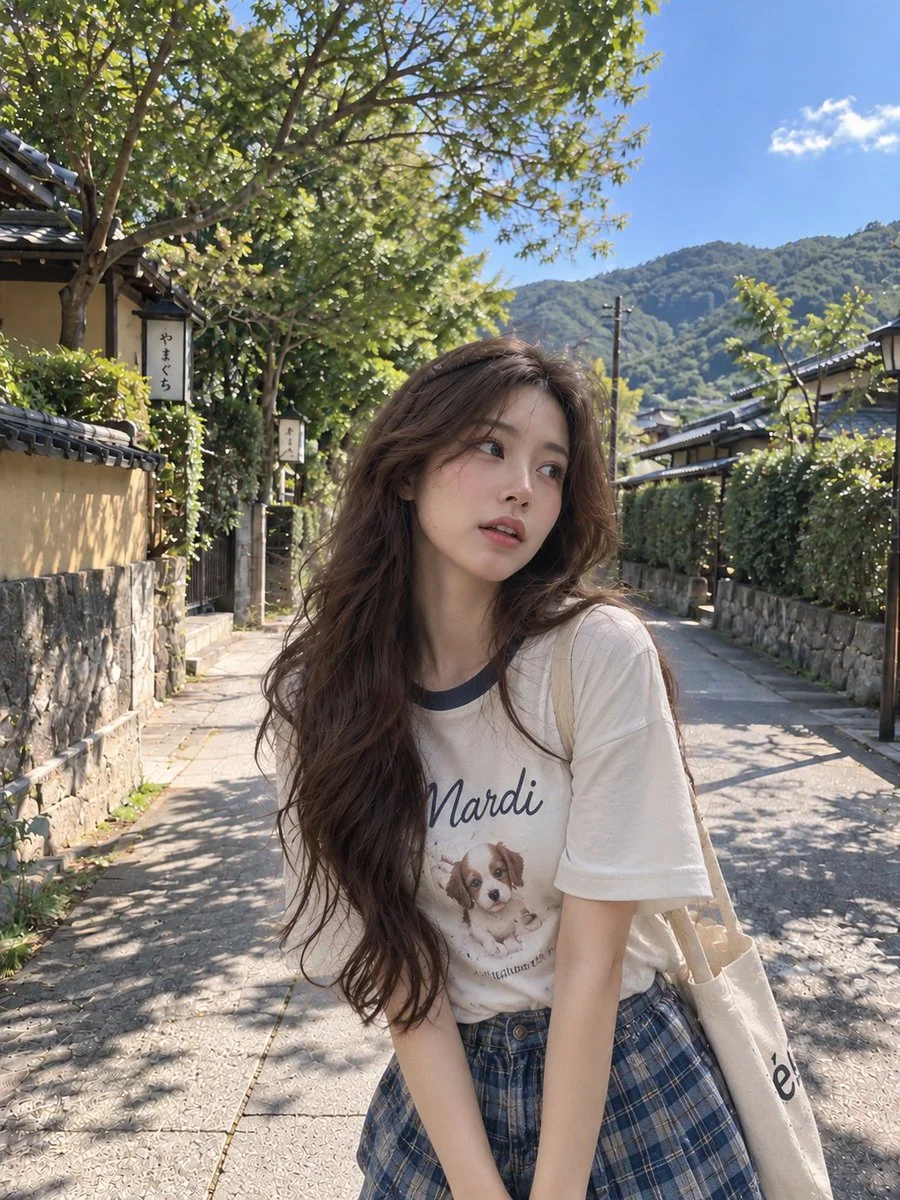
Request a clear chest-length line and a natural parting. Compare a blunt finish with soft layers while watching the outline over your shoulders.
Use “large loose S waves” for a softer outline. Keep the requested length explicit because curves change how long the hair appears.
Ask for a defined curl texture and say whether you want volume at the crown, around the cheeks or lower through the lengths. Compare it with a similar-length version.
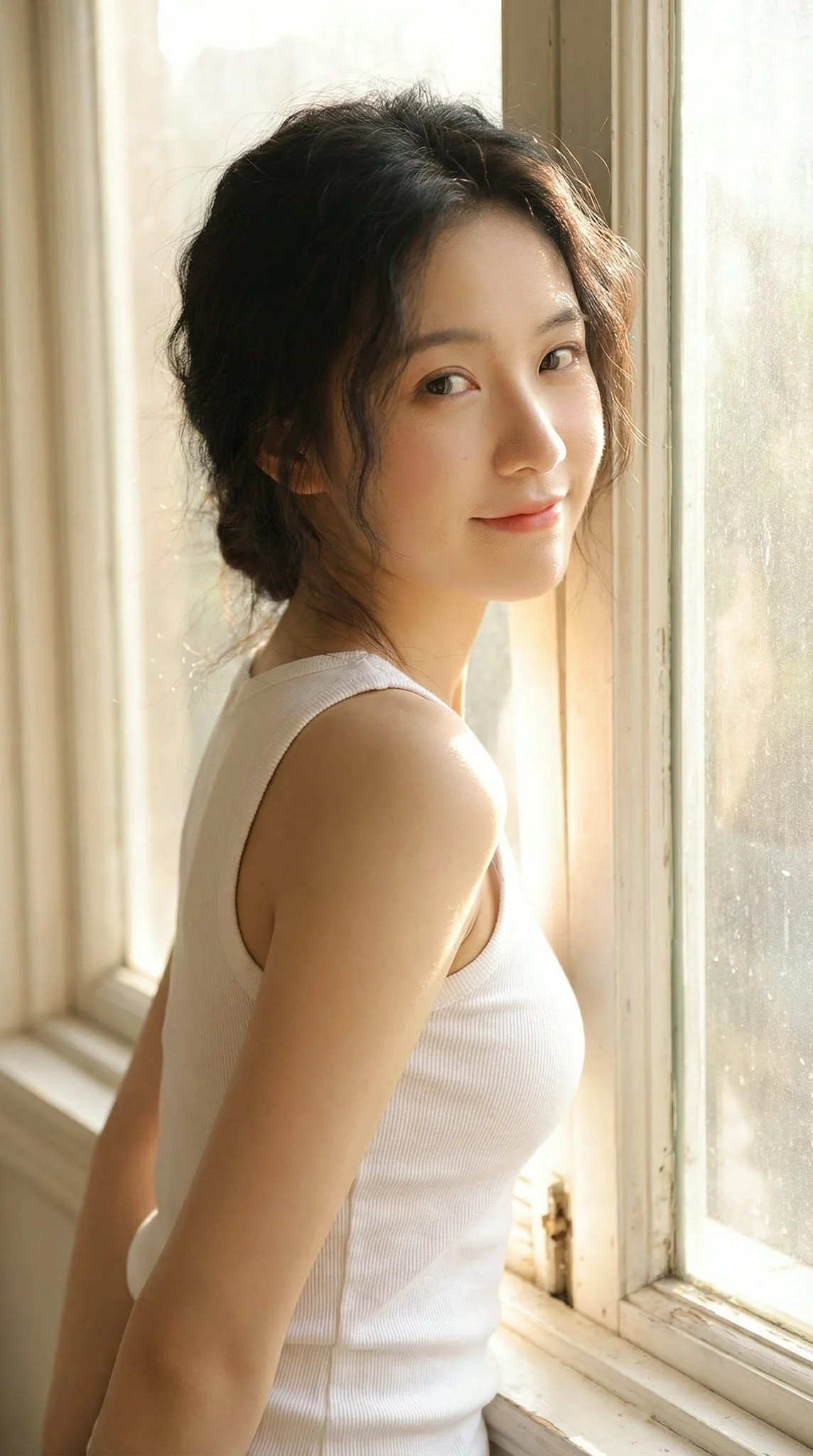
“Using this portrait, extend the dark brown hair to upper-chest length with a natural center part and straight, softly tapered ends. Keep the same face, skin tone, pose, clothing and background. Let the hair fall naturally over both shoulders.”
For the next version, keep the length clause and replace “straight” with “large loose waves.” To compare a longer option, change only the endpoint to waist length. This keeps the reason for each difference clear.
Free use depends on the credits or offer currently available to your account. Sign in, check your balance and read the generator’s current quote before submitting. Choosing a style or editing your prompt does not start a generation.
Use the credit amount shown beside the generate action for your selected model and settings. Recheck it after changing the image size, model or other options. Your current plan and available balance determine whether you can submit the job.
After submission, follow the job in History. Timing varies with the selected model, image settings and current workload. Wait for the task status to finish rather than assuming a fixed delivery time or submitting the same job again.
Use Image to Image and describe the desired endpoint and texture. A photo with visible shoulders and space below them gives you a clearer way to judge the new length.
Curves and volume can change the visible outline. Specify where the ends should fall on the body and compare different textures using that same endpoint.
Include the current color in the prompt and ask to change only length or texture. Review the color and face alongside the original before choosing the result.
A wider chest-up or waist-up portrait is more useful for longer hair because you can see the full ends and how the hair falls over the shoulders.
Text to Image creates a hairstyle concept from a description without reference media. Switch to Image to Image when you want to use a specific portrait.
Keep the original photo and settings the same. Change one prompt detail, follow each job in History and save the length and texture wording for the versions you prefer.
Upload a well-framed portrait, select a shoulder, chest or waist endpoint and keep the first texture simple. Review the credits, generate and inspect the completed image in History.
Create a long hair comparisonwigsay.com · Updated