What is this tool for?
It makes wedding-dress concept images for comparing silhouettes, planning a styled shoot or explaining a creative brief. Start with one gown direction you want to see clearly.

Editorial planning guide
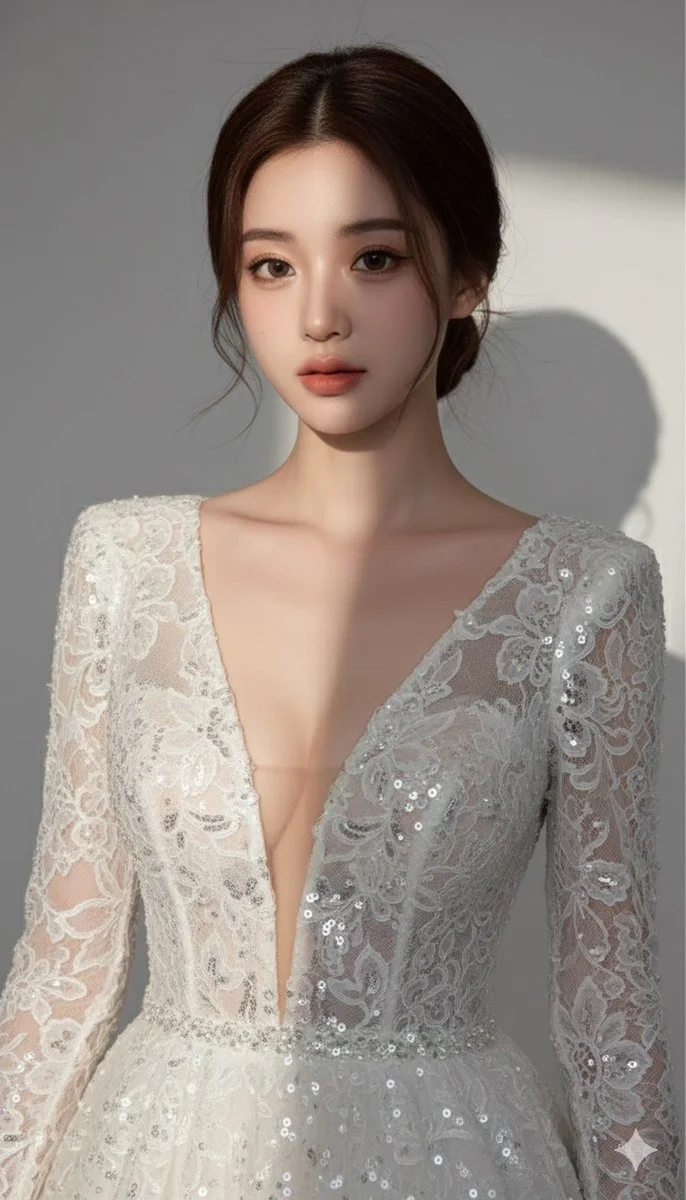
It makes wedding-dress concept images for comparing silhouettes, planning a styled shoot or explaining a creative brief. Start with one gown direction you want to see clearly.
For Image to Image, choose one adult with a clear face and enough of the body visible for the gown you want. A full-length image helps when the skirt and hem matter.
Yes. Use Text to Image and describe the adult subject, gown and location. The text mode does not use reference-photo input.
Check the usable balance and any current offer in your signed-in account. Preparing a prompt does not start a generation; an attempt needs enough credits for the quote shown.
Use the current credit quote in the generator after choosing the model and options. Review it again when you change settings or submit a variation.
Completion depends on the model, image options and queue. Follow the task in History, then review the finished gown before downloading or sharing.
Use the AI Wedding Dress Generator at wigsay.com to explore a gown before assembling your bridal moodboard. Describe the silhouette, neckline, fabric and setting. Image to Image starts from an adult portrait; Text to Image lets you design a new editorial scene without uploading a photo.
Create a wedding dress conceptUse this guide to see how a hairstyle silhouette works with the neckline, outfit and framing of a portrait. Plan the neckline, fabric and silhouette before adding bridal accessories.
Use Image to Image for your own portrait, or Text to Image for a new scene. Decide whether you need a neckline study, a three-quarter portrait or the whole dress before describing the gown.
Write the silhouette first, followed by neckline, sleeves and fabric. Add one important detail such as a bow, a lace border or a short train. Keep the remaining garment description simple.
Choose a location and light that reveal the fabric. Review the available model and image controls. Check the live credit quote and your balance before you submit the job.
Wait for completion, then inspect the shoulder line, waist, hands, lace and hem. Compare the result with your written brief and change one design decision for the next variation.
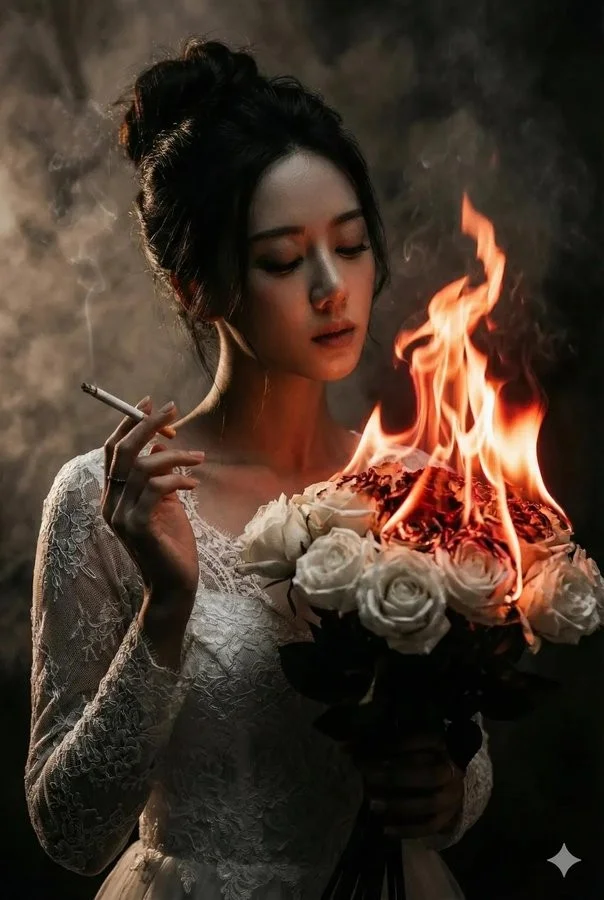
Use an adult photo you have permission to upload, with even light and an uncluttered background. A neutral standing pose with arms slightly away from the torso makes the waist and side outline easier to interpret. Keep the face sharp even when the dress is the focus.
A close selfie cannot show a full skirt by itself. If you only have a head-and-shoulders portrait, ask for an upper-body styling concept or choose a wider reference. Avoid heavy filters and objects covering the neck, hands or waist.
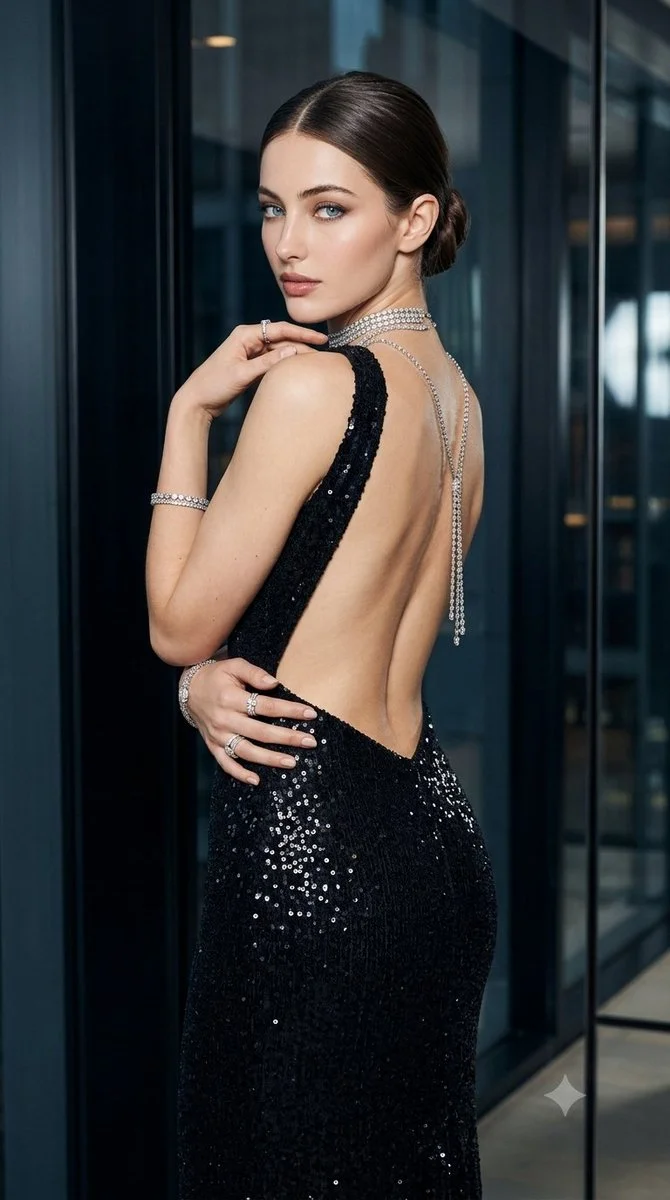
Ask for a defined waist and a skirt that widens toward the hem. Mention whether the fabric should hang softly or hold a more structured shape.
Describe a narrow skirt, simple seams and enough space for the full silhouette. Crepe or smooth satin makes changes to neckline and sleeve shape easier to compare.
Name a fitted bodice and a broad skirt, then ask for full-length framing. Leave background space around the gown so the volume is visible.
Create an adult bridal portrait with an ivory A-line gown, a square neckline, short fitted sleeves and matte silk fabric. Keep decoration limited to a fine lace border at the hem. Show the complete dress in a softly lit stone courtyard, with a relaxed standing pose.
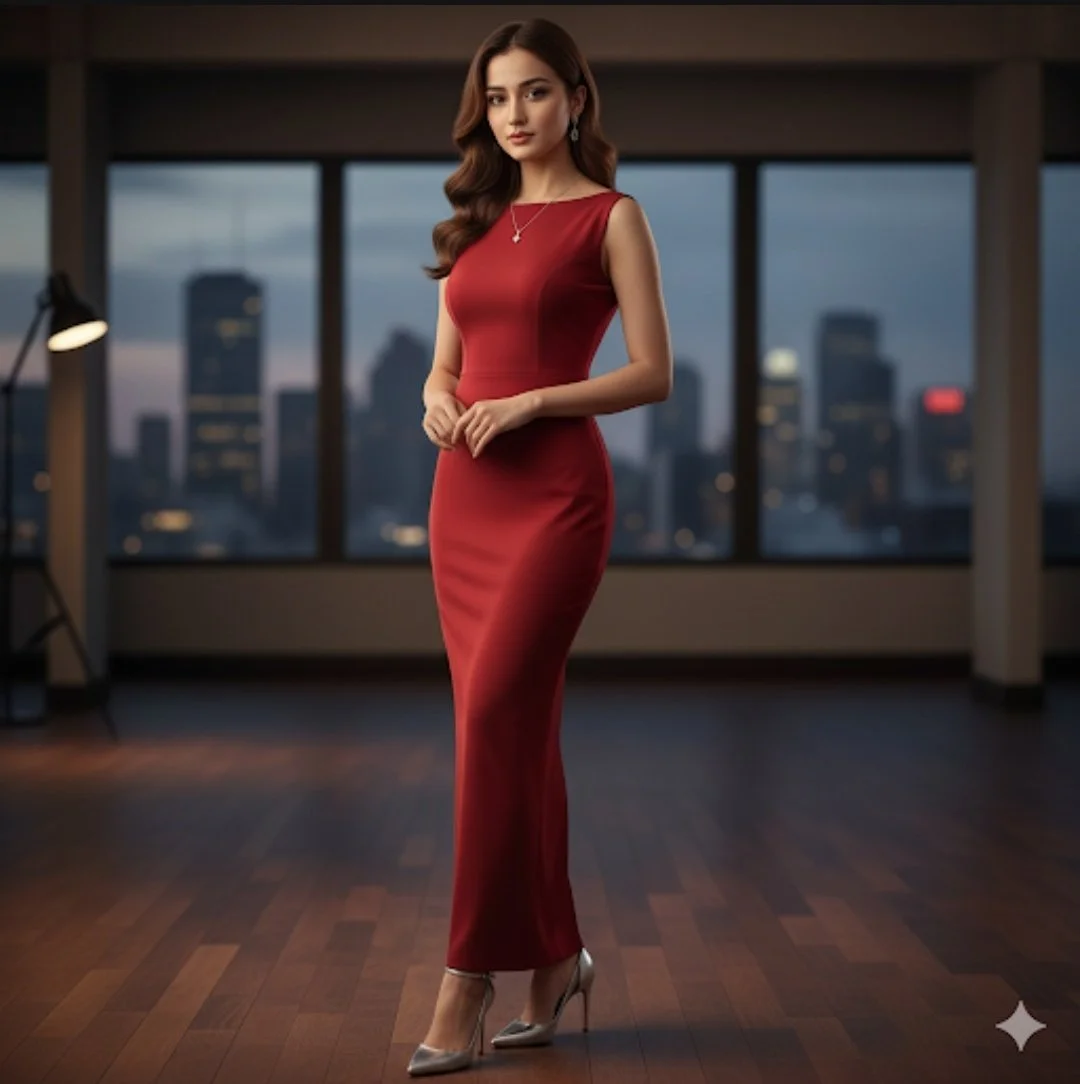
A garden moodboard can focus on fine lace and soft daylight. A city-hall editorial may use clean satin, architectural lines and a short train. A coastal concept can explore lighter fabric and gentle movement, while leaving the hem visible.
For a useful comparison, hold the person and gown silhouette steady while changing the setting. For a silhouette comparison, keep the setting steady instead. Save your preferred wording with the selected result so a stylist or photographer can understand the direction.
Review the completed image in History, especially fabric joins, symmetry, hands and how the skirt meets the ground. Use the image to describe your preferred look to a collaborator. Measurements, fit and construction still need a real fitting and design process.
Model choice, image settings and queue load affect the wait. Track the existing task instead of submitting another while it is running. Before a new variation, check the displayed credit quote again and decide which single gown detail you want to change.
Yes. Text to Image can start with a written description of an adult subject, gown and setting. Image to Image is the option for an uploaded reference.
Use a full-length reference when the skirt, train or hem is important. A clear upper-body photo can support a neckline or sleeve concept. Match the framing to the part you want to compare.
Describe both in the prompt, such as matte crepe, floral lace, a boat neckline or fitted sleeves. Be specific about where each detail belongs and inspect it in the finished result.
The image helps communicate style. Determine sizing, garment construction and fit through measurements, a fitting and your dressmaker or retailer.
Sign in to see your usable credits and any current offer, then read the live quote for your selected settings. The guide does not prescribe a fixed allowance or per-image price.
Wait times vary with the model, image options and queue. Follow your submitted task in History and review it when complete before downloading or sharing.
wigsay.com · Updated