AI Hairstyle Generator
Explore hairstyle ideas as still-image concepts before planning a video.

Loading history…
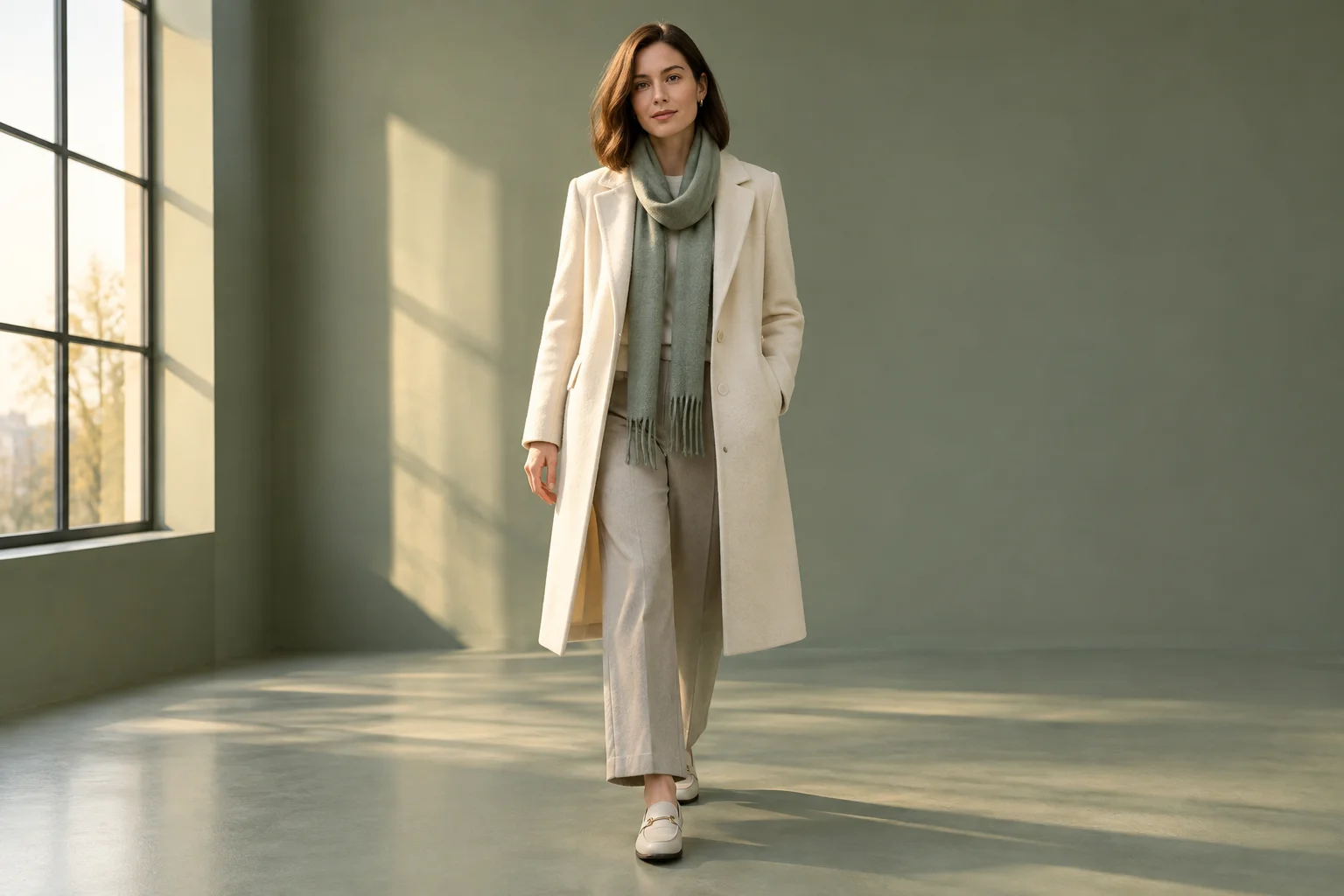
The Ramalama AI Video Generator can turn a text description or one starting image into a short video concept for exploring hair and outfit styling in motion. This guide focuses on one adult woman, a gentle forward walk, and a still camera that tilts up slightly. Use the resulting clip to inspect how the bob, hairline, flyaways, scarf, and coat read across frames—not as a promise of exact salon results or guaranteed motion.
Select text-to-video for a prompt-only concept, or image-to-video when you have one suitable starting portrait. Submit only the input allowed by the chosen mode.
Keep the subject to one adult woman. For an image route, use a clear, well-lit image that shows the outfit and hairstyle; for text-to-video, describe those details directly. Include the studio and late afternoon light only if they suit your concept.
Select Seedance 2.5, then use the separate editable prompt for the chosen route. Ask for one slow forward step, a still camera, and a small upward tilt. Check current credits and model access on screen before submitting.
Submit the task and follow it in History. Review the available result for hair, outfit, and framing details, remembering that timing and exact motion or identity are not guaranteed. Adjust the prompt if you want to explore a different shot.
Use the Ramalama AI Video Generator to explore how a described look might read during a simple movement. A forward step can reveal the coat's shape and scarf placement, while a slight upward tilt can bring attention from the outfit toward the bob and face. Treat hairline and flyaway visibility as details to inspect, not outcomes the tool guarantees. Keep one subject in each generation so the prompt has a clear styling focus.
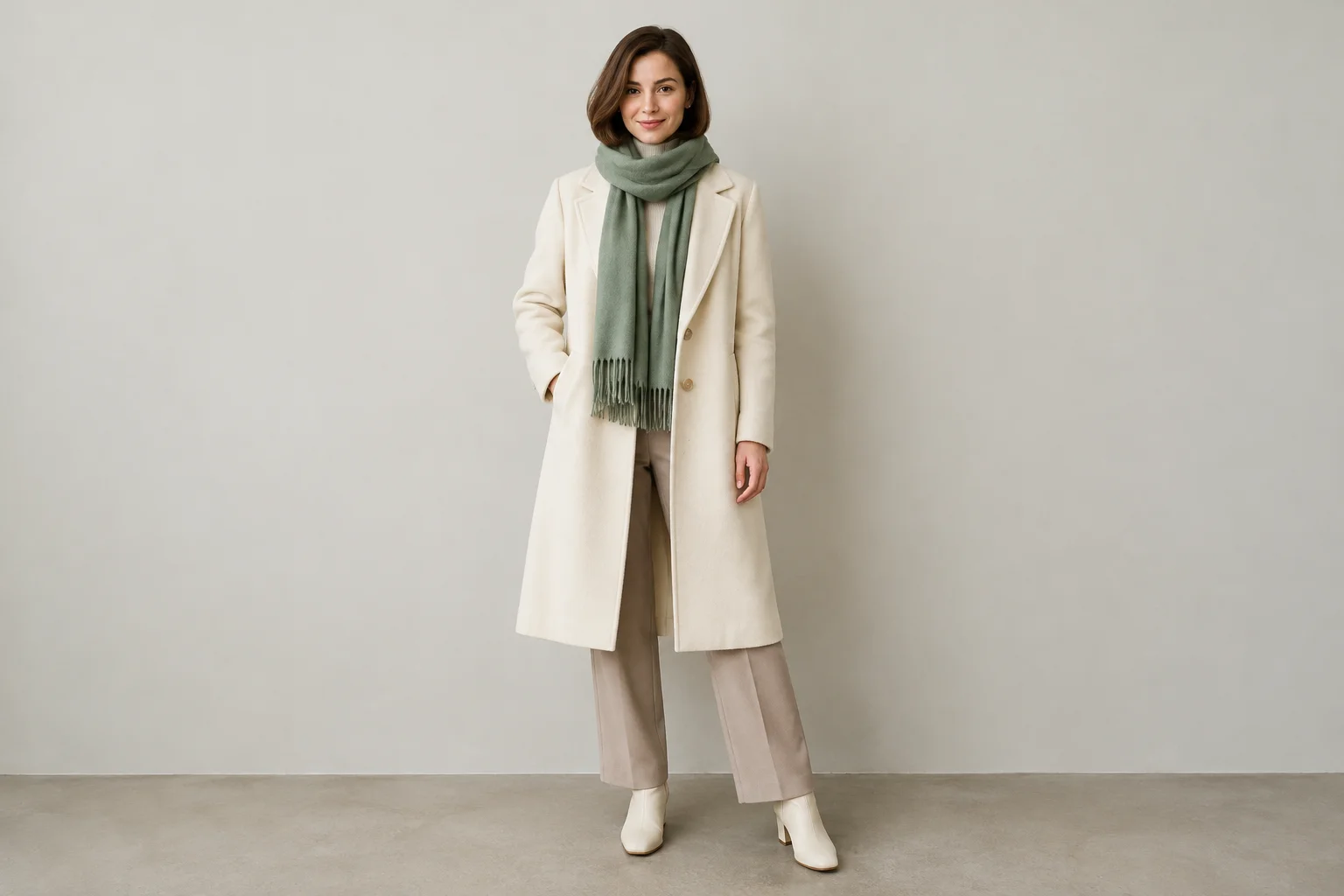
The supported workflow offers text-to-video or one starting image. For text-to-video, write the scene directly and do not add an image. For image-to-video, provide one starting image and direct the edit prompt to preserve its reference features; add a motion prompt alongside your starting image. Seedance 2.5 is selected for this guide. Before submitting, check the current on-screen credit balance and model access. Credits and availability can change, so use the information displayed in your account or workflow rather than assuming a fixed cost.
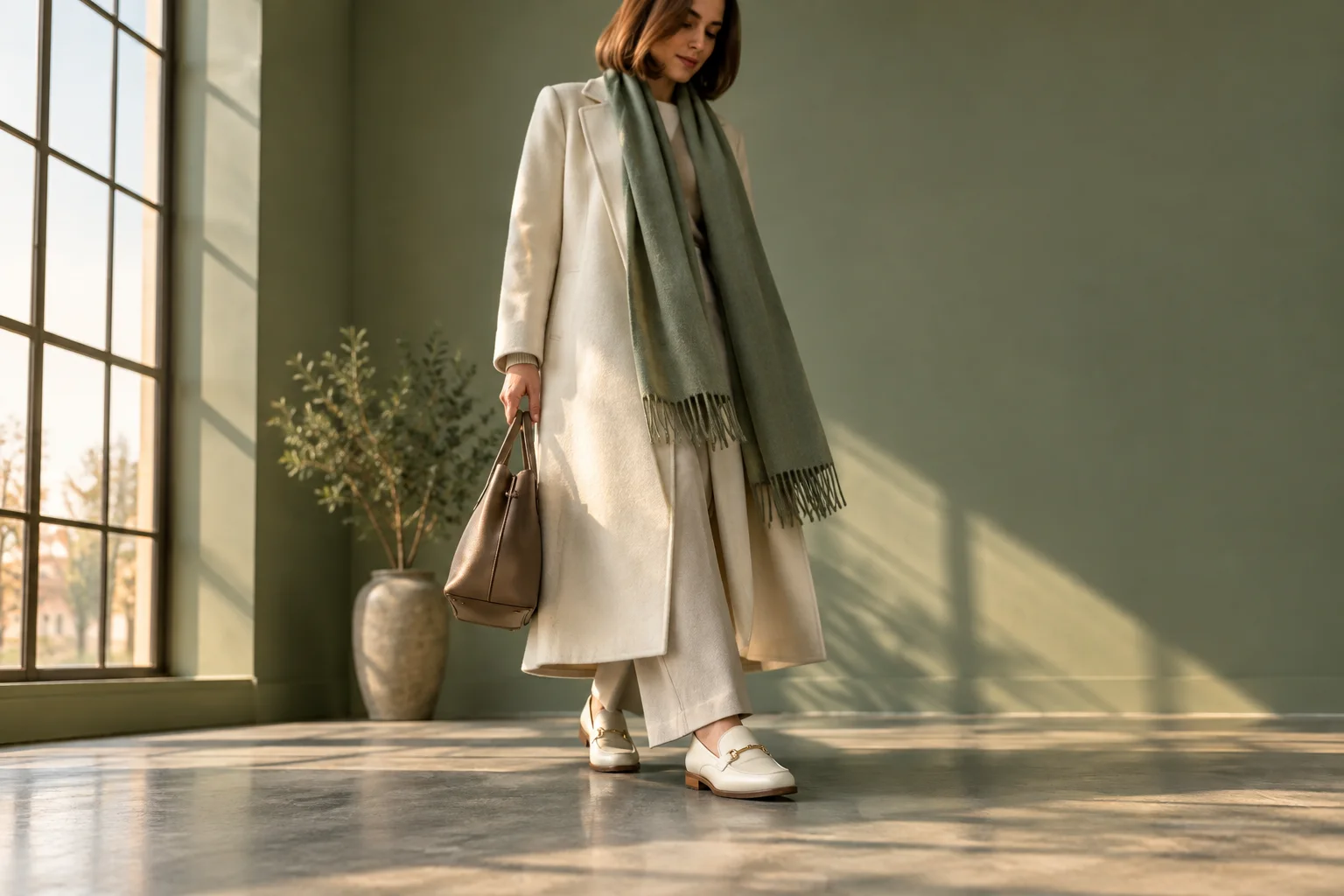
Separate the scene description from the editable instructions. Name the subject, styling, location, and light first; then state the movement in plain language: a single slow step, a still camera, and a small upward tilt. Avoid piling on conflicting camera moves or demanding exact hair behavior. Results can vary, including movement and identity consistency, so make restrained requests and review what the generated frames actually show.
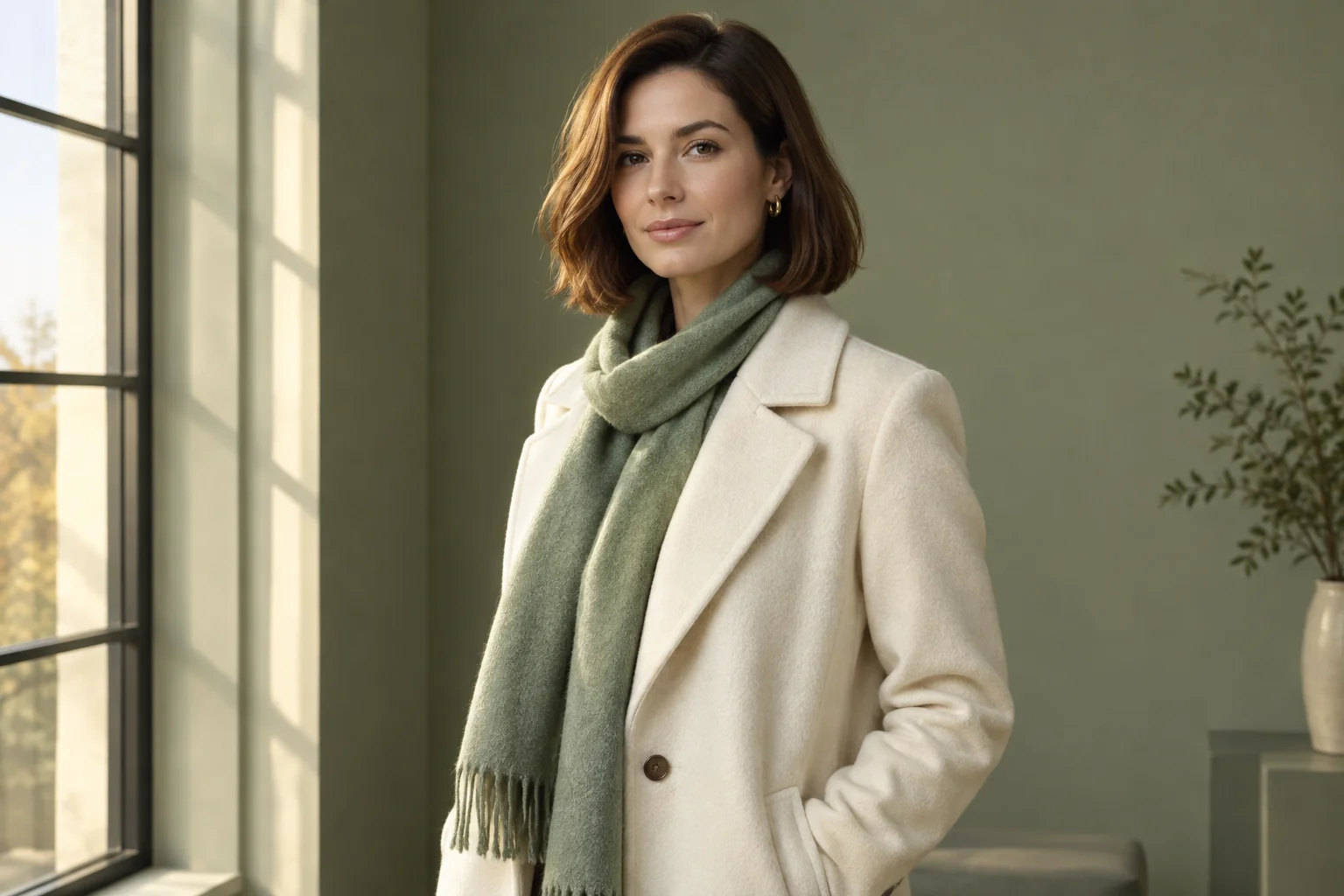
After submission, use History to track the task. Check the current on-screen status rather than relying on a promised completion time. When a result is available, review multiple moments: does the bob remain readable, are the hairline and flyaways visible enough to assess, and does the coat or scarf silhouette stay clear? If the framing misses a detail, revise the prompt or choose a better starting image for another attempt. Do not interpret a generated clip as a precise preview of real-world salon results.
This window-framed dance reference shows a short hairstyle and a loose sweater during gentle body movement. Use it to consider framing and clothing motion, then direct your own slower walk and upward tilt.
It is a video-generation workflow for creating a clip from a text prompt or one starting image. This guide uses it to plan a restrained hair-and-outfit styling shot.
The supported options are text-to-video or one starting image. Choose one route for each submission and provide only that mode's allowed input.
Describe one subject taking a simple, slow step, then specify that the camera stays still before a small upward tilt. Keep the direction concise; exact movement is not guaranteed.
Check the current credit information shown in the workflow before submitting. This guide does not state a fixed credit amount because current on-screen information is the relevant reference.
Seedance 2.5 is selected for this guide, but model access can vary. Confirm availability in the current on-screen workflow before you submit.
Completion time is not fixed here; check the task's current status rather than relying on a time estimate. History tracks submitted tasks.
Explore hairstyle ideas as still-image concepts before planning a video.
Consider a shorter-hair look in an image-focused workflow.
Explore longer-hair styling ideas with a still-image tool.
Explore outfit variations separately from a motion concept.
wigsay.com · Updated