AI Hairstyle Generator
Explore hairstyle concepts and consider how a cut, length, or color could complement your costume portrait.

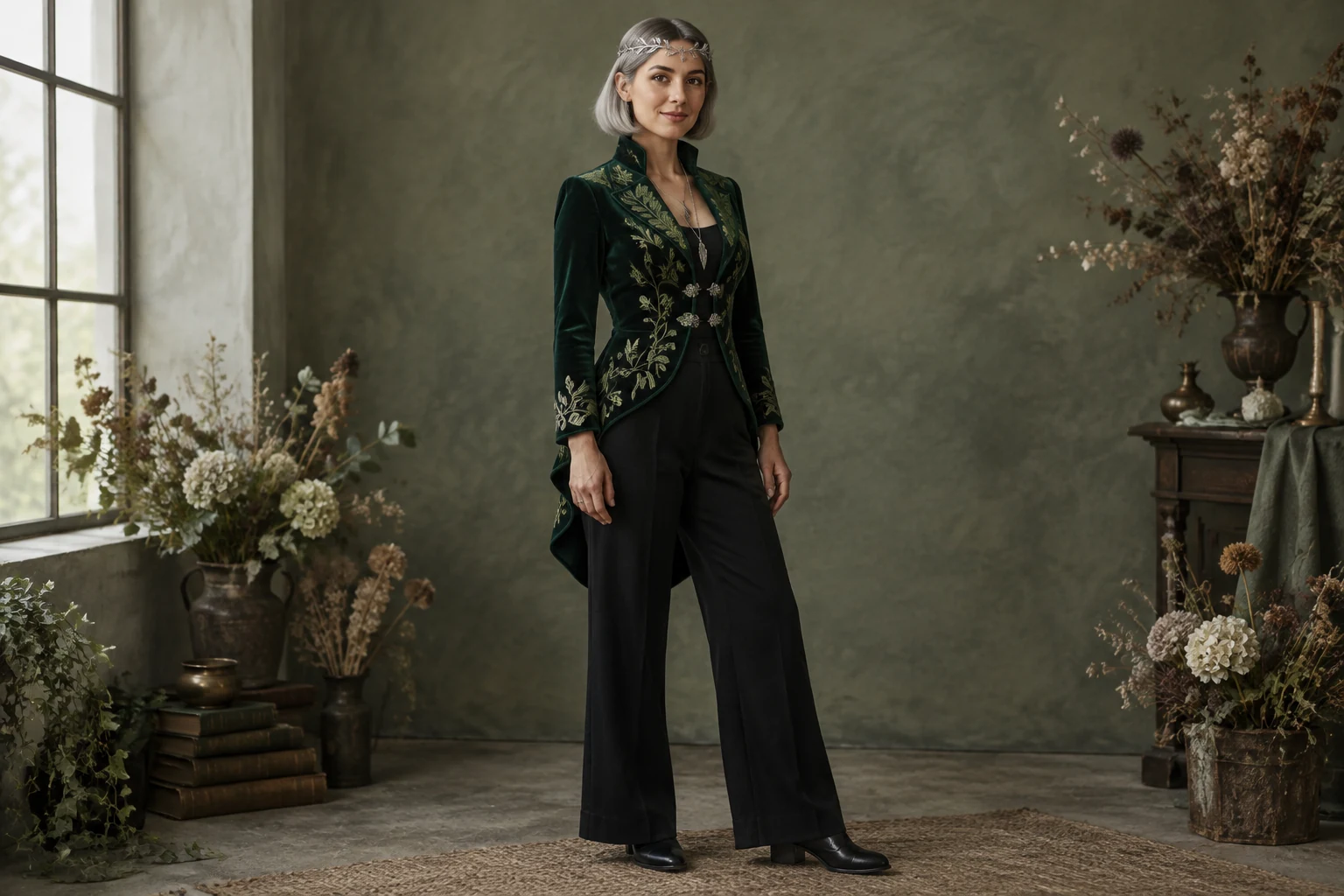
The AI Halloween Costume Generator helps you turn a costume idea into a portrait concept, from hairstyle and fabrics to color and setting. Start with a written prompt to create a scene, or use Image to Image with one authorized adult portrait as your reference. A botanist-witch look—emerald velvet, black trousers, and a silver leaf circlet—offers a practical example. Plan the framing and outfit details, then review the image for likeness and design details.
Select Text to Image to build a new scene from a prompt, or Image to Image to edit one authorized portrait of an adult.
Name the hairstyle, silhouette, fabrics, colors, accessories, pose, and setting. For an edit, specify which clothing changes you want and ask to retain the face, hair, and pose.
Choose full-body framing to show the whole outfit or a closer view for hair and garment details. Check the live credit quote beside Generate before starting.
Follow task status in History, then inspect the likeness, hairstyle, costume details, colors, and composition. Refine a specific design detail if needed.
Before writing a prompt, decide what the costume should communicate: mysterious, playful, regal, or woodland-inspired. Choose a silhouette that supports the idea, then add a few distinctive details rather than a long list of unrelated accessories. For the botanist-witch example, an emerald velvet jacket sets the mood, black high-waisted trousers create a clean base, and a narrow silver leaf circlet provides a focal accent. Treat the colors, materials, and accessories as a coordinated palette. A specific combination makes it easier to judge whether the finished portrait matches your design.
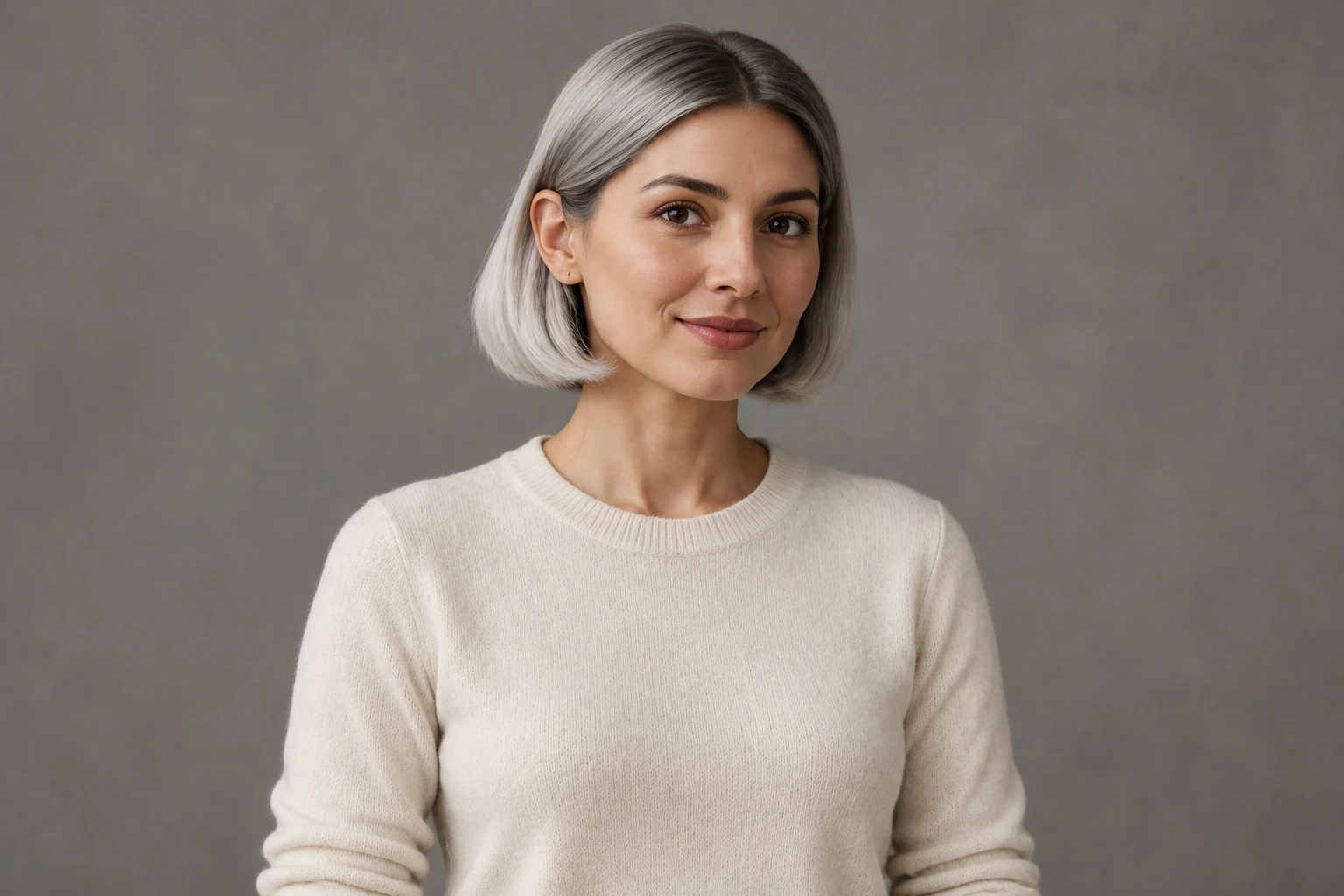
Text to Image starts with a prompt: describe the adult subject, hairstyle, costume, pose, framing, and background. No portrait is needed for this mode. Image to Image uses one authorized adult portrait as a reference for the costume edit. Choose a clear, well-lit image where the face and hairstyle are visible, and think about how the new neckline or headpiece will sit around the hair. In your prompt, name the clothing changes and the features you want to retain. Keep instructions focused on the intended design so the costume remains the main change.
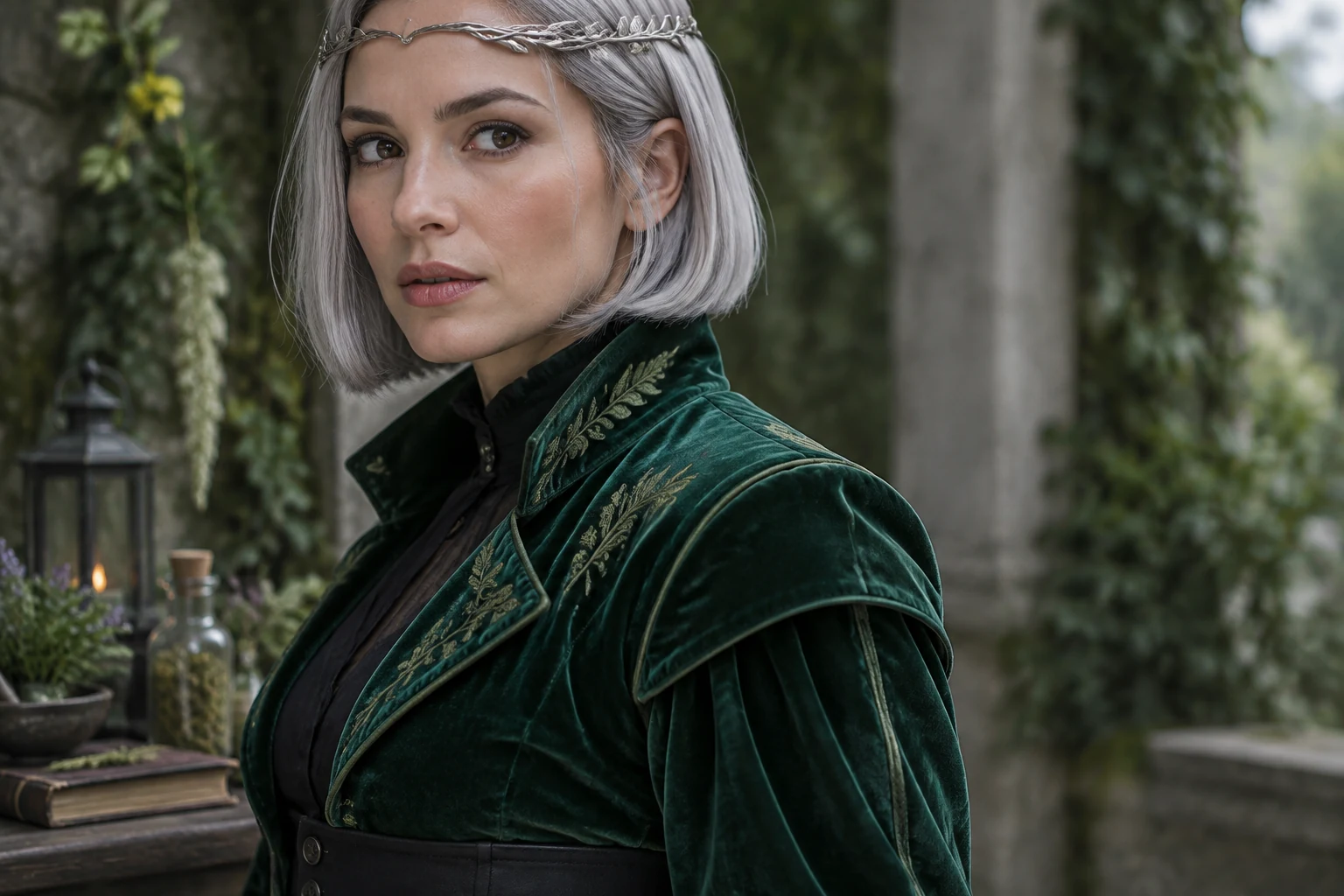
Choose framing to suit what you want to assess. A full-body composition can show the jacket length, trousers, shoes, and overall silhouette; a closer portrait gives more space to the face, hairstyle, and garment details. Specify a stance that leaves key outfit elements visible, such as relaxed hands and an unobstructed hem. For fabrics, use concrete descriptions like velvet, satin, wool, or embroidered trim, and pair them with a small number of colors. A sage studio and dried flowers support the botanist-witch palette without competing with the outfit. When editing a portrait, make the requested clothing change explicit while asking to retain the existing face, hair, and pose.
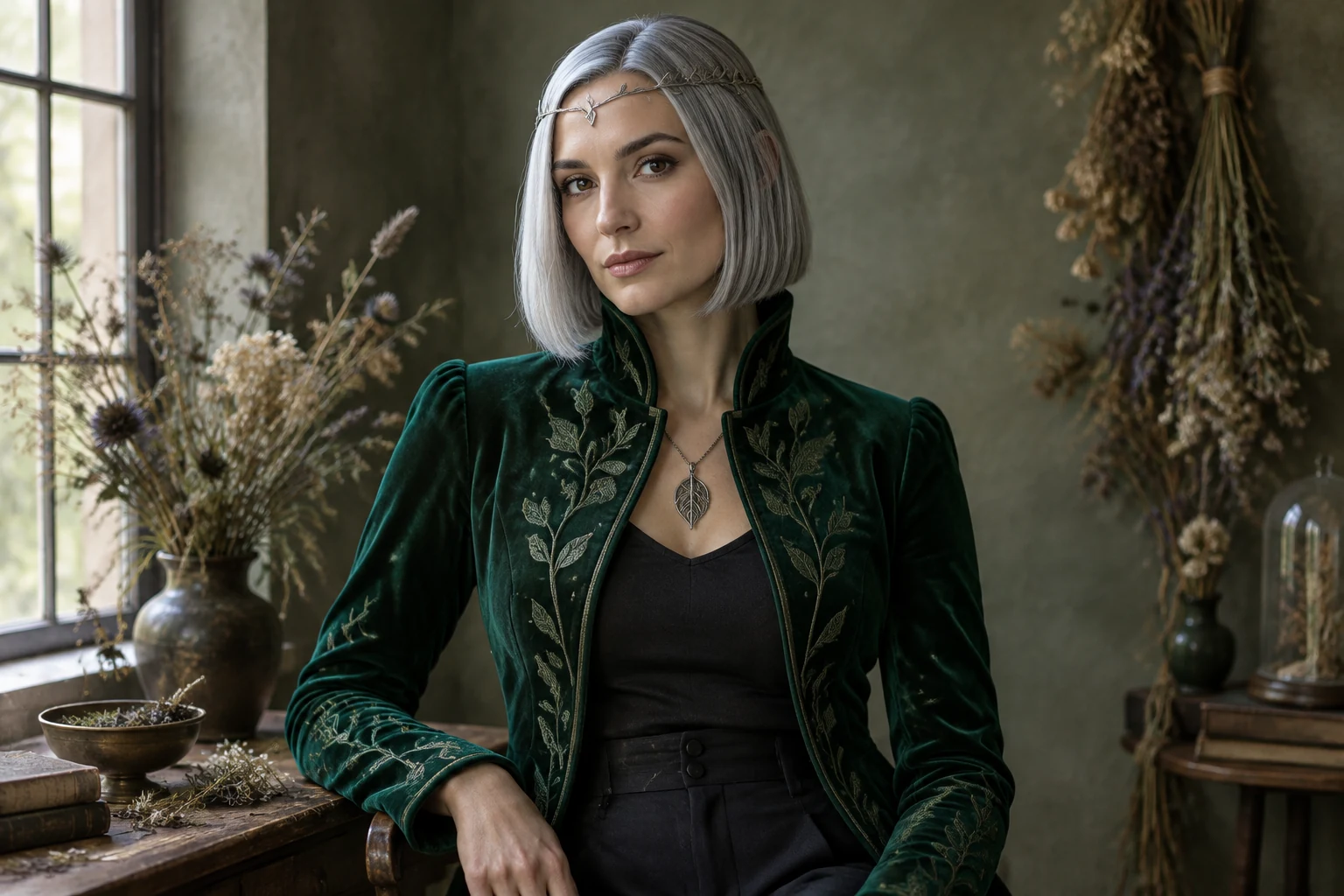
Look at the whole composition first: can you see the intended silhouette, hairstyle, and costume accessories? Then inspect the face and hairline, the jacket edges, fabric texture, color balance, and any visible hands or shoes. If a detail is unclear, make a focused prompt adjustment—such as specifying a visible circlet, a longer jacket hem, or softer background color—and review the next result. Check the live credit quote beside Generate before starting, and follow task status in History.
No photo is needed for Text to Image; start with a prompt. Image to Image uses one authorized adult portrait as the reference for an edit.
Choose a clear, well-lit portrait where the adult’s face and hairstyle are visible. A simple background can make it easier to assess the costume change.
Describe the hairstyle and any details you want to remain visible, such as bob length and hairline. Avoid costume accessories that obscure the hair if it is a key part of the design.
Name the material, silhouette, and a few coordinated colors—for example, an emerald velvet jacket with black trousers and a silver accessory. Add a setting that complements the palette without distracting from the outfit.
Check the live credit quote beside Generate before starting.
Follow task status in History. Once the image is ready, inspect the likeness and costume details, including fabric, color, framing, and visible accessories.
Explore hairstyle concepts and consider how a cut, length, or color could complement your costume portrait.
Try a short-hair-focused portrait concept if your costume design depends on a bob or cropped style.
Explore a clothing-edit workflow for shaping the outfit in a portrait.
See a portrait-focused approach for a polished, closer view of your character styling.
wigsay.com · Updated