Check pricing information
Review the available pricing information before using the generator.

Loading history…
An AI Day Of The Dead Pet Video works best when the pet remains the visual focus: keep the face, fur outline, paws, and natural proportions easy to see, then build a calm setting around them. On wigsay.com, choose Text to Video to describe a scene or Image to Video to animate one prepared pet photo. This guide walks through both options and a simple review process.
Use Text to Video when you want to describe the pet and scene in words. Use Image to Video when you have one prepared pet photo to guide the result. The interface provides an editable prompt and a Try an example button; review the prompt before generating.
For Image to Video, choose a sharp photo with one pet visible and enough space to read its outline. Prefer a view where the face, ears, body, paws, and tail are not hidden or crowded by the background. Describe only details that are actually in the photo.
Start with two small natural steps and a calm pause in one steady, low, eye-level continuous shot. A gentle marigold-lit setting can provide the remembrance mood without competing with the pet. If the prompt feels crowded, remove decorative details before adding more movement.
Check the ears, eyes, coat markings, paws, leg count, and tail throughout the motion. If details become hard to read, simplify the prompt and try a calmer scene. Check the live controls for available duration, aspect ratio, resolution, and audio options; check credits beside Generate and request status in History.
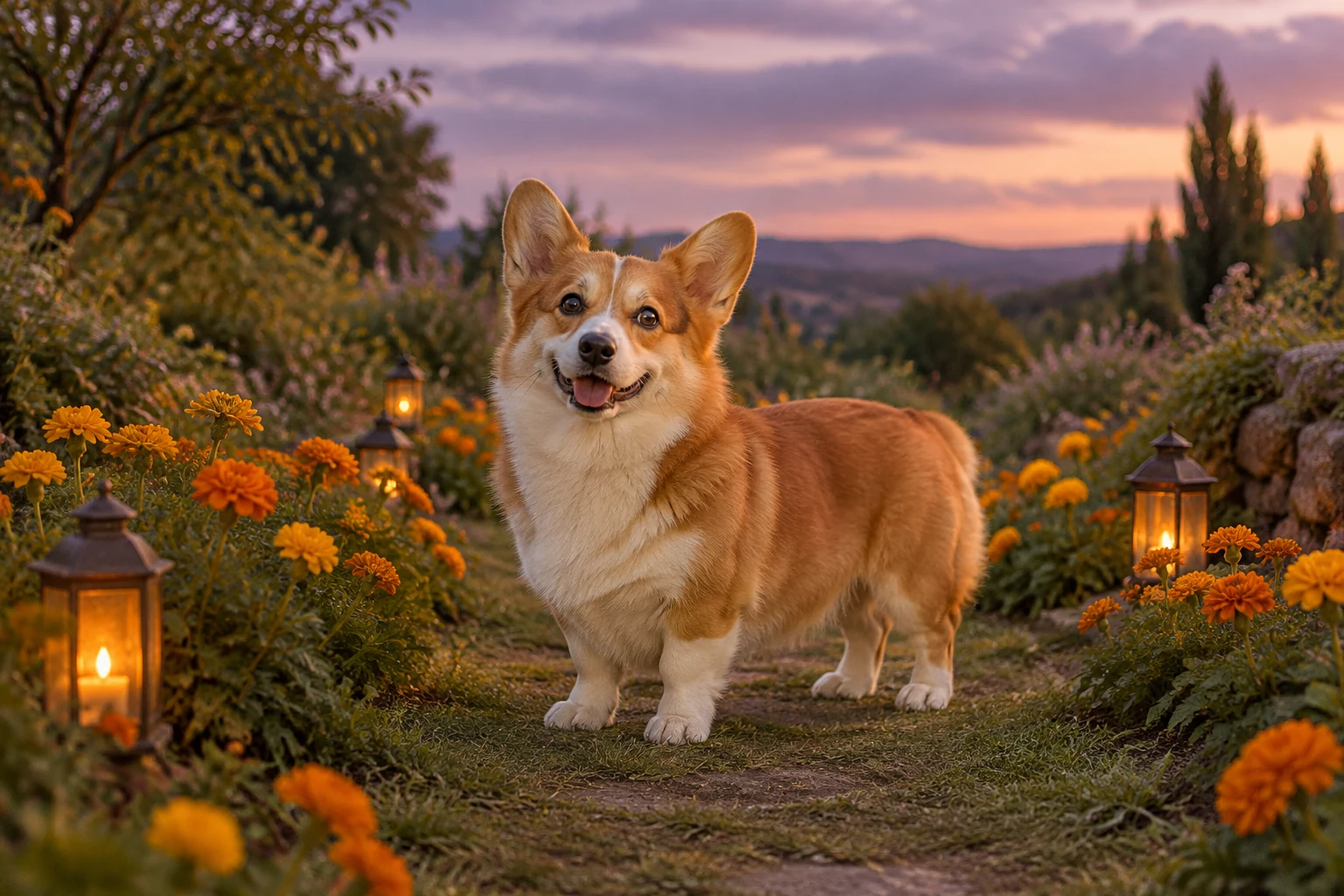
For a portrait tribute, recognizability starts with readable shape rather than elaborate action. A short-legged pet needs enough room around the paws and body for the silhouette to remain clear during movement. Keep the prompt focused on the photographed animal’s real proportions and visible features. For the fictional corgi example, that means upright ears, a cream muzzle and chest, four short white paws, and a naturally short tail—not a hairstyle or a breed transformation.
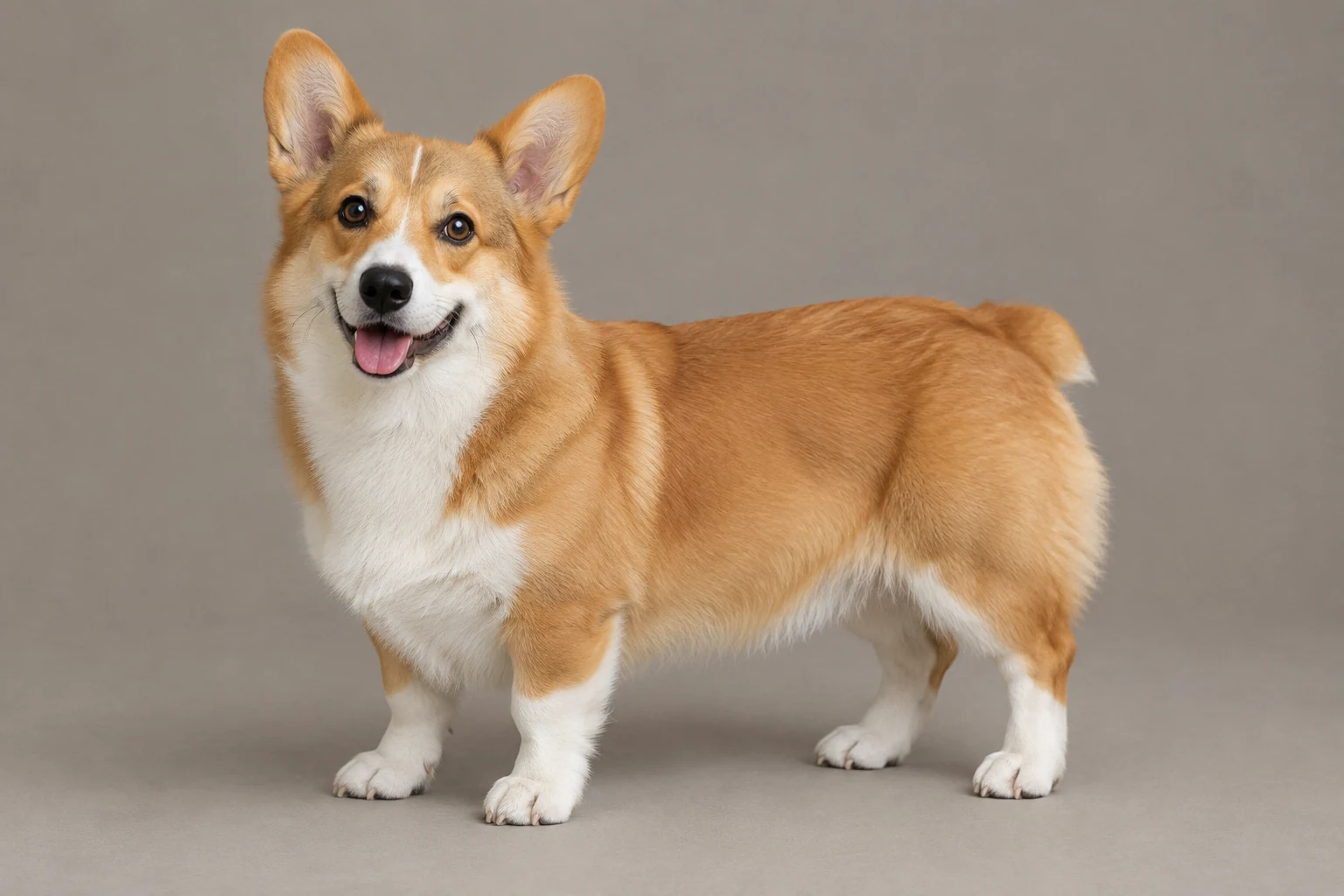
Text to Video creates a scene from the description you enter, so state the animal’s appearance, setting, and modest action explicitly. Image to Video uses one prepared pet photo; adapt the prompt to that particular dog or cat rather than borrowing the corgi example. Both workflows offer an editable prompt and a Try an example button. Seedance 2.5’s available duration, aspect ratio, resolution, and audio choices are the options currently shown in the panel.
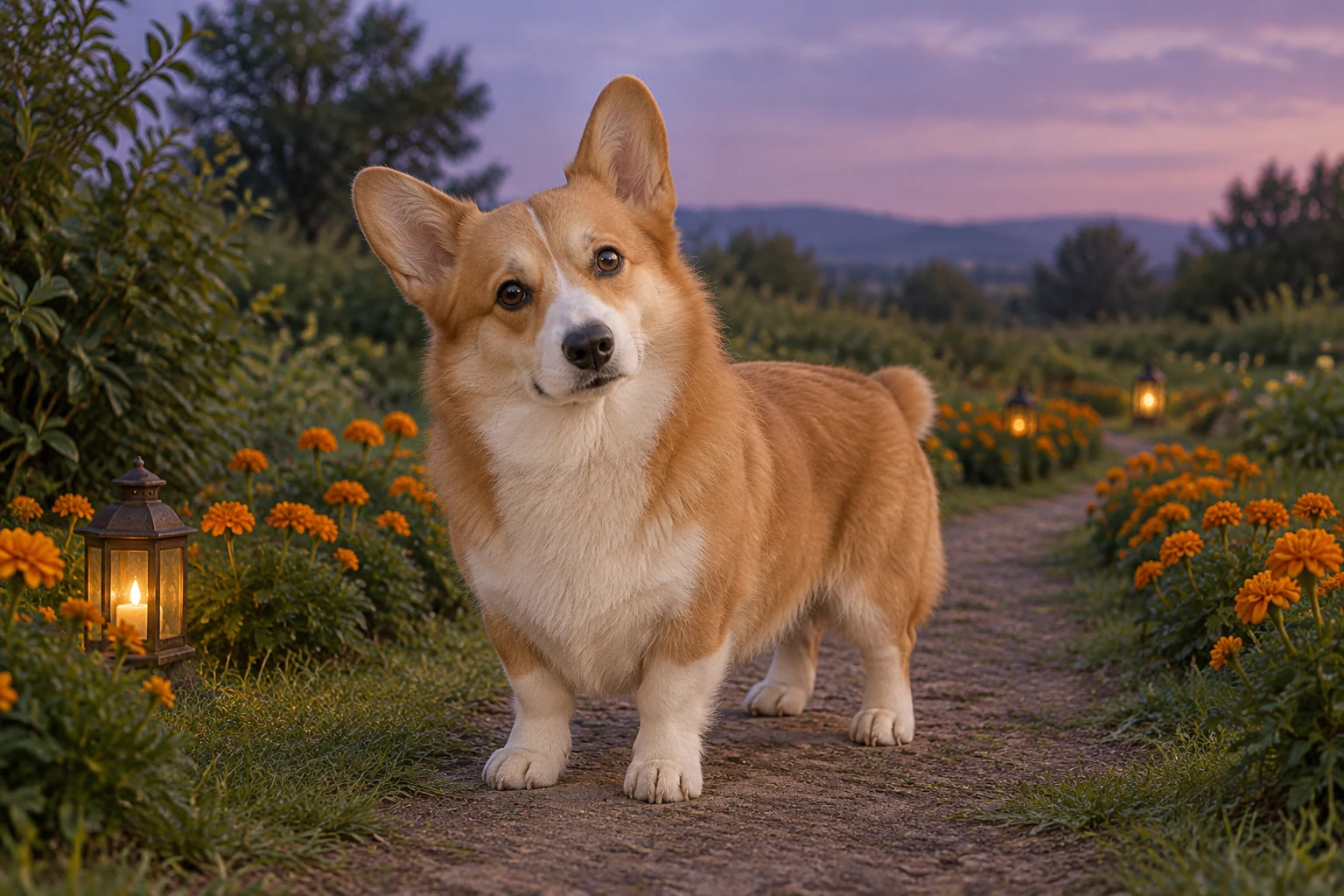
A soft sage garden, narrow marigold-lined path, small amber lanterns, and muted violet evening sky create a restrained backdrop for the fictional example. Keep the path and props secondary, with enough contrast to distinguish fur and paws. A single continuous shot and two small steps followed by a pause give the scene a clear beginning and resting pose without asking for complex tricks or rapid camera movement.
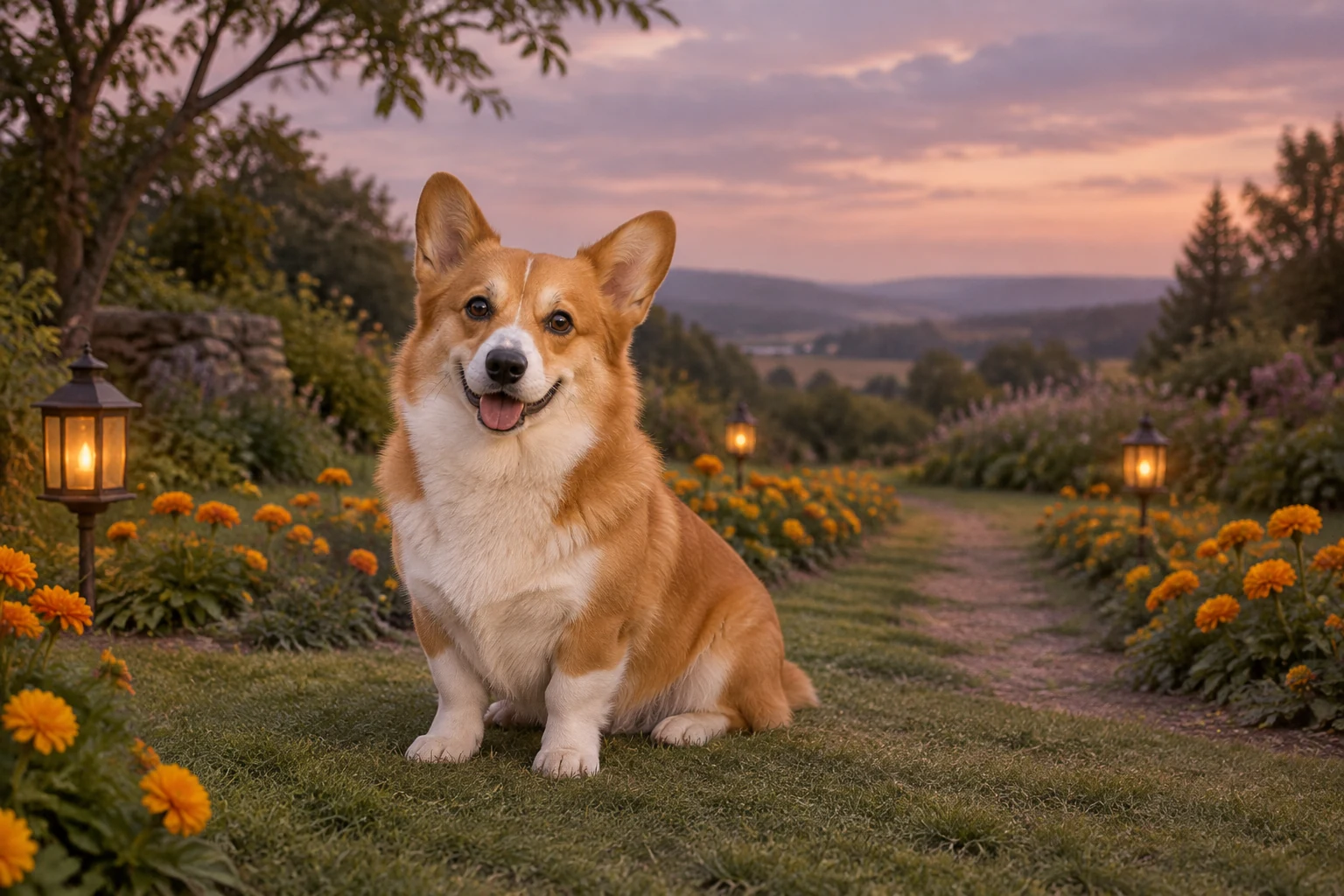
Review the whole motion, not just its opening frame: ears, eyes, coat markings, paws, tail, and body shape should stay easy to inspect. If the scene becomes busy or details shift, remove extra visual instructions and retry with a simpler prompt. Treat the result as an imagined creative remembrance and choose a tone that feels appropriate to your own memory. Audio availability follows the live controls; any personal text or music editing is separate where relevant.
Yes. Choose Text to Video and describe the animal and scene in the editable prompt. Image to Video is the option for animating one prepared pet photo.
This workflow uses one prepared pet photo. Select a clear image of the single pet you want to feature and tailor the prompt to that animal.
Ask for a clear outline, simple movement, and room around the paws. Review the legs and paws across the motion, then simplify the prompt if they become obscured or hard to follow.
The Image to Video prompt asks to preserve the actual photographed pet. Keep its species, face, markings, ears, proportions, and any collar in your instructions, then review the output for changes.
Check the current duration, aspect ratio, resolution, and audio choices in the Seedance 2.5 panel. Credits appear beside Generate, and request status is available in History.
No. It is a nine-second silent planning clip made from three still frames, not an actual generated animal walk.
wigsay.com · Updated