AI Profile Picture Generator
Explore a portrait-focused image tool for creating profile-picture artwork.

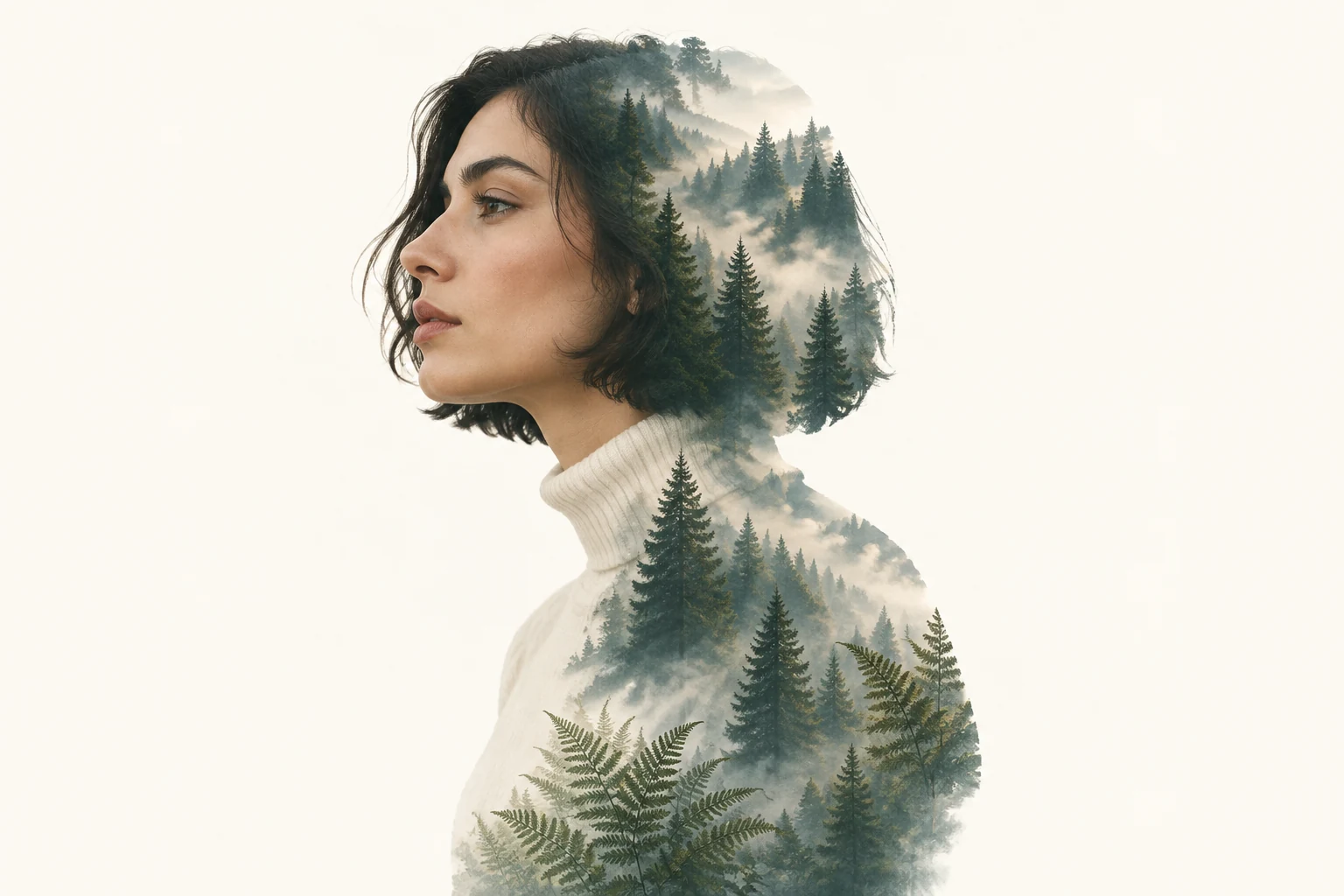
A Double Exposure Effect portrait places a second visual idea inside the outline of a person, creating one composed artwork rather than a haircut preview. On Wigsay, use Text to Image to describe an original fictional portrait and its interior motif, or Image to Image to adapt one uploaded subject image with the motif described in the editable prompt. This guide uses a relaxed left-facing profile of a fictional adult woman with a short dark bob, light olive skin, and an ivory turtleneck, with a layered pine forest, soft mist, and delicate fern fronds inside her silhouette against warm white.
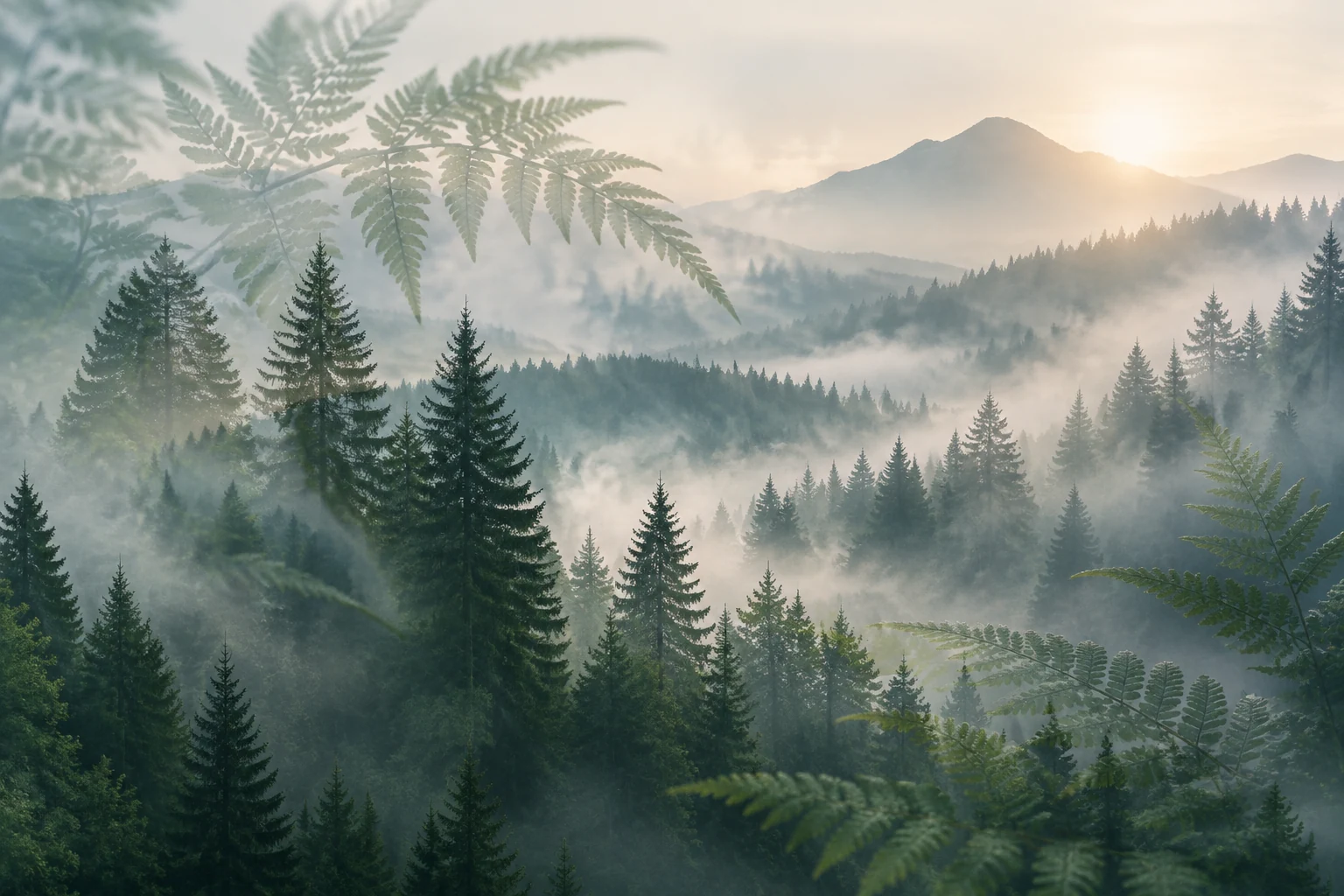
In Text to Image, describe a fictional subject and the interior motif to create an original portrait from text, with no upload. In Image to Image, upload one subject image and describe the motif in the editable prompt. The motif detail image is a visual idea to interpret in words, not a second upload.
For Image to Image, choose a portrait where the head and hairstyle are easy to distinguish from the background. Favor clear light-dark contrast, visible space around the outline, and lighting that separates hair from skin and clothing. Avoid a busy background or hair that merges into similarly colored surroundings.
Name the motif and its placement directly: for example, a layered pine forest inside the portrait silhouette, softened by mist, with a few fern fronds. State that the subject should remain readable. For an existing upload, refer to its actual features rather than copying the fictional example person or assuming specific clothing, pose, or background.
Choose Seedream 5.5 and an available panel size or aspect option that suits the composition. Check the live credits beside Generate before starting, then review the status in History. Inspect whether the outline, subject features, and forest motif work together; adjust the prompt or input if needed.
This guide treats double exposure as a portrait-art concept: a second scene is arranged within a person’s silhouette while the face and hairstyle remain legible. The featured short-bob forest composition is an artistic reinterpretation, not a haircut preview. Use the forest as a visual story while keeping the face and hair outline easy to read.
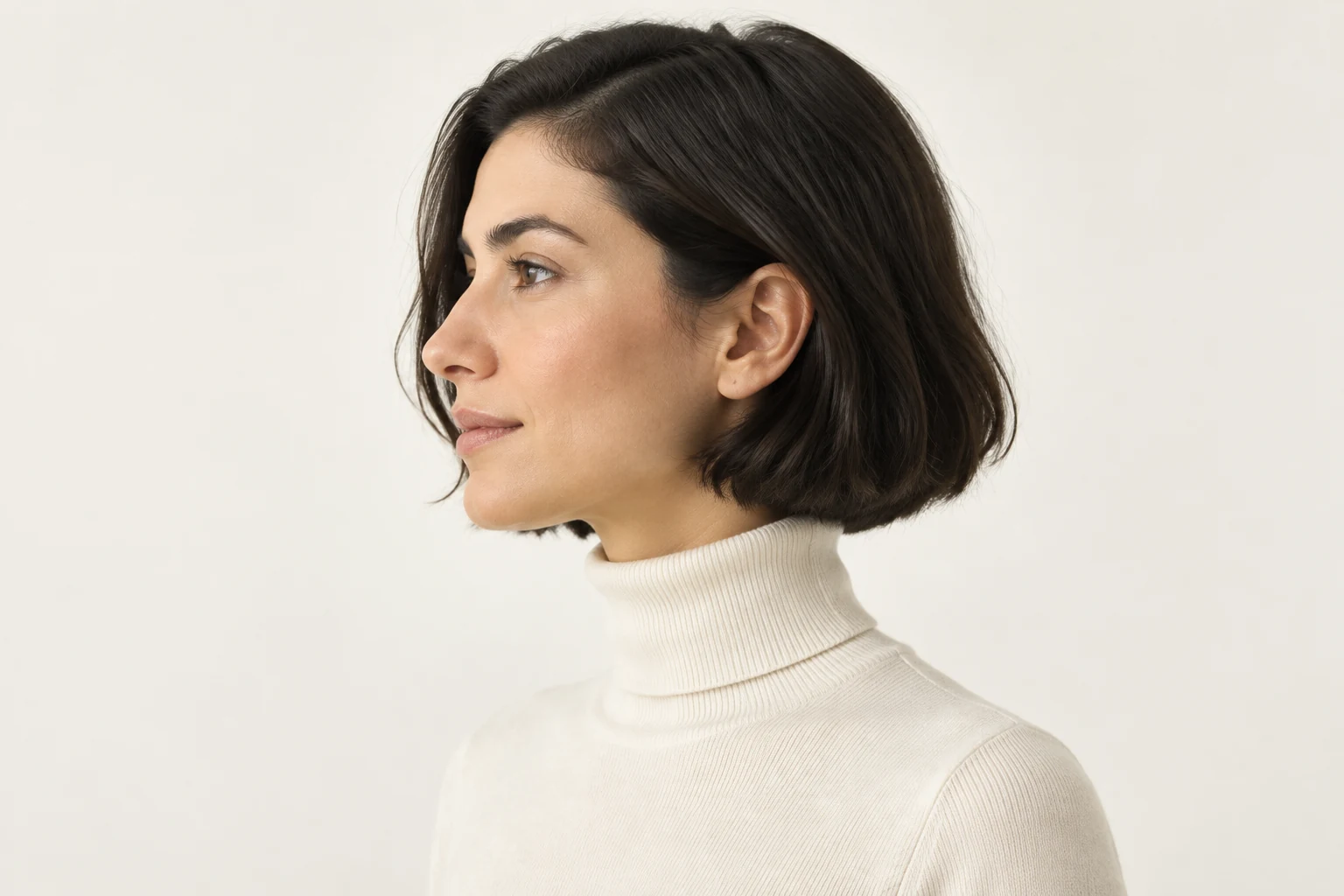
Text to Image creates an original fictional subject and motif from a written description, without an upload. Image to Image starts with one uploaded subject image; describe the forest or other motif in the editable prompt. It is not a workflow for uploading a separate landscape, and the motif reference shown here is only an idea to describe. Preserve the uploaded subject’s actual outline, proportions, pose, and recognizable features where possible, without forcing the example person, bob, clothing, or warm-white background onto an unrelated image.
A useful input has separation between the subject and surroundings, especially around the head and hair. Look for a clean edge, even enough lighting to distinguish hair from skin, and a background that does not compete with the portrait. A straightforward profile or three-quarter view can make the overall contour easier to interpret, but the prompt should still respect the pose in the uploaded image.
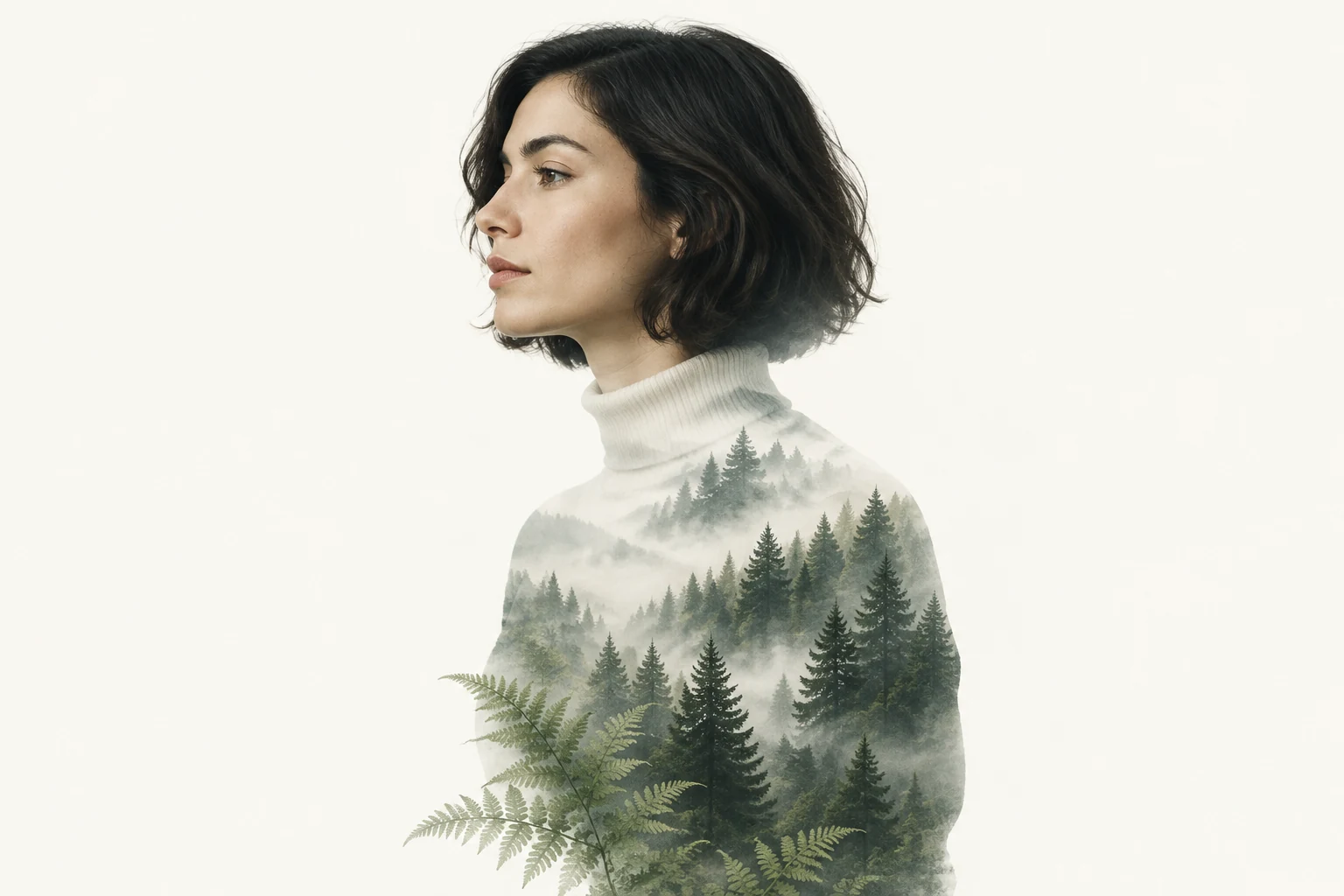
Keep the prompt specific about what belongs inside the silhouette and what should remain visually clear. For a forest, describe its depth, mist, and small botanical accents; ask for a subtle blend if the interior scene feels too dominant. Portraits are fictional adult art, and identity or hair details can vary, so review the result for a useful balance rather than expecting an exact likeness.
No. The Double Exposure Effect in this guide is portrait artwork that places an interior motif within a person’s silhouette; it does not preview a haircut.
Yes. Text to Image creates an original fictional subject and motif from text, with no upload.
Upload one subject image. Describe the interior motif in the editable prompt rather than uploading a separate landscape image.
Choose a portrait with clear contrast and visible separation between the subject, hair, and background, so the outline is easier to read.
No. Those details belong to the fictional example. For Image to Image, describe the uploaded subject’s actual features and avoid imposing unrelated example details.
Check the live credits beside Generate before starting, and review the generation status in History. No fixed cost or completion time is stated here.
Explore a portrait-focused image tool for creating profile-picture artwork.
Visit the hairstyle generator for a separate hair-focused image workflow.
Explore a short-hair image tool, distinct from this portrait-art effect.
Browse a long-hair image tool for another hairstyle-related option.
wigsay.com · Updated