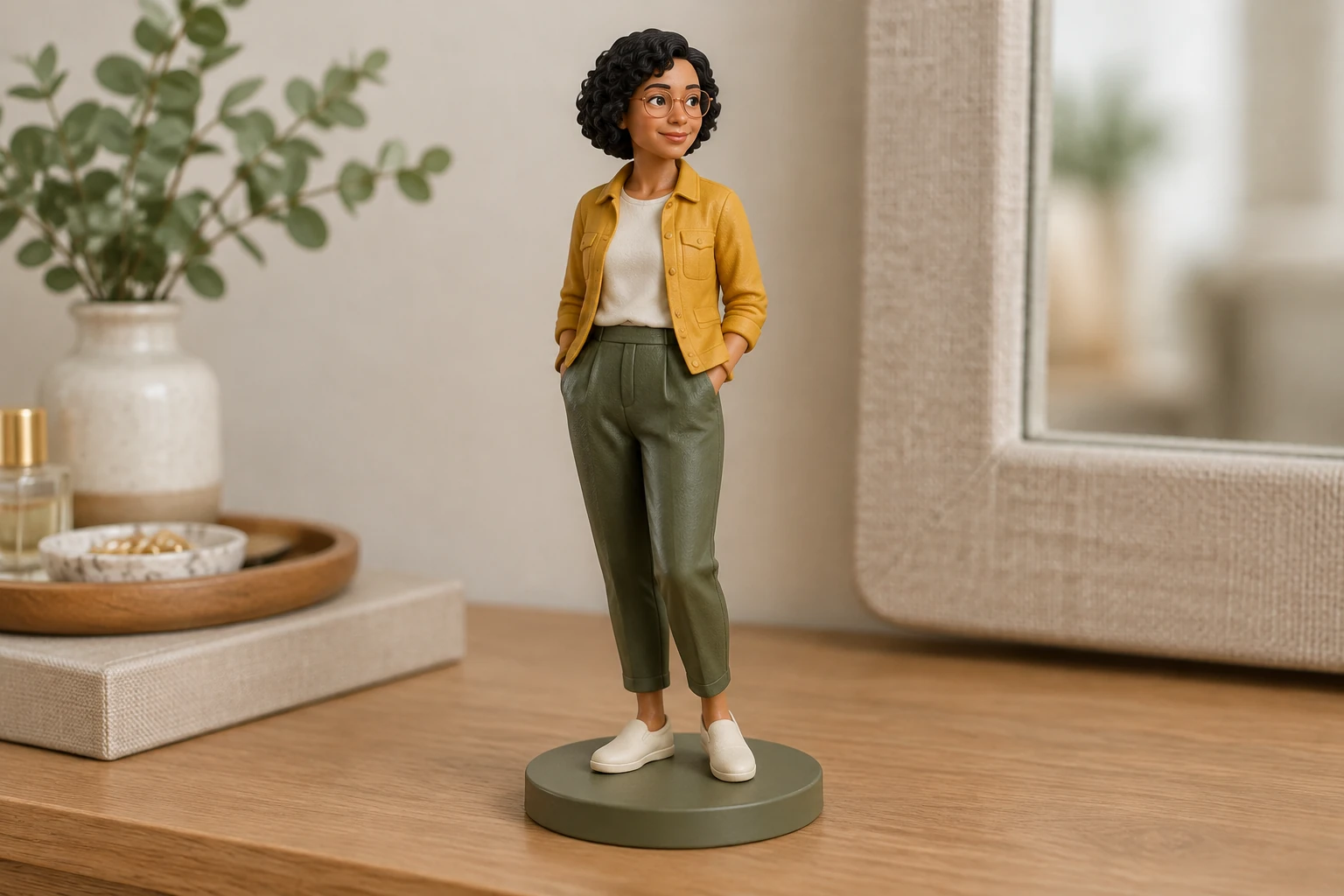
AI Short Hair Filter
Explore a hair-focused style option; existing hair filters alter hairstyle rather than simply adding a collectible material finish.

The AI 3D Figure Generator creates an ordinary still image with the dimensional appearance of a collectible toy—not a 3D model or printable figure. Start from text without uploading an image, or supply one clear reference image for an interpretation of its visible subject. This guide focuses on Seedream 5.5 and Minimax H3 Image when enabled; the model selector may show other options.
For a text-only start, describe an original subject, its material interpretation, and a simple display scene. For Image to Image, supply one clear image you have permission to use. A natural full-body portrait against a pale beige studio wall, with a relaxed upright pose, visible hands, and no props, gives useful visual context.
Ask for a collectible-style interpretation while naming the visible features that matter: haircut, outfit silhouette, colors, pose, glasses, or other accessories. Keep the request focused on a style change rather than replacing the subject. Existing hair filters alter hairstyle, while the sculpture filter focuses on a different finish.
Select an available model and aspect or resolution settings, then review the current Required Credits quote before generating. The model and settings affect the quote, and account access applies. Seedream 5.5 and Minimax H3 Image are the enabled models this guide prioritizes; the model menu may also expose other models.
Use History to check generation status and find ready images. Inspect recognition, silhouette, hands or paws, accessories, the base, and any unwanted text before downloading or using the actual ready image. Iteration can change details, so identity preservation is not guaranteed.
The result is a still image styled to look like a dimensional collectible or toy. It is not a 3D mesh, STL, rotatable model, rig, 360-degree view, printable file, or manufactured physical figure. Use it for a personal style board or other image-based purpose, and judge the actual ready image for the details you need.
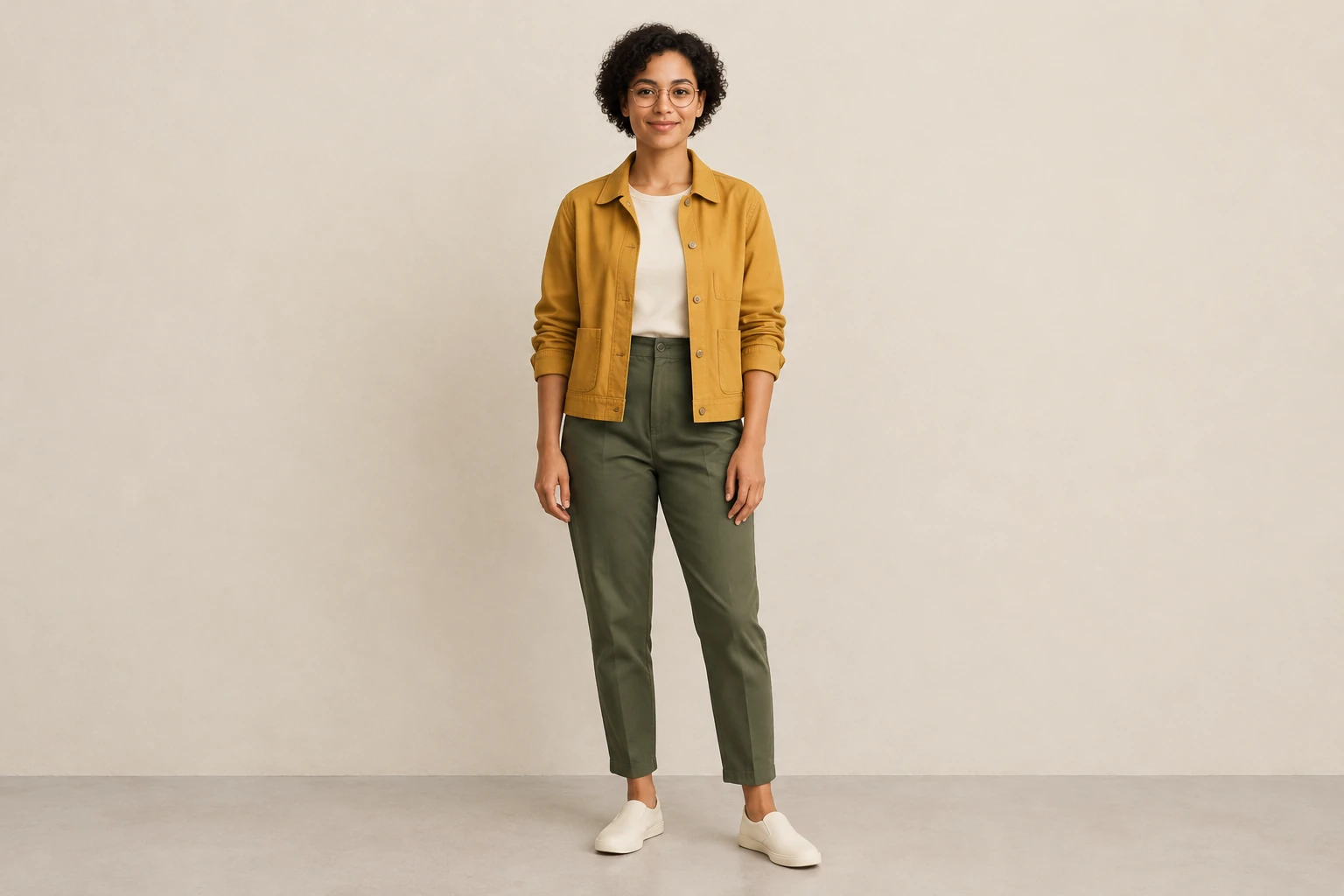
Begin with a clear, consented personal image or your own original drawing. For a portrait, a full-body view with visible hands, a relaxed pose, even lighting, and an uncluttered background can make the outfit and silhouette easier to read. Avoid obscuring important features with props. In the prompt, identify which observable details should remain recognizable and which part of the request is the toy-material interpretation.
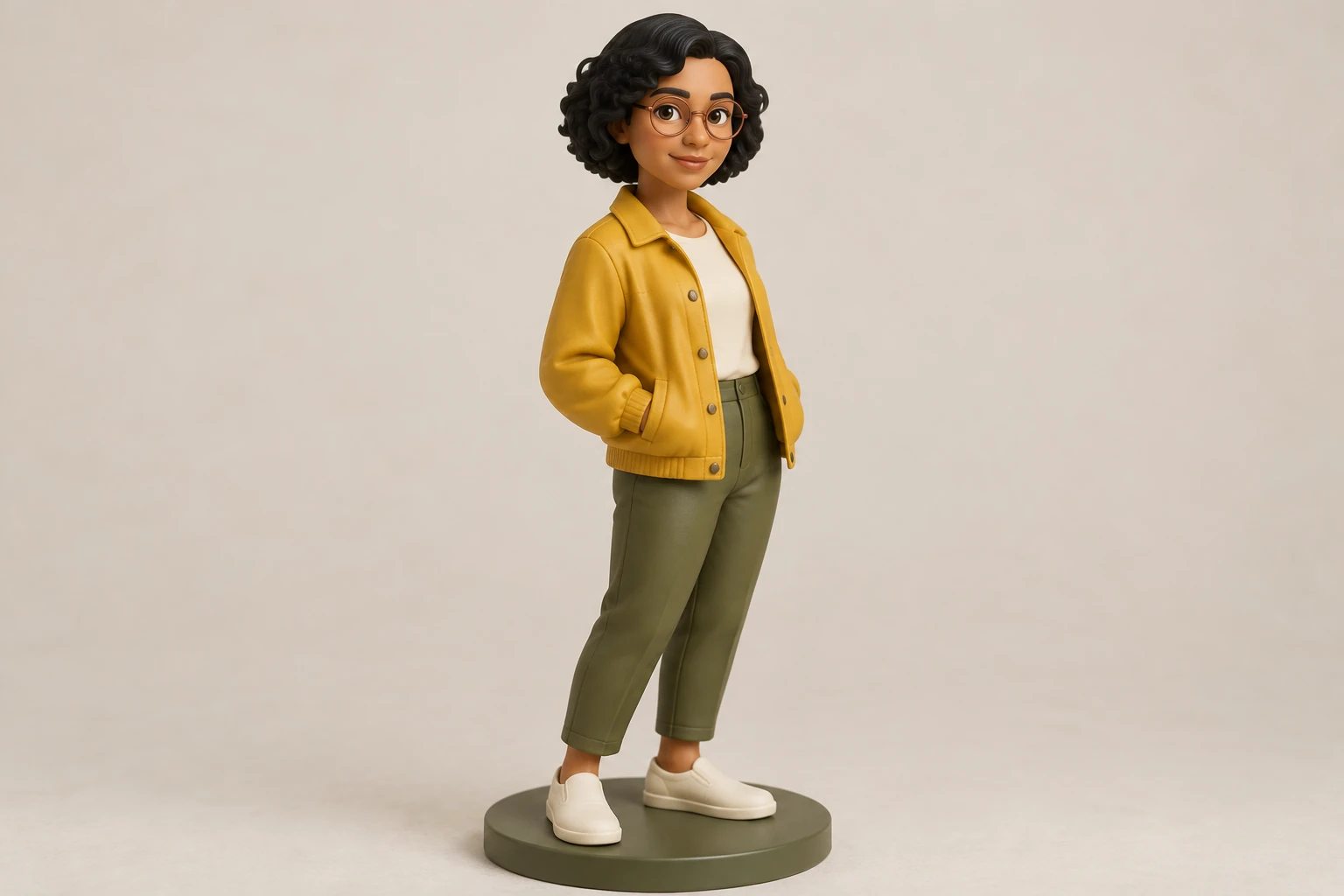
Text to Image requires no upload and lets you describe an original figure and scene from scratch. Image to Image uses one supplied image as its reference; it is not a multi-image input workflow. Both modes have editable actual prompts, so you can refine the wording before generation. This guide prioritizes Seedream 5.5 and Minimax H3 Image when enabled, without claiming one is faster or better than the other.
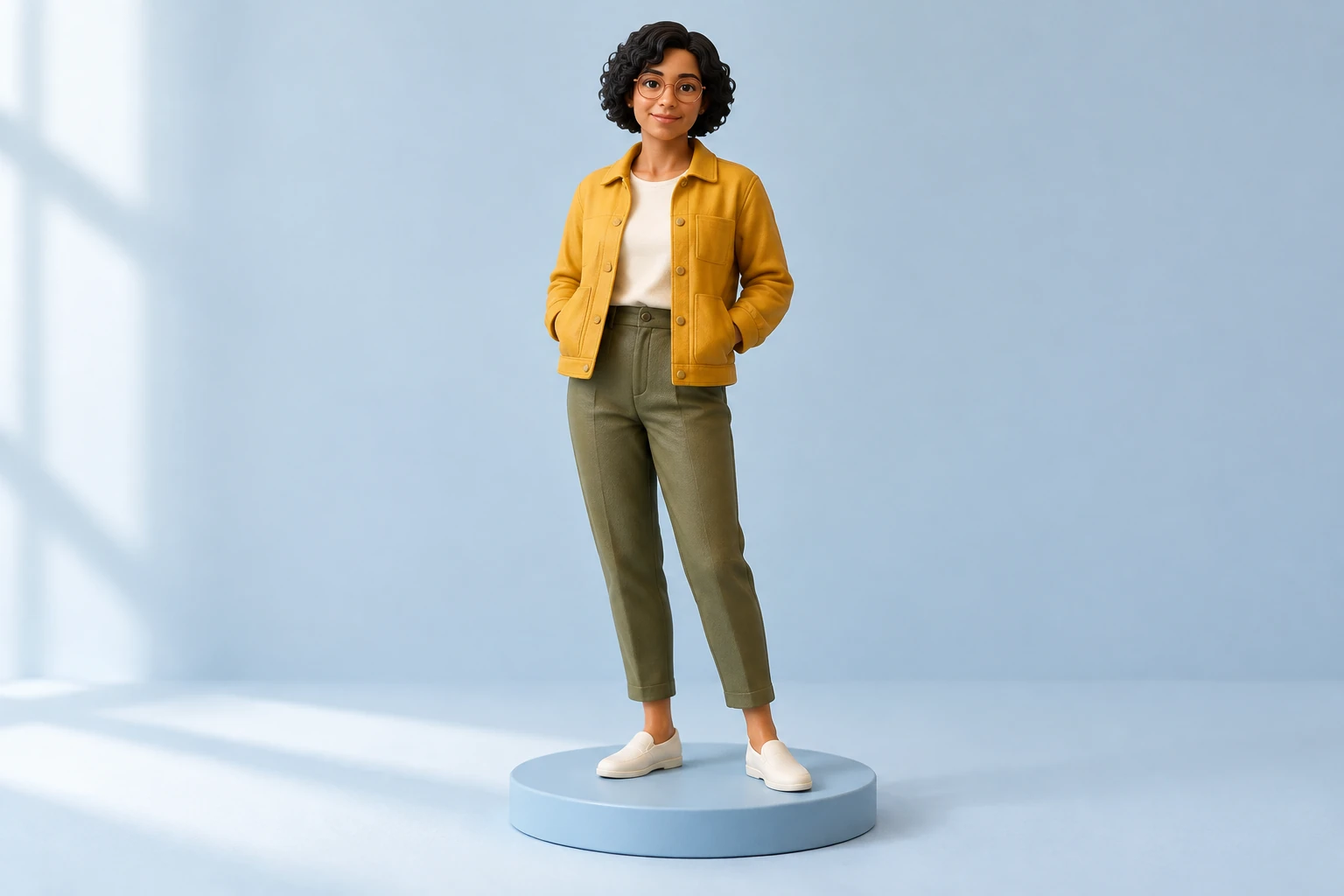
A polished finish can draw attention away from details that changed. Check whether the face or other subject remains recognizable, the silhouette and colors read correctly, and hands or paws, accessories, and the base look as intended. Look for unwanted text or added objects. If something is off, edit the prompt and iterate; each new result may still vary. Confirm the image is ready in History before downloading or using it.
No. The output is an ordinary still image with a dimensional collectible appearance, not a mesh, STL, rotatable model, rig, 360-degree view, printable file, or physical figure.
Yes. Text to Image works without an upload. Image to Image uses one supplied image as its reference, and both modes let you edit the actual prompt.
Choose a clear image with the subject and important details visible; a plain background and unobstructed pose can help. Use a personal image only with consent, or start from your own original drawing.
Neither prioritized model has free-eligible access here. The current Required Credits quote depends on the selected model and aspect or resolution settings; check the live quote and your account access before generating. No fixed price or trial allowance is promised here.
Seedream 5.5 and Minimax H3 Image are the enabled models prioritized in this guide, and the model menu may expose others. Choose from the options available to your account and review the live quote; no speed or quality comparison is claimed.
History shows status and ready images. Before downloading or using the actual ready image, review recognition, silhouette, hands or paws, accessories, base, and unwanted text.
Explore a hair-focused style option; existing hair filters alter hairstyle rather than simply adding a collectible material finish.
See a sculpture-focused filter for a different finish from a toy-like collectible interpretation.
Review available credit plans and account options; the generator shows the quote for your selected settings.
wigsay.com · Updated