Explore another AI video tool
Compare another video creation option if you want to explore a different workflow.

Loading history…
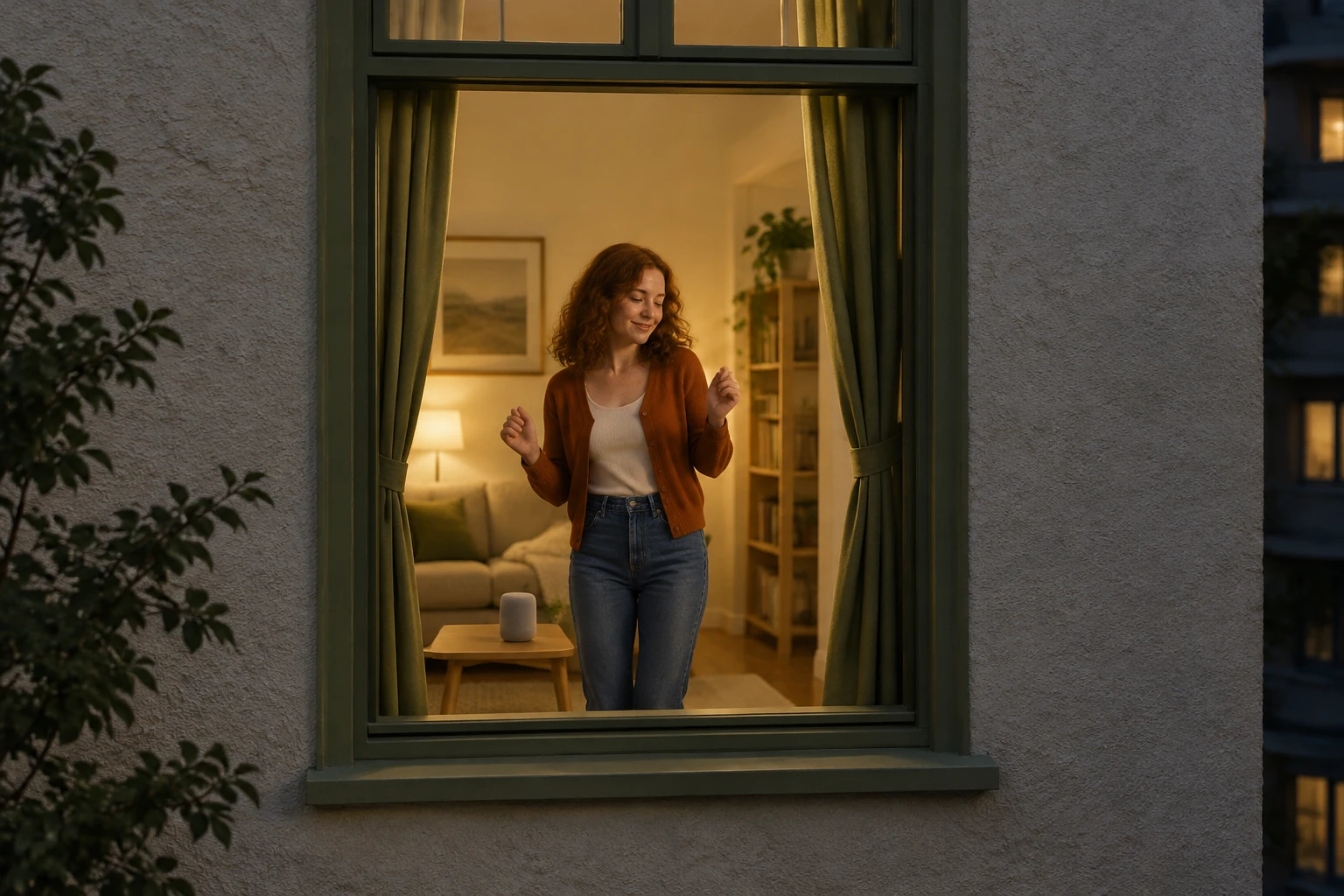
This Apartment Dance guide places one portrait-led character in a warm apartment window at night. The requested sequence moves from a gentle approach to a small dance, a pause with eye contact and closing curtains. Your photo supplies the person’s appearance, hair and outfit; the prepared direction supplies the imagined setting. Optional notes may be empty, and the requested movement and likeness can vary.
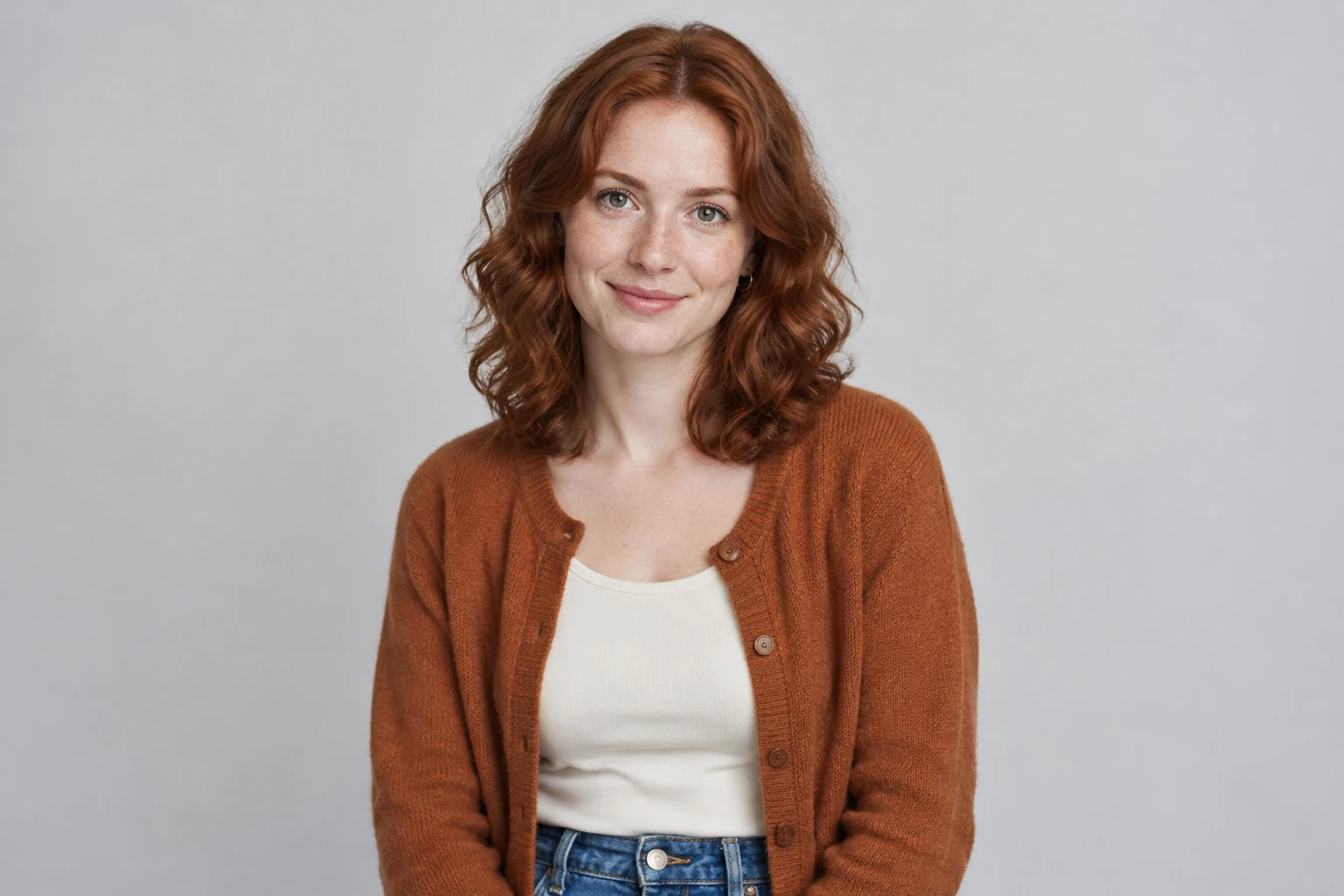
Upload one clear photo of one adult. Choose an image where the face and hairstyle are easy to see; a waist-up or full-body portrait is useful when the outfit matters. The photo provides the person’s appearance, face, hair, and clothing. You do not need to upload a second photo or film a dance. The prepared scene creates an imaginary night apartment, so do not expect the original photo background to carry over.
This request uses Seedance 2.0 and asks for one 8-second scene. Available aspect ratios, resolution, and audio choices depend on the model options and your account access. Review the available settings and the live Required Credits quote before selecting Generate. Credit requirements can vary; no fixed price, free allowance, trial, wait time, or guaranteed access is promised.
The complete scene instructions are already prepared, so extra notes are optional and can be left empty. Add a brief note only if you want to clarify a preference that fits the scene. The supplied example depicts a fictional adult woman with fair freckled skin and shoulder-length auburn curls, wearing a copper cardigan over a cream top and blue jeans, in a pale stucco apartment with a tall rectangular olive-green window, warm ivory living room, slim pale-wood table, small unbranded speaker, and thick olive-green curtains. Treat that as an illustration, not a replacement for whoever appears in your uploaded portrait.
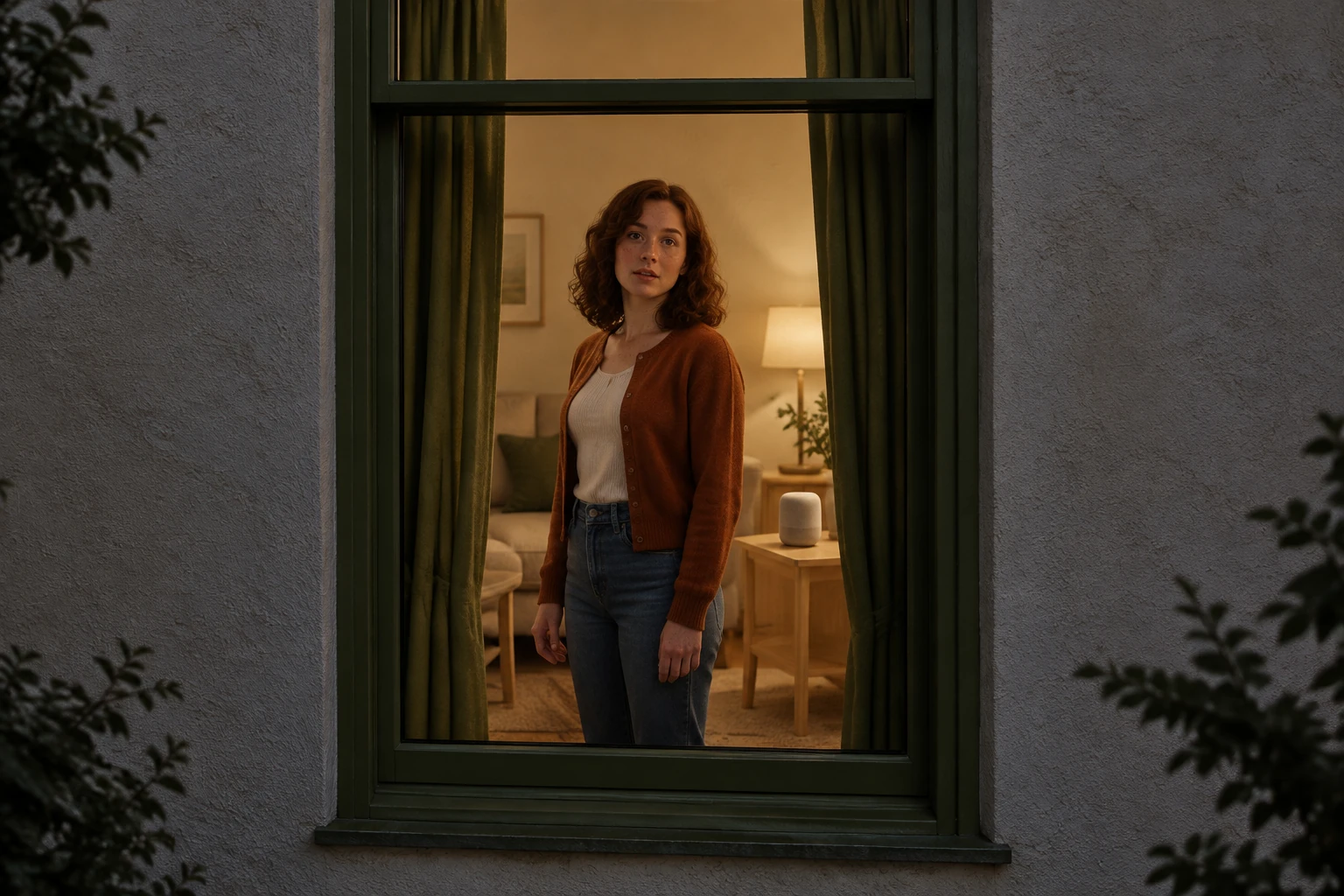
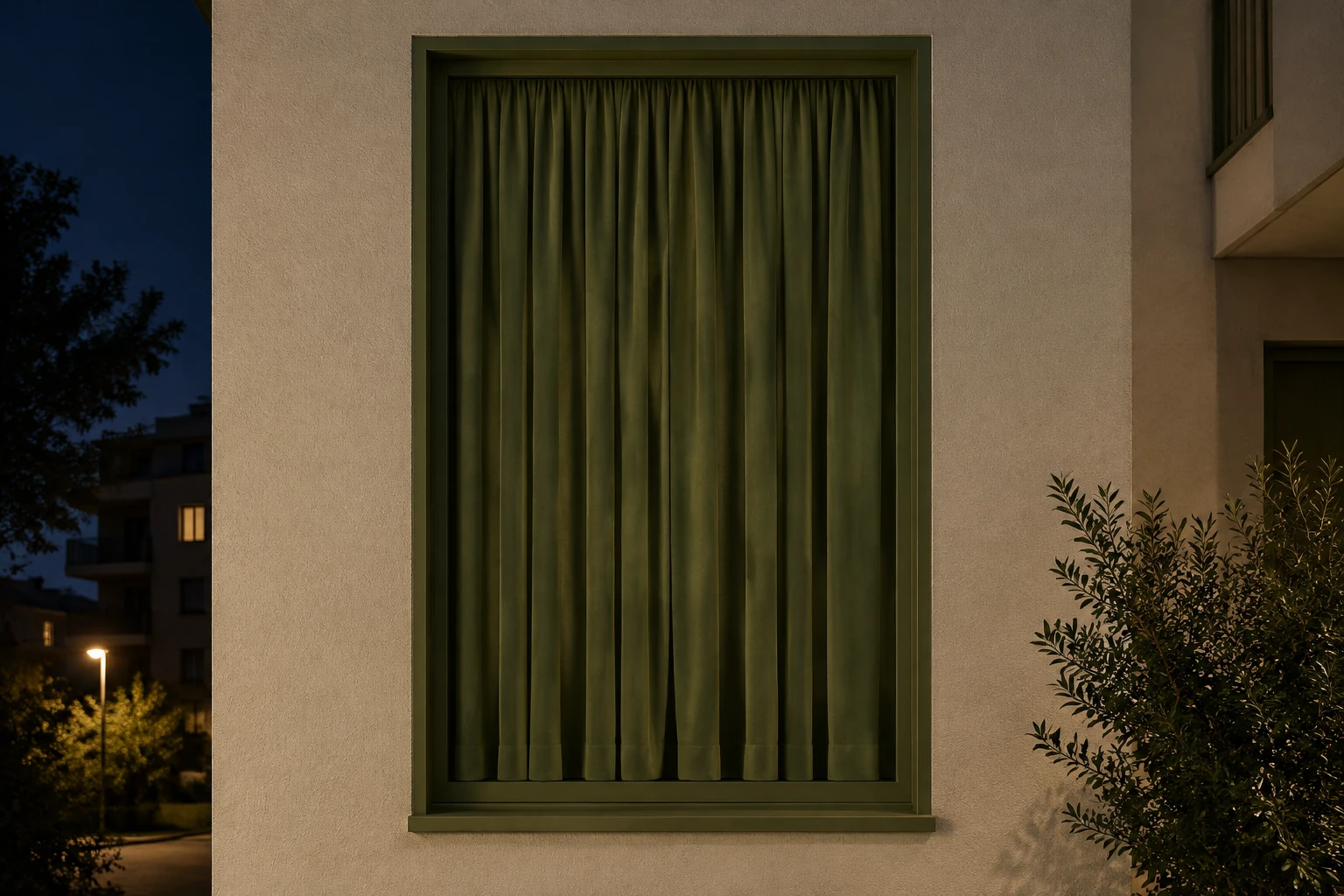
After checking the quote, generate the video and review the whole 8 seconds before downloading. In History, check the status, open the ready result, and download it when you are satisfied. Look closely at face, hair, and outfit consistency; confirm there is only one person; and check that the window edges stay stable. Review whether the gestures are restrained and readable, the dance gives way to a clear pause and look, the hands contact the curtain fabric plausibly, and the final curtains cover the opening completely. Requested actions and likeness can vary, so regenerate or adjust optional notes if the result does not suit your needs.
The idea is a small window-side story, not a routine for viewers to copy. A camera gently approaches from outside as one person dances inside a warmly lit apartment. The person notices the camera, pauses for eye contact, then draws the curtains shut. The four beats are requested together in a single 8-second scene; they are not guaranteed to land at exact moments. The illustrated setting uses pale stucco, a tall olive-green rectangular window frame, a warm ivory interior, thick olive-green curtains, a slim pale-wood table, and a small unbranded speaker.
Use one adult portrait as the visual source for the person. A clear face helps you assess likeness, while a waist-up or full-body view can make clothing easier to reference. No second photo or uploaded video is needed for this prepared scene. The portrait does not lock in its original location or background: the requested apartment is imaginary. Use the prepared direction with one still portrait and any optional scene preference.
Do not judge only the dance moment. Watch from the opening exterior approach through the final covered window. Check that the person stays recognizable, the hair and outfit remain coherent, and no extra person appears. Look for steady window edges, readable restrained gestures, a distinct pause with eye contact, hands that meet the curtain fabric, and full curtain coverage at the end. The requested choreography and likeness are aims, not guarantees. Background music or captions can be added separately; do not assume a particular song, automatic music matching, or lip sync.
The filmed living-room reference shows how arm gestures and steps use space around a person. Compare that movement with the visible width of a window before deciding how much action to request. A compact sway can be easier to keep inside the frame than an extended routine. Choose one clear portrait, keep any optional notes focused and inspect the finished scene from its first frame to its covered-window ending. If the portrait needs preparation, the related image tools below offer separate routes to explore.
It aims to show one person inside a warmly lit apartment at night: the camera approaches from outside, the person makes a small carefree dance, notices the camera and pauses with eye contact, then draws the curtains closed. The actions are requested as one continuous 8-second scene, but exact timing and execution can vary.
No. The current workflow uses one uploaded clear portrait of one adult. A waist-up or full-body image can help when outfit details matter. You do not need a second photo or an uploaded video; the portrait supplies the person’s appearance, while the prepared instructions create an imaginary apartment setting.
The request is for an 8-second video using Seedance 2.0. Available models and options depend on your account access. Check the live Required Credits quote and available settings before Generate; this guide does not promise free access, a trial, a fixed credit price, or a particular aspect ratio, resolution, or audio option.
Wait time can vary, so no exact completion time is promised. Check History for the job’s status. When the result is ready, open it there, review the full video, and download it if you are satisfied.
No. The complete scene instructions are already prepared, and optional notes can be empty. The requested dance, pause, eye contact, and curtain action describe the intended scene, not guaranteed choreography or perfect likeness. Review the complete result for the actions and details that matter to you.
Background music or captions can be added separately; a specific song, automatic music matching, and lip sync are not promised. Before sharing, watch the whole clip and check identity consistency, the single-person count, window stability, the pause and hand-to-curtain action, and whether the curtains fully cover the opening at the end.
Compare another video creation option if you want to explore a different workflow.
Explore an image tool if you want to prepare or create a portrait.
Explore an image tool for a portrait that may need clearer detail.
Review available account and credit information; check the live quote in the generator before submitting.
wigsay.com · Updated