Ramalama AI
Explore another AI video page for a different creative direction.

Turn one character image and your chosen dance clip into a playful Missed Train Dance travel diary. Start with a clear, continuous reference routine, add a station-minded prompt, then review the generated video before deciding how to finish it.
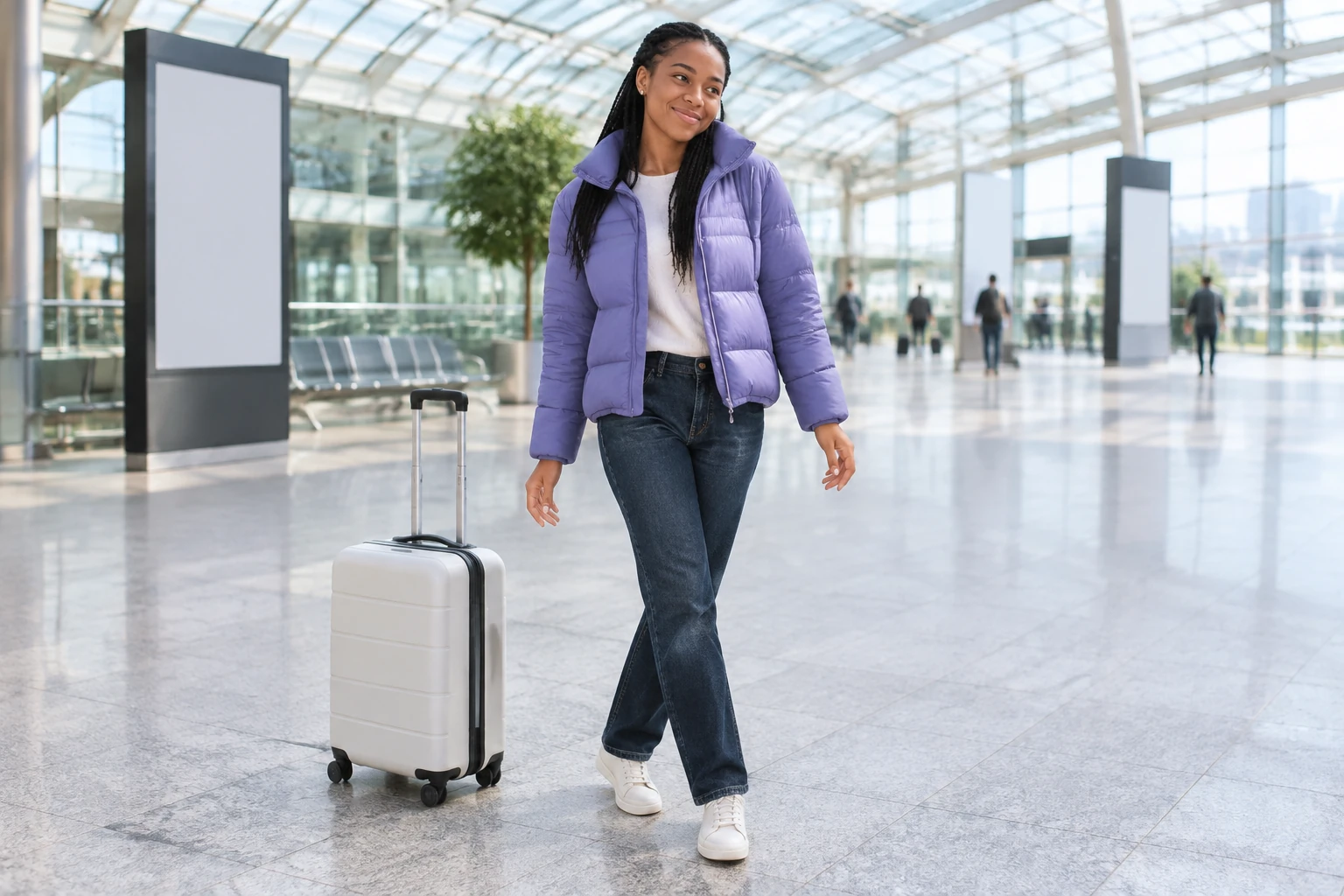
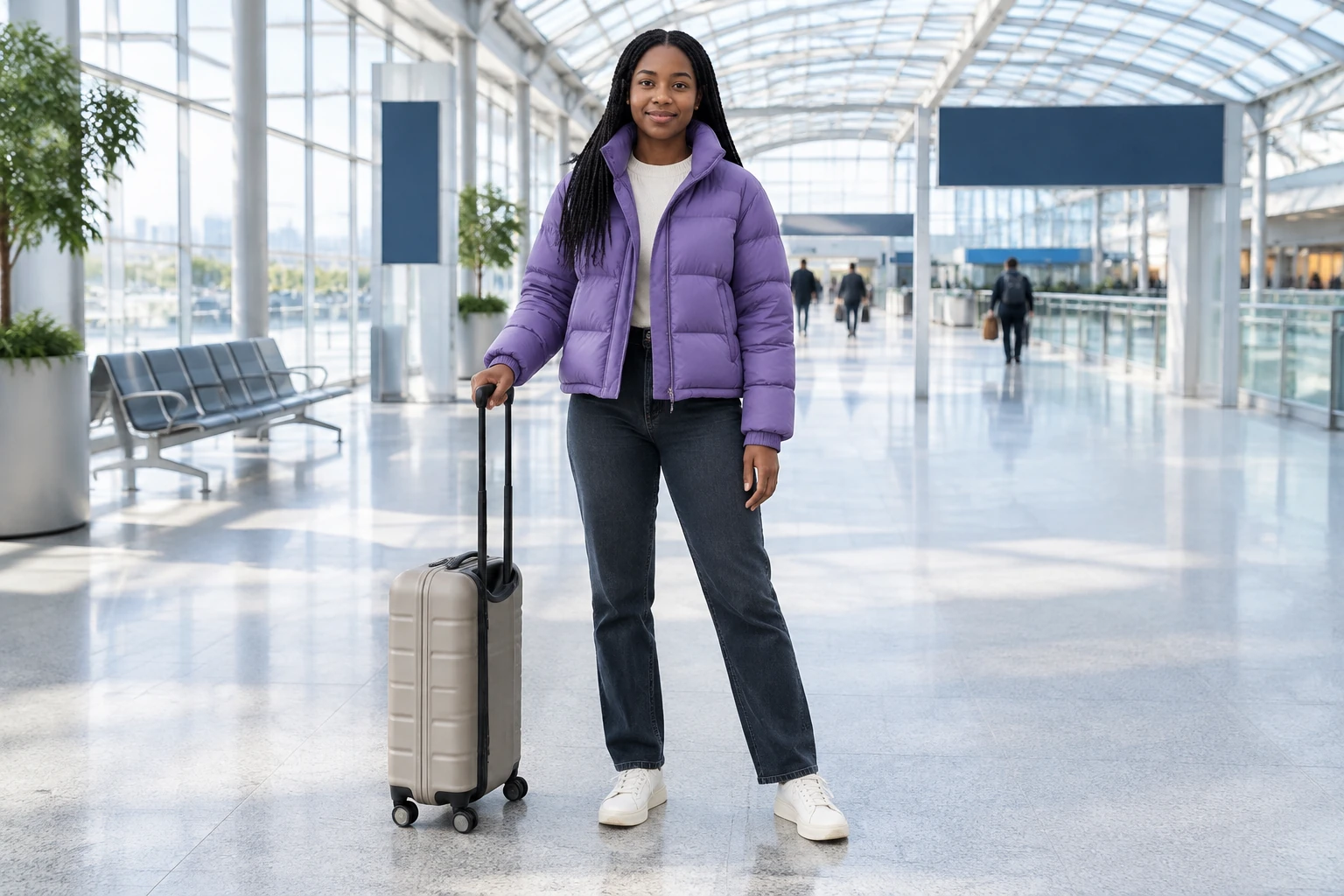
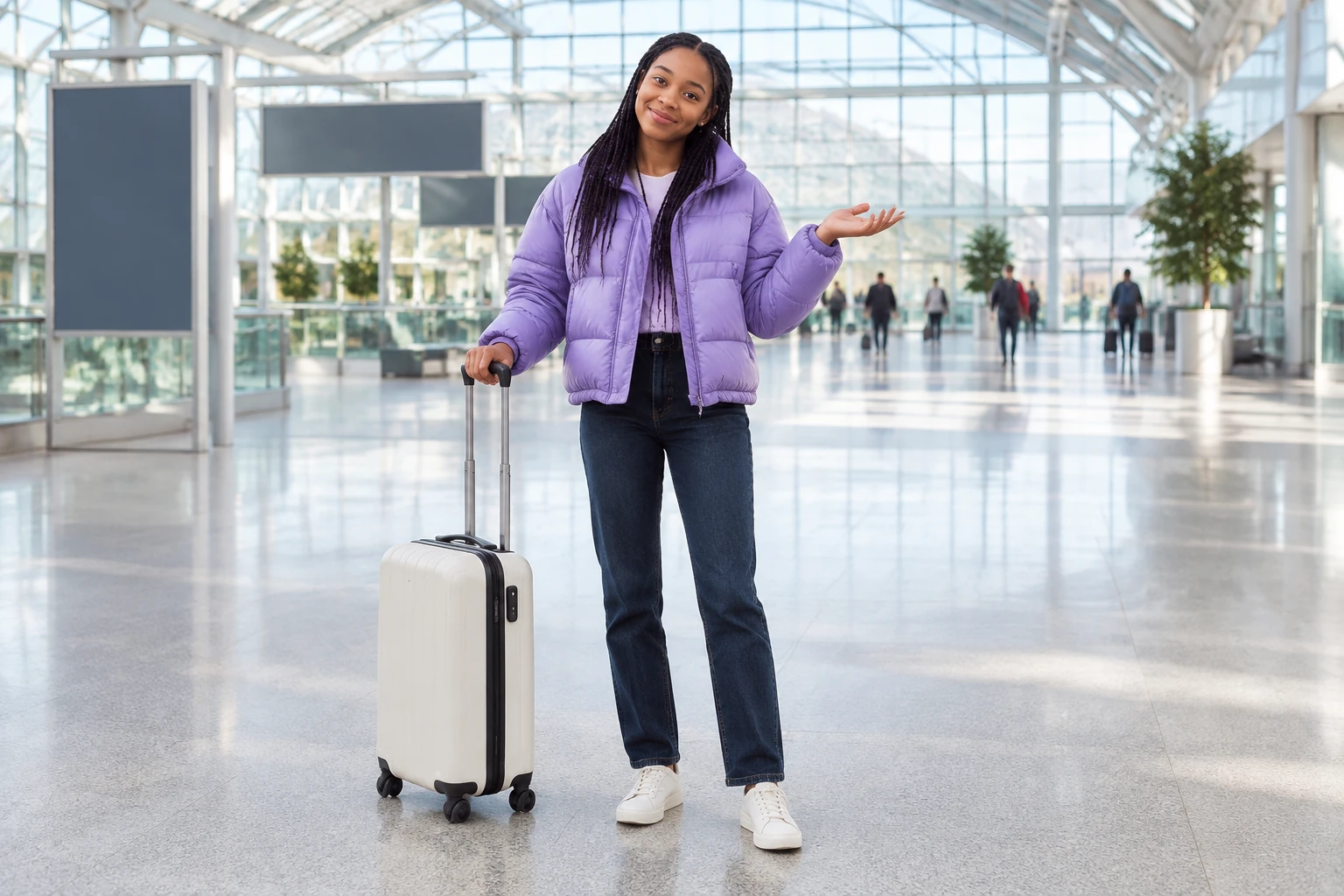
Use one image that clearly shows the person you want in the video. For this travel-diary idea, a full-body view makes it easier to assess the jacket, jeans, trainers, and overall framing. A station character photo and your prompt can provide creative direction, but they do not guarantee that the generated setting or identity will match every detail exactly.
The workflow uses one user-uploaded MP4 or MOV dance video alongside the character image. Choose a readable, continuous, one-person routine: keep the face, body, and feet visible, avoid rapid cuts, and include station context in the reference when that context matters to your idea. The clip guides movement order and camera orientation; it does not promise exact choreography or background replication. Check the upload control for its current limits: videos must be 3–30 seconds and no larger than 32 MB.
Adjust the editable starting prompt to describe your traveler, station-story context, framing, and ending. The example prompt below is a starting point, not a separate video input. Before generating, check which motion model is currently enabled, the available output quality options, and the quote shown beside Generate. Upload both the character image and reference clip before generating.
Submit the character image and dance reference clip, then check tasks and status in History. There is no fixed wait time. Watch the full result before deciding whether it fits your idea, paying attention to appearance, movement, framing, station details, and whether the case stays still. The concept here is one traveler beginning after a missed departure, making a small step and shoulder move, and finishing clearly in pedestrian space.
A Missed Train Dance works as a playful travel-diary ending: the traveler realizes the departure has gone, takes a moment in the waiting hall, and turns that pause into a small dance. Keep the action simple enough to read. A step and shoulder movement followed by a calm finish can give the scene a beginning and an ending without needing a staged train sequence. Leave open space around the character, keep the full body in view, and describe the rolling case as still if it should remain beside the traveler rather than become part of the routine.
Think of the uploaded video as a guide to how movement unfolds and how the camera faces the dancer. A single person moving continuously is generally easier to interpret than a clip with fast edits, changes of subject, or feet repeatedly out of frame. If the station setting is important, choose a reference that makes that context apparent, and mention the intended terminal atmosphere in the prompt. Neither a station character photo nor descriptive wording guarantees that every environmental detail, camera view, or identity feature will carry through unchanged. Review the full playback rather than judging the result from one paused frame.
This page's native motion-control workflow takes exactly one character image and one user-uploaded MP4 or MOV dance reference. It does not create a dance from text alone or supply a default dance video. The server reads the upload's actual duration and bills its rounded duration according to the selected model and quality. Because the quote depends on those choices and the clip, review the upload control and the live quote beside Generate instead of relying on a fixed price. The motion model is currently a paid option: check that you have access to the paid model, enough purchased credits or account balance, and an acceptable live quote before submitting. Do not assume free credits are available.
When the task appears in History, check its status and then watch the complete video. Compare the person's visible appearance and outfit with the character image, and check whether the dance follows the broad sequence and orientation of the uploaded clip. Look for a readable full-body view, a composed ending, and the intended station-story context; exact choreography and background replication are not guaranteed. If you plan to share or edit the result, handle any desired download, crop, or audio finishing elsewhere. The prompt asks for a still case and a calm ending, but the result should be checked rather than assumed to match.
It is a playful station-themed dance idea made with the motion-control workflow. Provide exactly one character image and one user-uploaded MP4 or MOV dance reference video. The image supplies the person to adapt, while the clip guides movement order and camera orientation.
The reference video must be MP4 or MOV, 3–30 seconds long, and up to 32 MB. Check the upload control for the current requirements before submitting.
The motion model is currently a paid option. Check paid-model access, your purchased credits or account balance, and the live quote beside Generate. The server reads the clip's actual duration and bills its rounded duration according to the selected model and quality, so there is no fixed price to rely on. Do not assume free credits are available.
There is no fixed wait time. Check the task and its status in History.
The character image and prompt provide appearance and scene direction, while the reference clip guides movement order and camera orientation. Exact identity, choreography, and background replication are not guaranteed. Review the full playback for appearance, movement, framing, and scene details.
Watch the completed task in History and download the version you want to keep. A separate editor can add a travel-diary caption, refine the crop or finish the audio.
wigsay.com · Updated