Double Exposure Effect
Explore a separate still-image treatment when planning another visual direction.

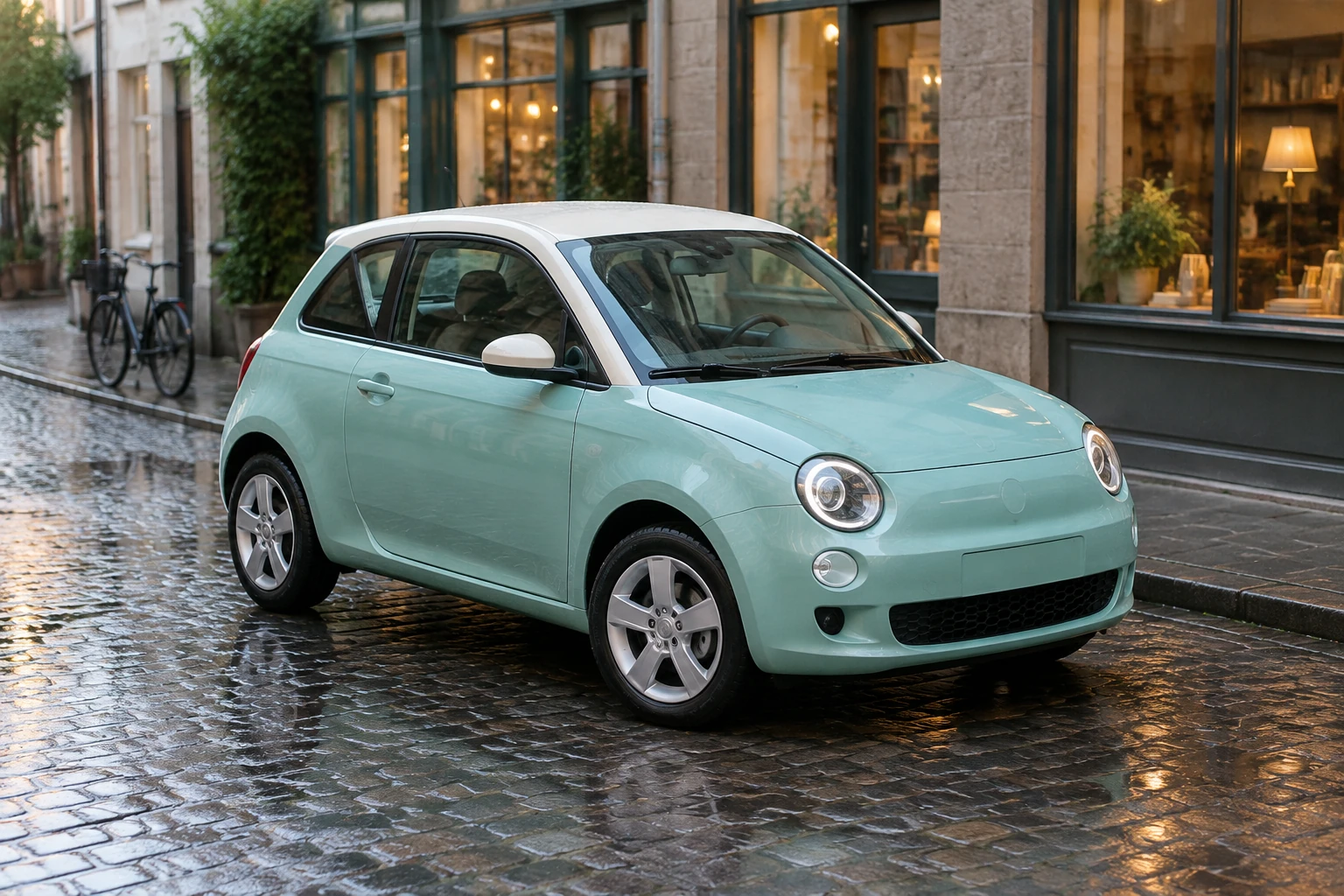
Toy Car To Real Car creates a still full-size vehicle concept. Start in Image to Image with one clear toy photograph and an editable prompt, or use Text to Image for a new scene without an upload. This guide uses an original mint-teal rounded two-door city hatchback with an ivory roof, round headlights, a short bonnet, small triangular rear-quarter windows and simple silver five-spoke wheels. The suggested scene is a quiet wet cobbled lane after dawn rain, with low shop windows and a bicycle well behind the car.
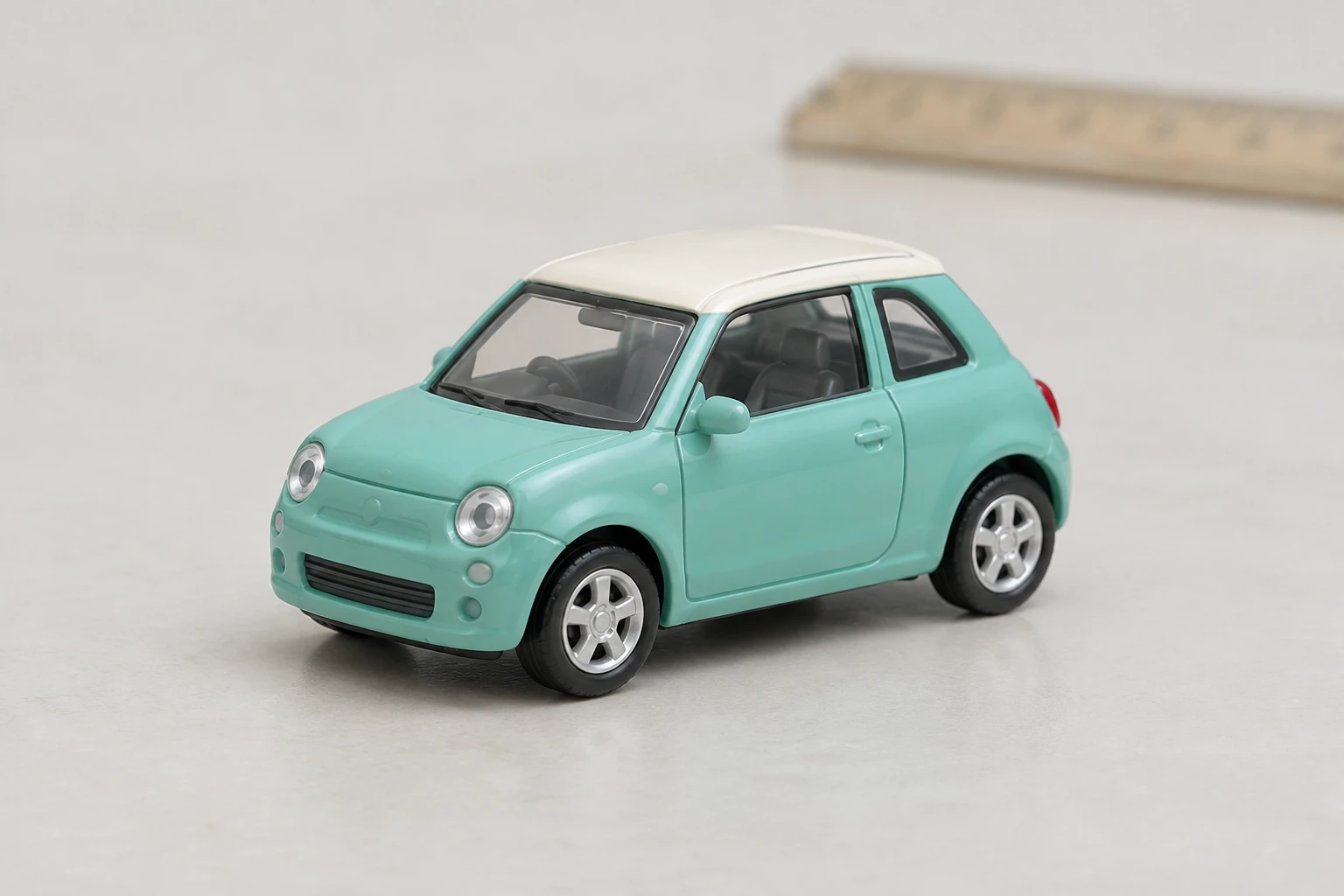
For Image to Image, take one clear photo of the whole toy vehicle. A three-quarter angle is useful because it shows the front and side together. Keep the roofline, paint color, body style, window arrangement and distinctive stripes visible; avoid cropping off wheels or hiding windows in glare. A simple, uncluttered background makes the miniature easier to read. You do not need a photo for Text to Image.
Select Image to Image to use your single uploaded toy-vehicle photo, or Text to Image to create from a text prompt without an upload. Edit the prompt to describe the intended setting and preserve the vehicle’s own visible identity cues. For this example, mention the mint-teal body, ivory roof, triangular rear-quarter windows and wet dawn lane only when those details match the vehicle you are describing. The generate prompt is an original no-upload example; the edit prompt is written to adapt any actual uploaded toy.
Choose from the size and aspect options currently shown in Seedream 5.5. These choices are offered in the generator interface and may reflect the options available when you create an image. Check the live credit quote beside Generate before submitting, then generate the still image. This guide adds themed starting prompts to the existing generator; it does not add a separate conversion mode.
Check the result at full size. Look closely at all wheels, window shape, reflections, paint and perspective, and make sure the vehicle remains grounded in its surroundings. If something needs work, revise one variable at a time—for example, clarify the window layout without also changing the light and camera angle. Check generation progress and the result in History; wait time can vary.
A pocket-sized diecast miniature can have readable paint and shape but still carry tabletop clues. A close three-quarter source view gives the model room to interpret its roof, bonnet and glazing. In the scene prompt, use surroundings at a distance—a low shop window and a bicycle well behind the hatchback—rather than placing scale objects right against the car. Wet cobbles and grounded shadows help place the tires on the street. The aim is a believable full-size portrait, not a miniature sitting on a larger-looking surface.
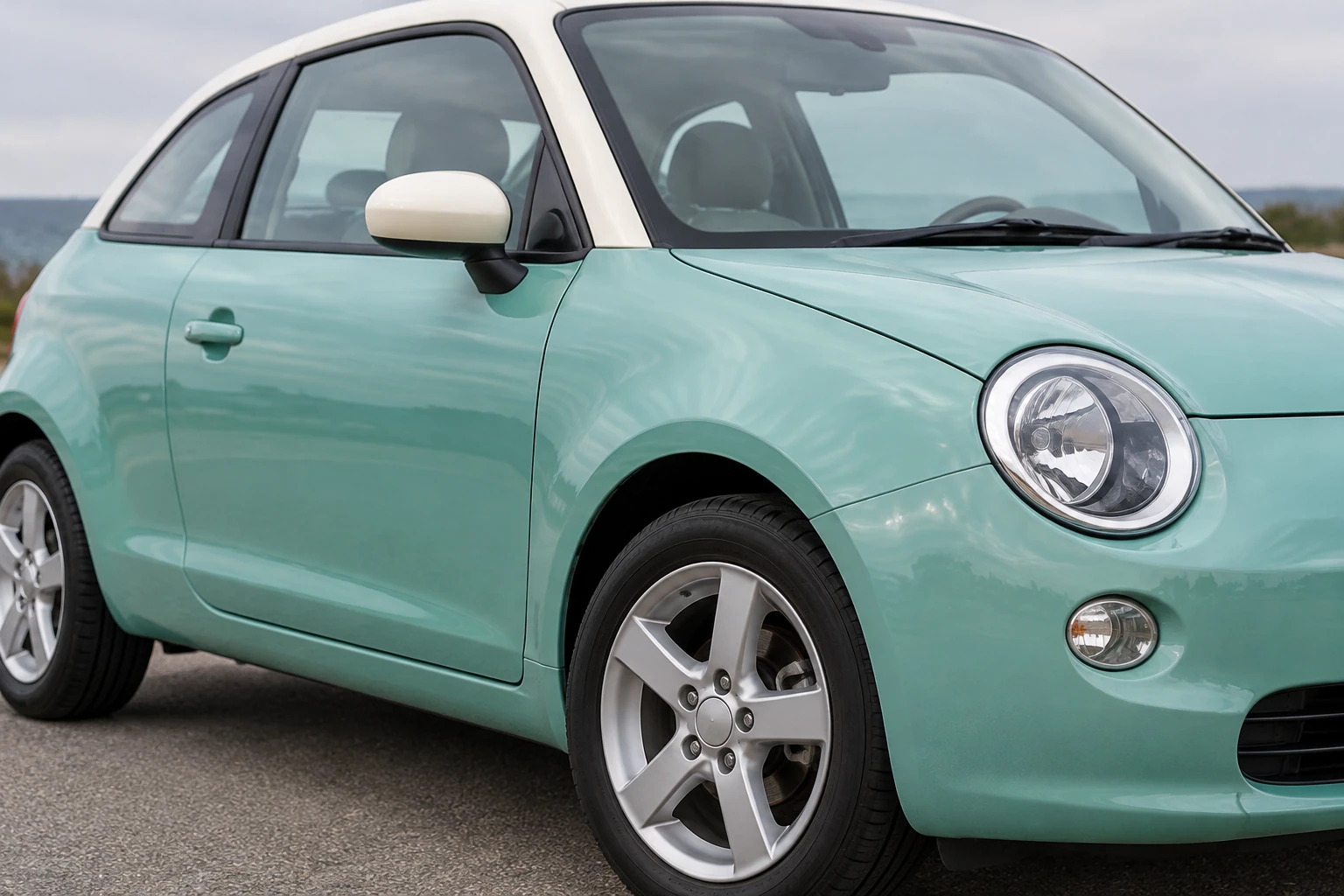
Describe molded or shiny plastic as plausible painted metal, glass and rubber, while keeping the toy’s recognizable colors and forms. In the example, the ivory roof and mint-teal body are important color cues; the small triangular rear-quarter windows distinguish the side profile. Ask for natural reflections and coherent full-size proportions rather than simply enlarging the toy texture. Review every wheel, each window shape, paint consistency, reflections and the direction of perspective. If one feature is wrong, make the next prompt change specific to that feature.
Text to Image starts from an editable text prompt and needs no uploaded image. It suits an original scene description such as the unbranded mint-teal hatchback example. Image to Image accepts one uploaded toy-vehicle photo plus an editable prompt, making it the option for adapting a particular miniature. In that mode, state what must remain recognizable from your actual photo.
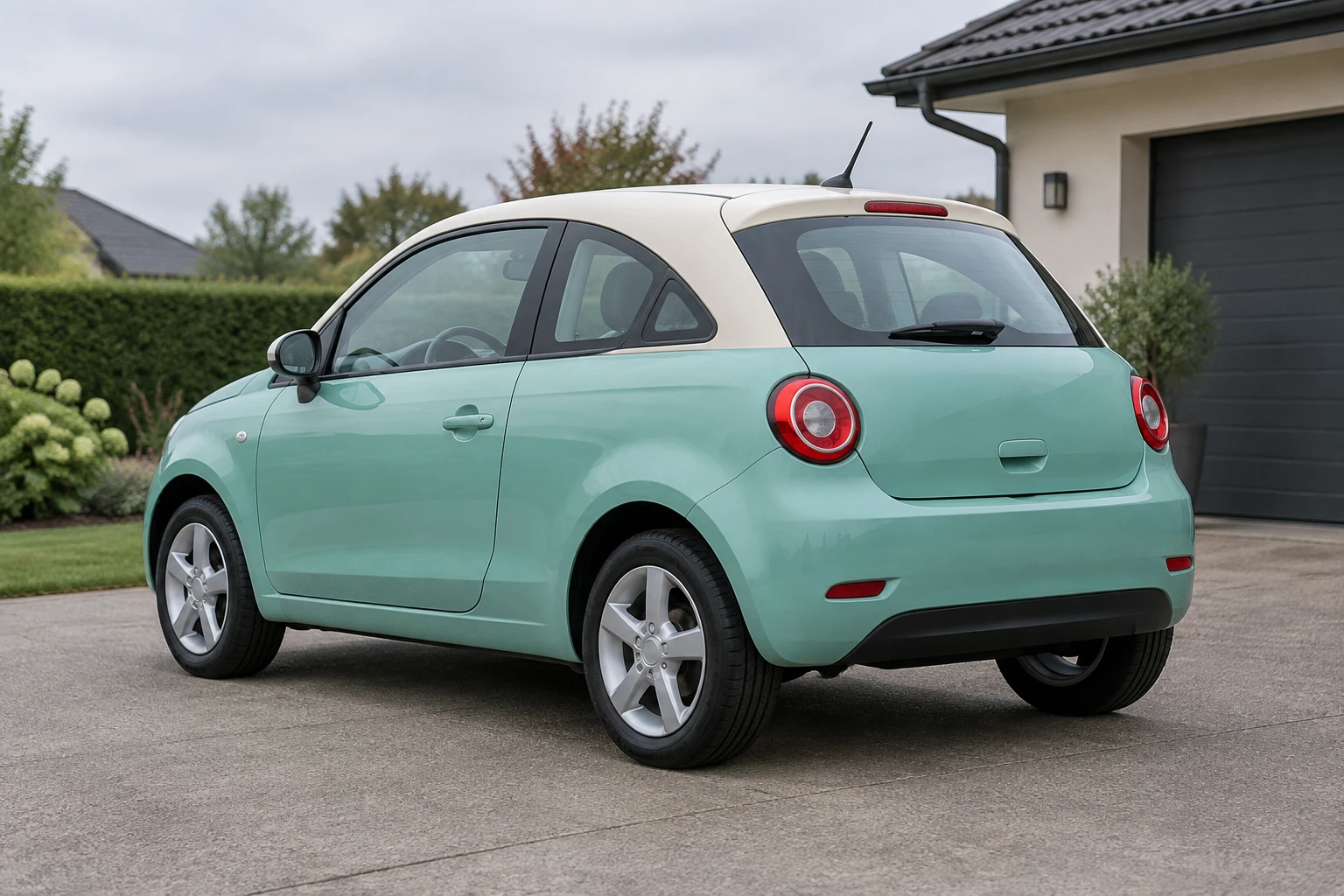
A useful set can pair the neutral miniature photo with the full-size outdoor concept, then use a separate wheel, glass and body-material study to show details. An alternate outdoor setting can show how background scale cues change the portrait. Keep each image’s role clear and review the images before sharing. Pair the miniature and the reviewed full-size concept in a two-image post using your usual editor.
Yes. Choose Text to Image and enter an editable prompt; this mode uses no upload. To base an image on your particular miniature, choose Image to Image and upload one toy-vehicle photo.
Do not assume a free allowance. Eligibility and any available credits depend on the conditions shown for your account and the current service. Check your account and the generator interface before submitting.
The live credit quote beside Generate shows the quoted cost for the settings and request currently selected; it is not the same thing as your account balance. Check both the quote and your balance before generating.
Wait time can vary. Check the generation status in History and return there to review the still image when it is ready.
For the mint-teal example, watch the ivory roof, rounded two-door body, short bonnet and triangular rear-quarter windows. For your own upload, identify its actual paint, roofline, body type, window arrangement and markings in the prompt. Review wheels, window shapes, reflections, paint and perspective in the result.
Pair the original miniature photo with the reviewed full-size concept in a two-image post. Label the miniature and the concept, and keep the roof color, window layout and other useful comparison details visible.
wigsay.com · Updated