
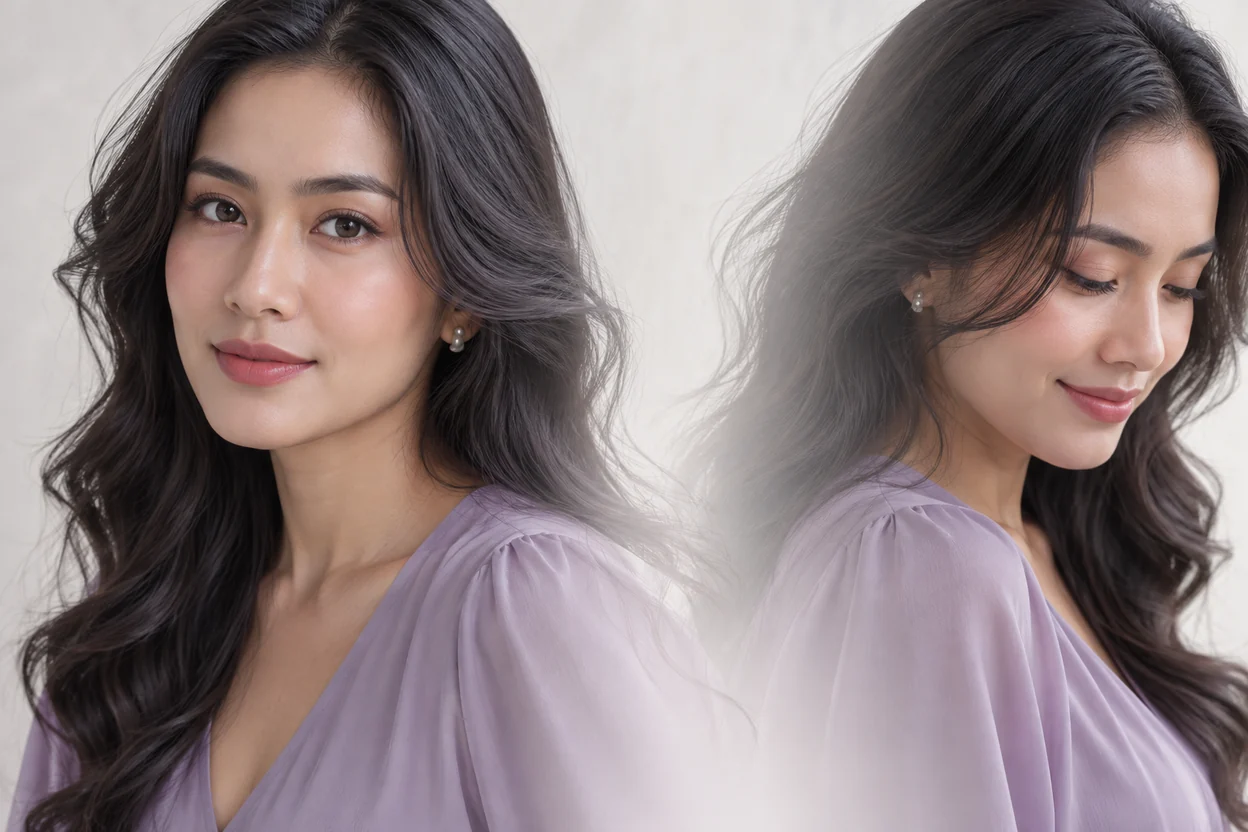
3 Layer Photo Editing that keeps hair contours visible
Create a three-frame photo montage
History
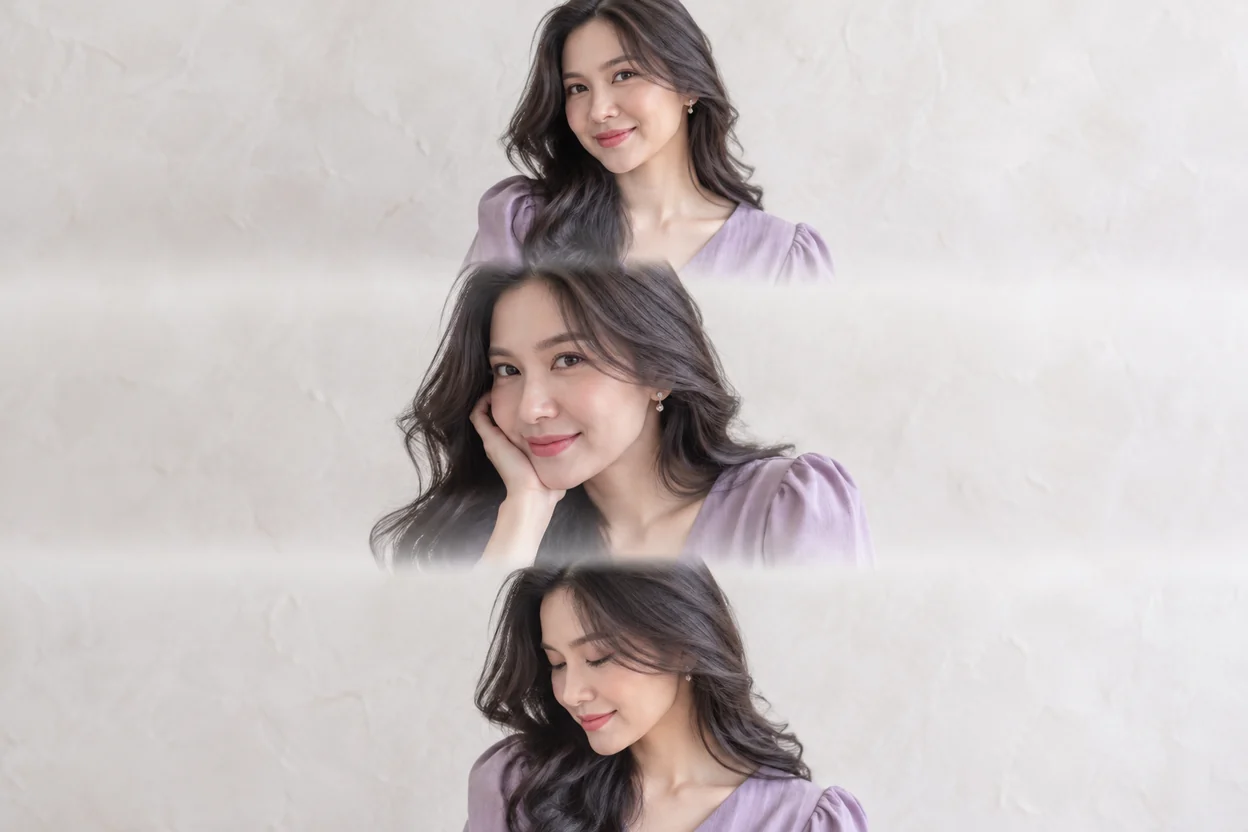
3 Layer Photo Editing creates one finished image from a single portrait, arranging close, middle, and wide views in three bands with soft white transitions. Start with an uncropped source portrait for more room to plan the views, or use text mode to create a fictional montage without an uploaded photo.
Create your three-band portrait
- Choose edit mode and upload one uncropped portrait, or choose text mode and describe a complete fictional scene. In edit mode, ask for a wide view above, a tight face crop in the middle, and a chest-up view below; specify where the transitions should fall.
- Keep the subject recognizable by describing what must stay consistent, such as facial features, hair, clothing, and setting. Use the optional mode-specific input if you need to clarify a crop, transition, or scene detail.
- Review the displayed quote, then submit the request. The output is one flattened composite image—not a PSD, separate layers, or independently editable panels.
Compare the portrait and the three-frame result
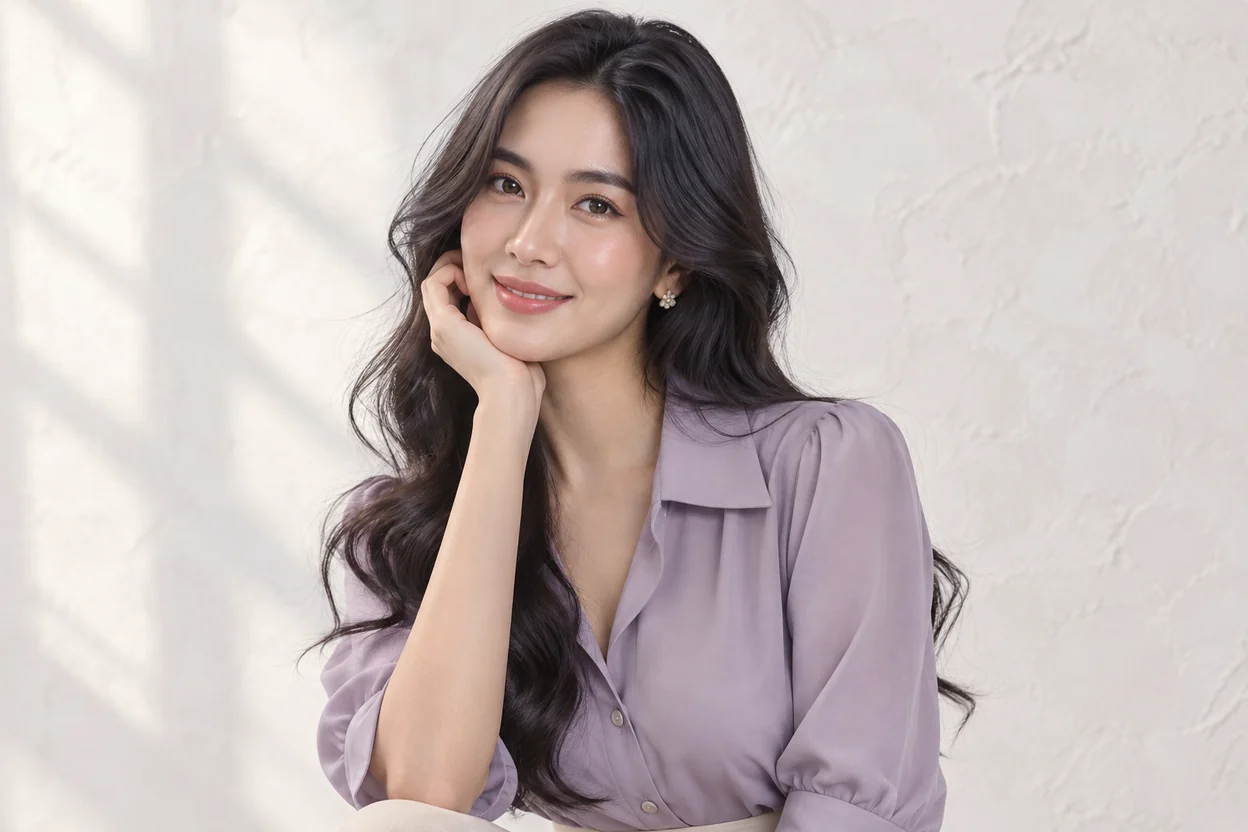
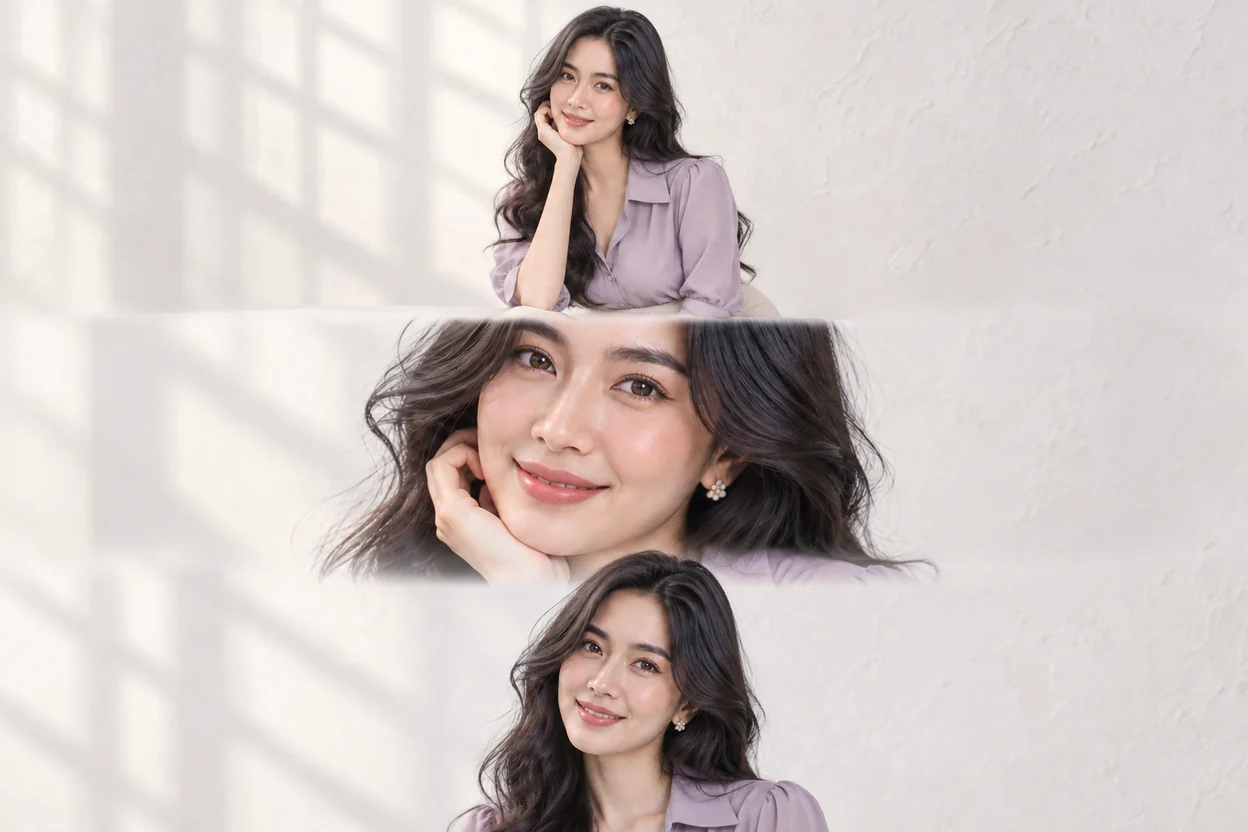
Check the finished image
- Compare the face, hair, and clothing across all three views. If identity or styling shifts, revise the prompt and try again.
- Inspect where each crop begins and ends: the top should read as the wider view, the middle as a close face crop, and the bottom as a chest-up angle. Check that hair contours remain visible through the pale transitions.
- Open the result at a useful size and check the transitions for harsh seams, unwanted text, or distracting details. Use History to find previous results.
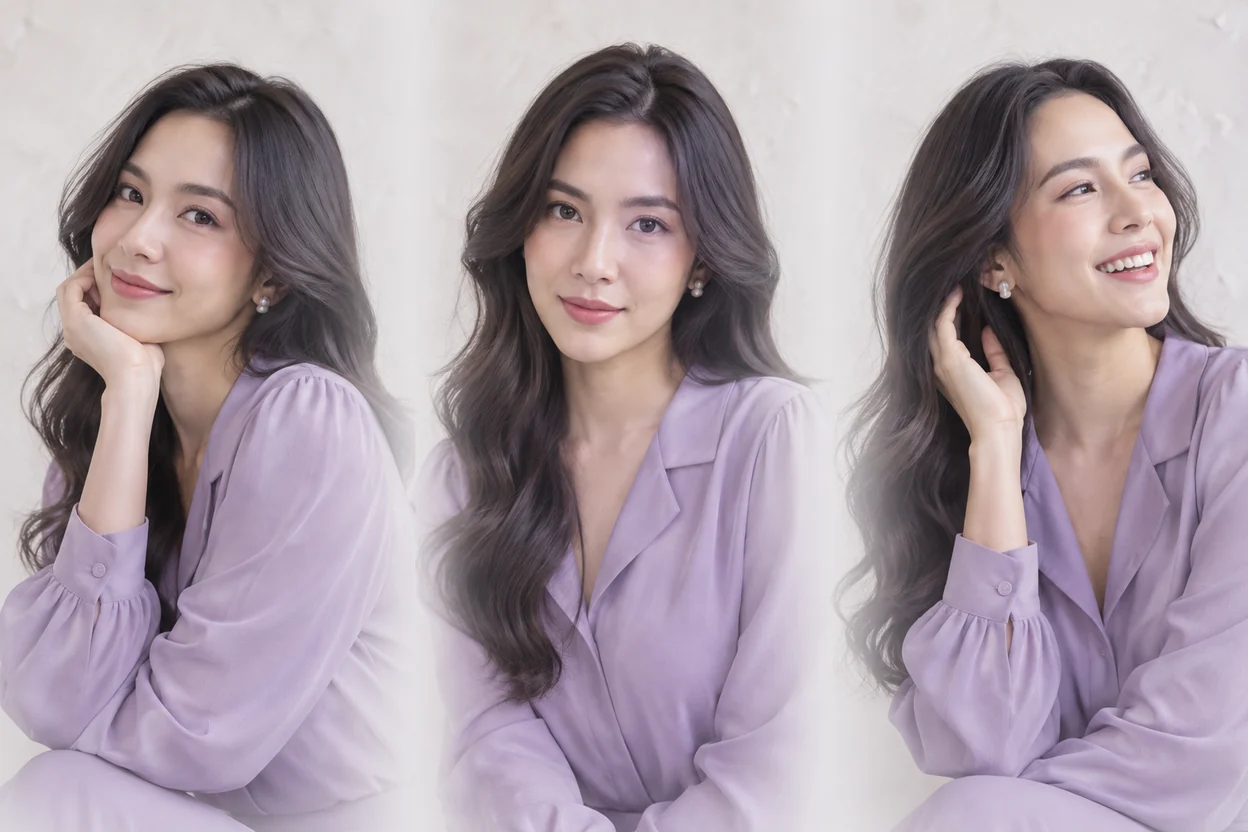
Questions about three-frame photo editing
Does this create editable layers or a PSD?
No. The result is one finished, flattened composite image. It is not a PSD export, and its bands are not separate independently editable elements.
What kind of photo should I upload?
Use a clear, uncropped portrait where the subject's face and hair are visible. An uncropped source gives more room to plan close, middle, and wide views.
Can I make a montage without uploading a photo?
Yes. Text mode creates a new fictional montage from your scene description. Describe the subject, setting, three views, and transitions directly.
Which image model does this page use?
This page uses Nano Banana 2 image edit and generate. Check the displayed quote before submitting, and use History to review prior results.
How long does image generation take?
Check History after you submit. The task status shows when your edit is ready to compare with the original portrait.
Can I try this with my current credits?
Sign in to check your balance and access. Before you start, compare your available credits with the quote shown for the chosen mode and settings.