
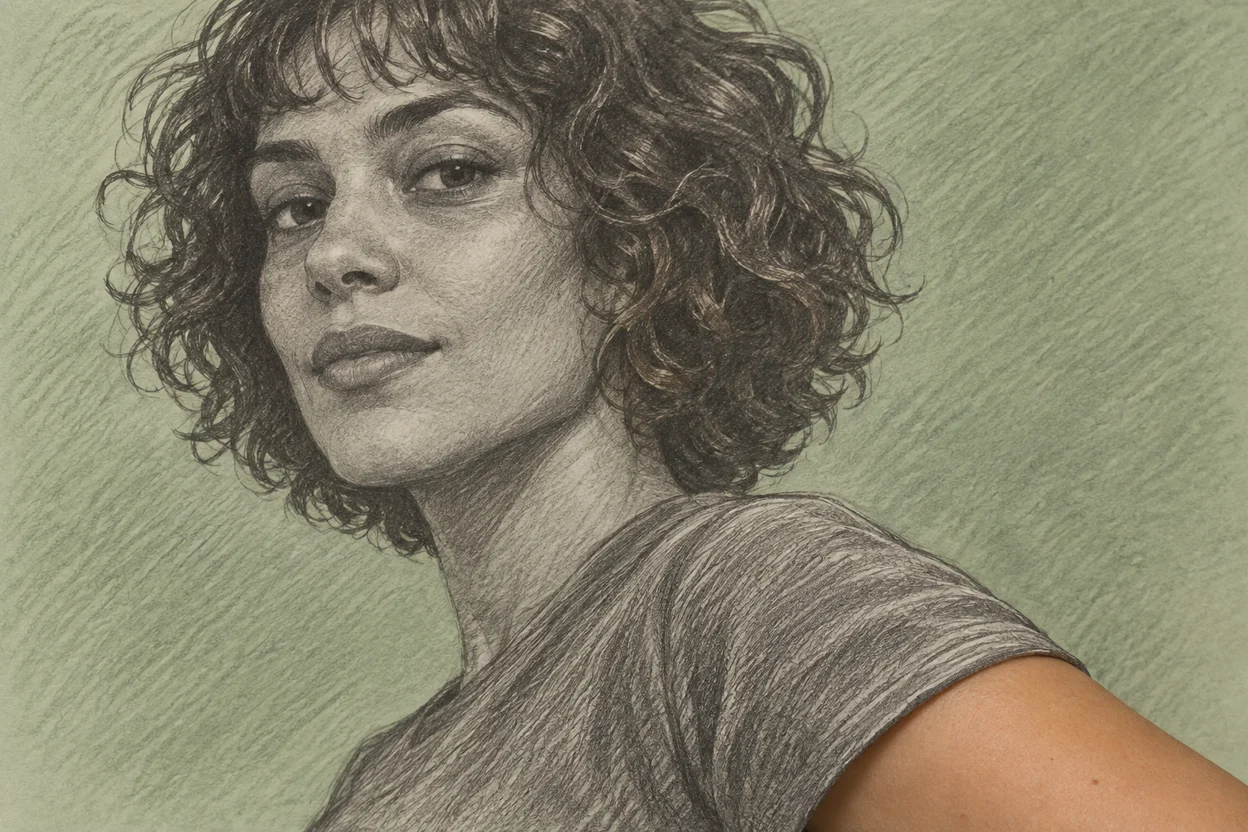
Self Hug Sketch Generator
Turn a photo into a drawn embrace
History
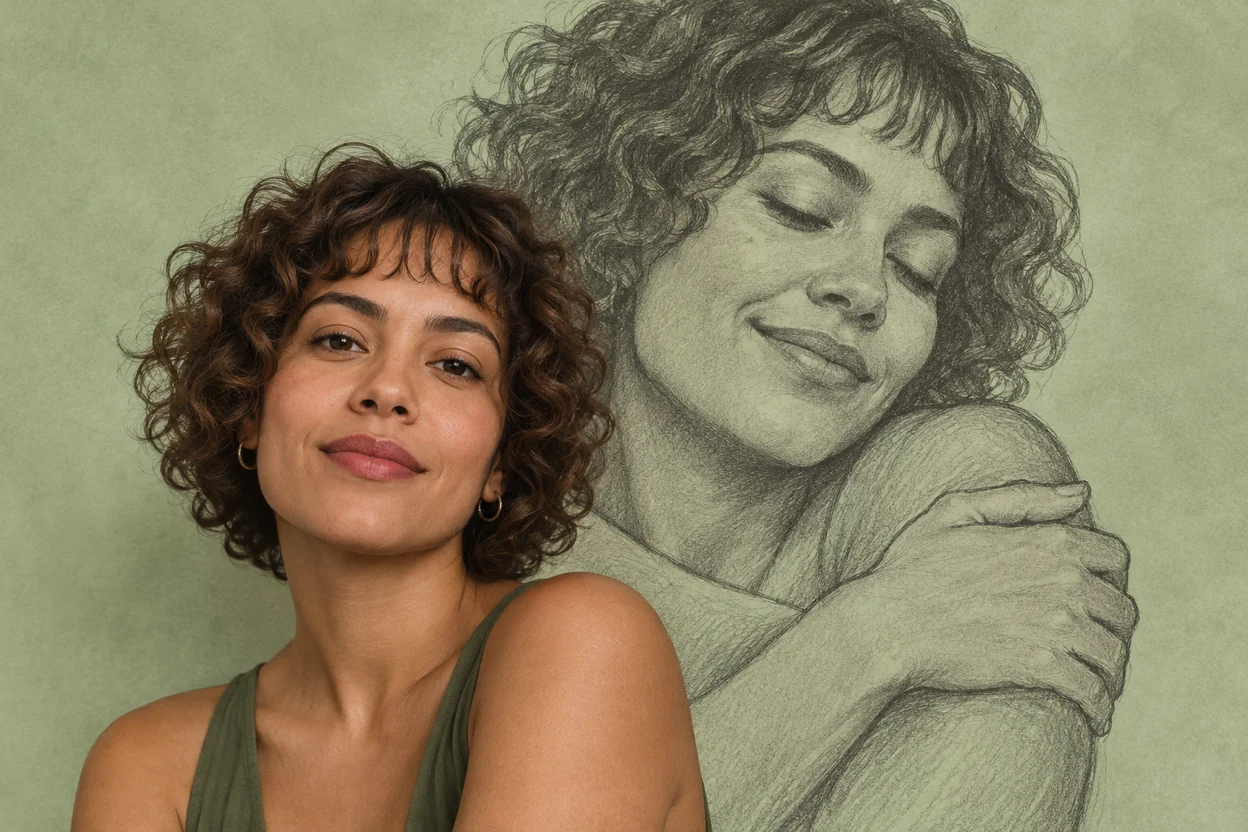
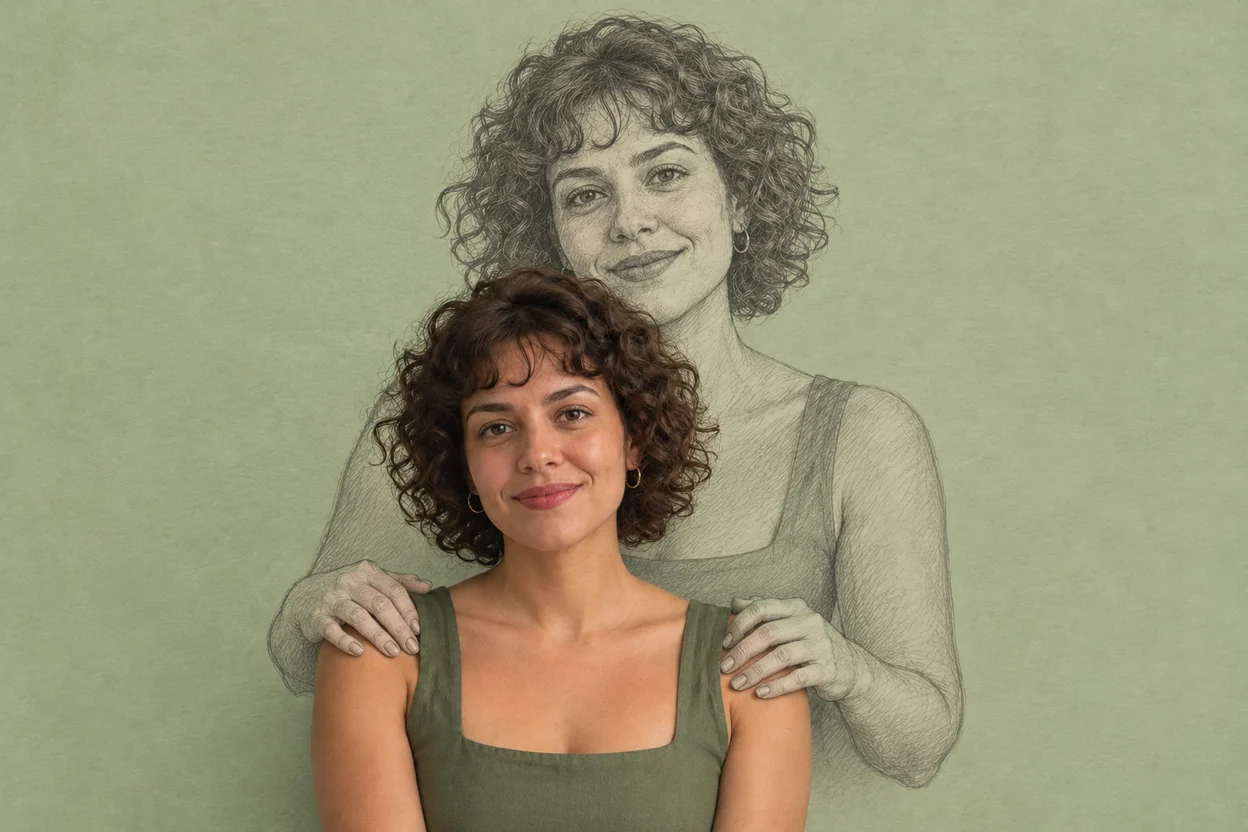
Self Hug Sketch makes a mixed-media portrait from one adult photo: keep the person photographic in the foreground and place a larger graphite version behind them, with drawn arms curving around their shoulders. Shape the pose and composition with a clear prompt. You can also use text mode to describe a fictional adult without uploading a photo.
How to make your Self Hug Sketch
- Choose edit mode and add one clear adult portrait. A forward-facing photo with both shoulders visible and some space around the person gives the embrace room to read.
- Describe what to preserve and what to change. Keep the real person photographic in front; ask for a larger graphite version behind them, with its arms curving around their shoulders. Adjust the pose, framing, background, or amount of open space as needed.
- Generate, then inspect the image before using it. If the faces overlap or the drawn arms are unclear, revise the prompt with a specific correction and try again.
Compare the original portrait and the mixed-media embrace
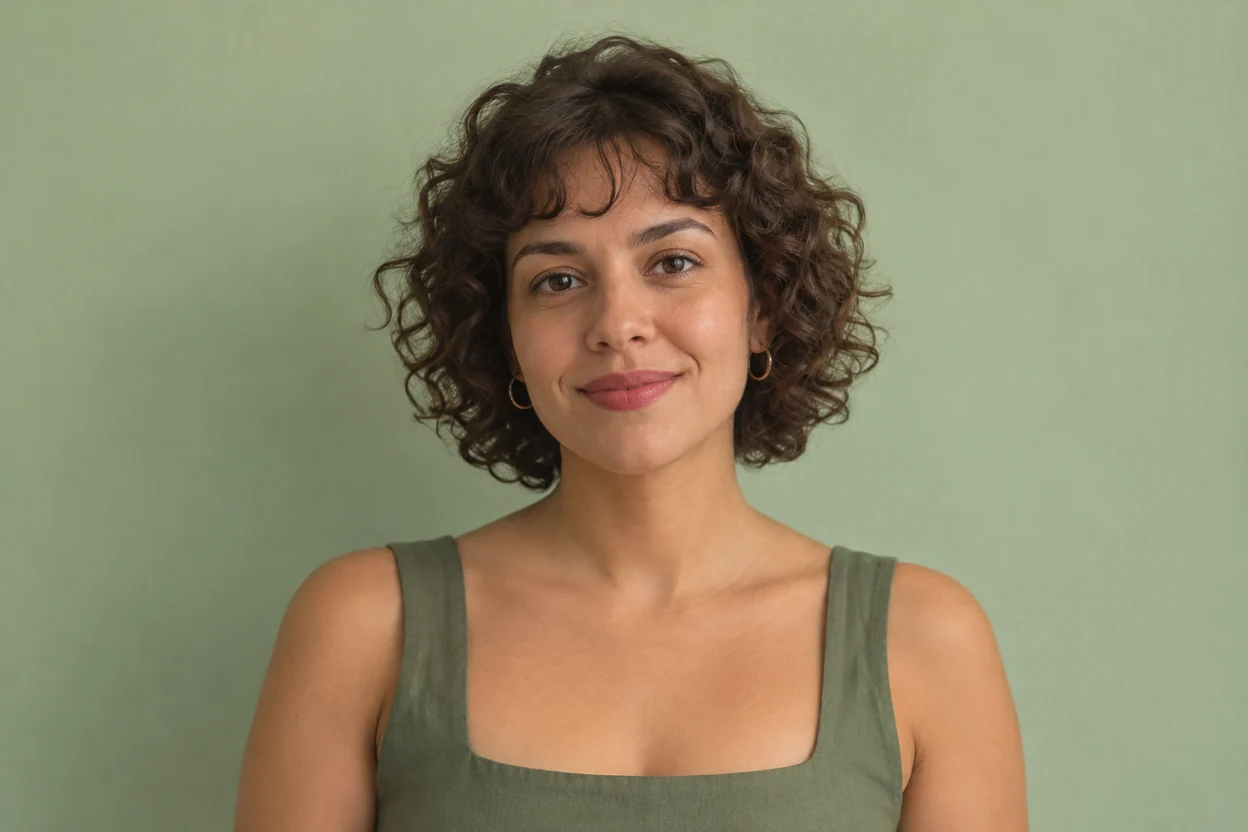
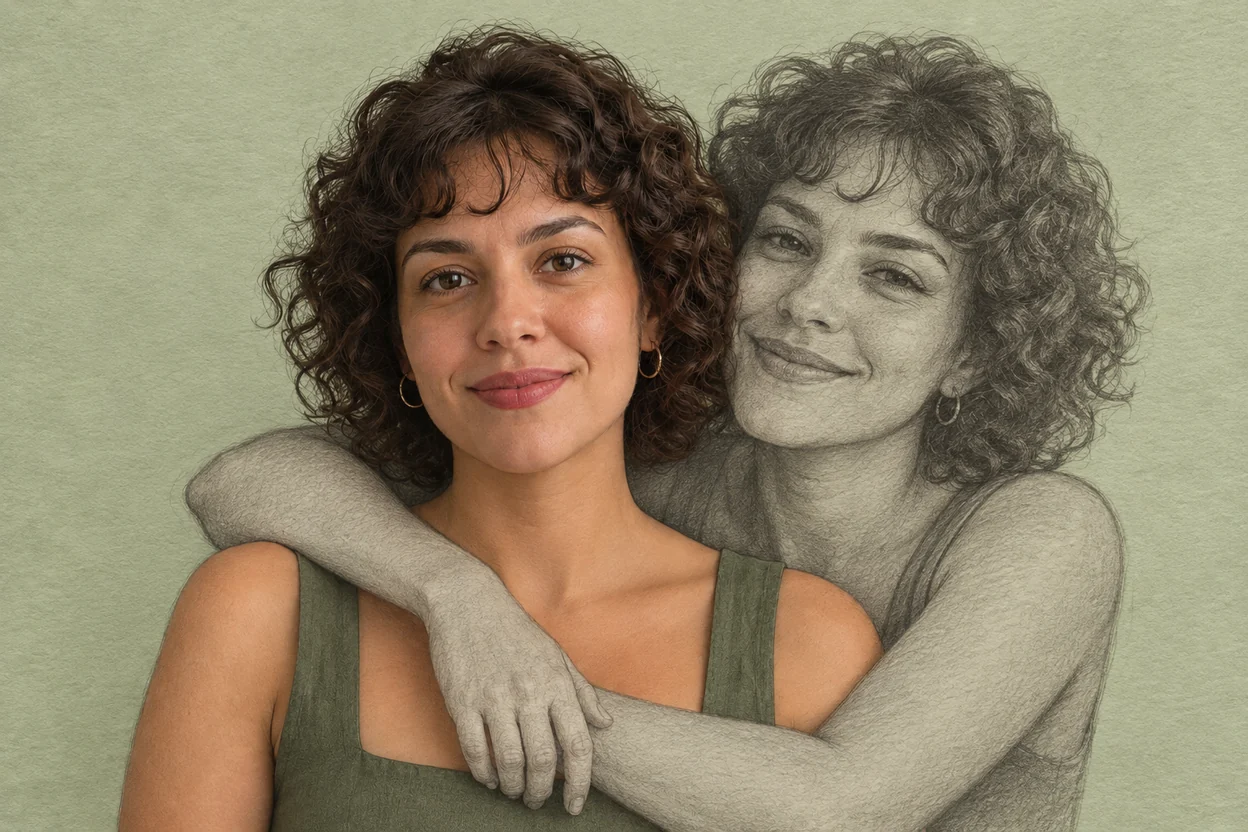
What to check in the result
- The foreground person still resembles the portrait, with their face, hair, clothing, and visible shoulders preserved.
- The graphite duplicate reads as a separate drawing behind the person; the faces do not merge or appear doubled.
- The drawn arms follow a clear path around the shoulders, with no extra limbs or hands and a composition that suits your intended crop.
Questions about the Self Hug Sketch
What kind of portrait should I use?
Use one adult portrait where the face and both shoulders are visible. Leave some space around the person if you want the larger drawing to fit comfortably. Avoid cropping close to the shoulders when the sketched arms need room to curve around them.
Can I use Self Hug Sketch without uploading a photo?
Yes. Choose text mode and describe a complete scene with a fictional person, including the pose, visual treatments, background, and framing. Text mode does not require an uploaded reference.
Can I include the words “Embrace of my own self”?
You can include that phrase if you want it to guide the scene, but generated text may not appear exactly as written. The phrase is optional; describe the pose and composition directly for clearer visual direction.
What should I do if the faces or arms look confusing?
Ask for the real person to remain clearly photographic in front and the graphite figure to remain larger and separate behind them. Specify that the drawn face should not overlap the real face and that the drawn arms should curve around the shoulders without extra hands or limbs.
How long does image generation take?
Check History after you submit. The task status shows when your edit is ready to compare with the original portrait.
Can I try this with my current credits?
Sign in to check your balance and access. Before you start, compare your available credits with the quote shown for the chosen mode and settings.