
Create a Short Clip with Seedance 2.5 Flash
Create a Short Clip with Seedance 2.5 Flash
Illustrative motion study
History
Loading history…
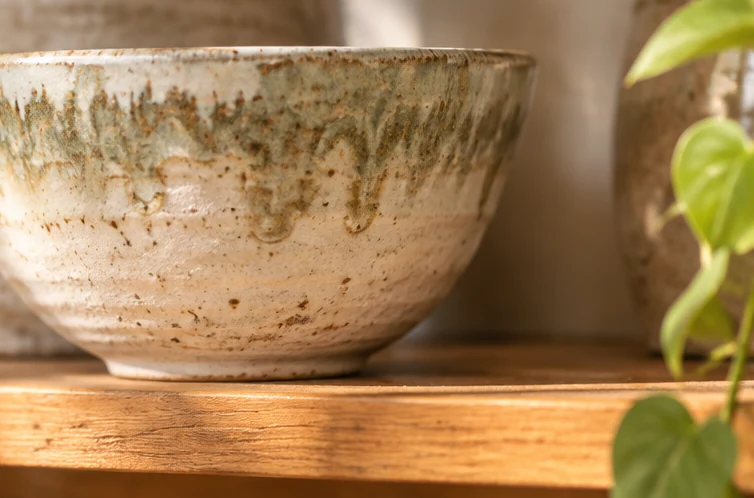
Describe one scene or upload its first frame to start. For example, create a clip of an adult ceramicist placing a bowl on a teak shelf beside a sunlit window. The motion preview is an illustrative study, not a video input or a timing promise. This is a paid service; check the live credit quote before generating.

Create Your Clip
- Write a prompt or upload a first frame.
- Choose 480p or 720p; add an end frame if available.
- Review the live credit quote, then generate.


Before You Generate
- Use one clear scene for a one-shot clip.
- A first-frame image is optional.
- Motion preview is illustrative, not a timing promise.
Common questions
Can I generate from text or an image?
Yes. Use one text prompt or upload a first-frame image.
Can I set the clip’s end frame?
An end frame is optional when that control is available.
What resolution can I choose?
Choose 480p or 720p.