
Huss Huss Huss AI Video from One Portrait
Create your Huss Huss Huss AI Video
Watch a short motion study
History
Loading history…
Huss Huss Huss AI Video turns one clear portrait into a short, comedic gym clip of an overly serious dumbbell curl. Upload exactly one photo as @Image1, review or edit the pre-filled effect prompt, then check the live credit quote and start generating.
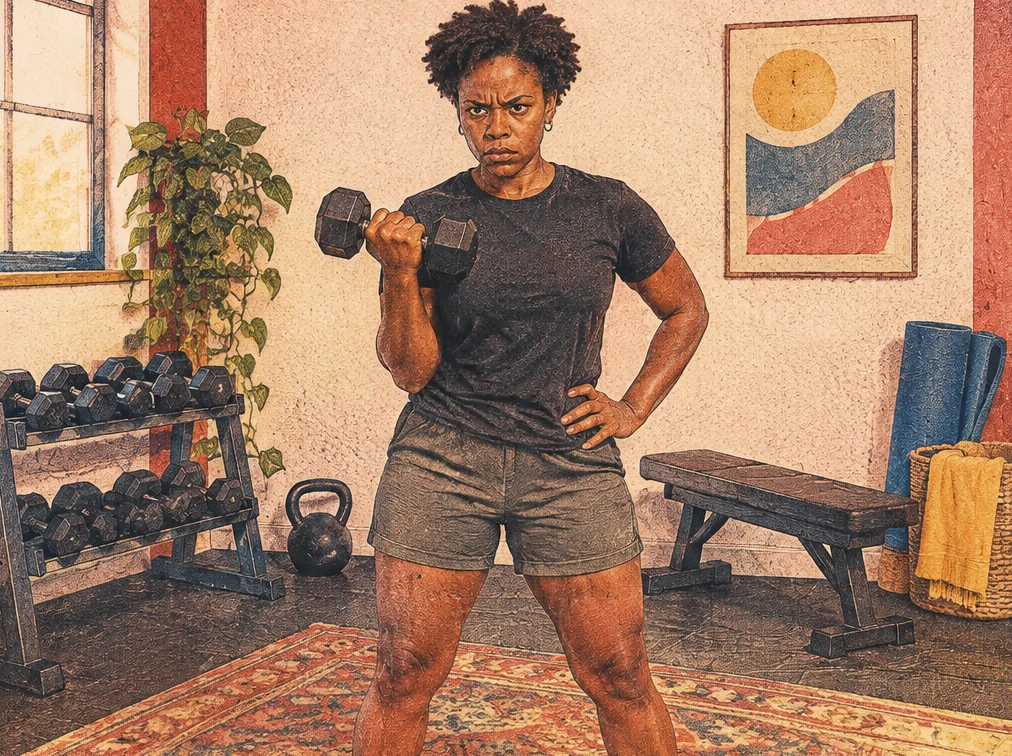
Create a Huss Huss Huss AI Video in your home gym
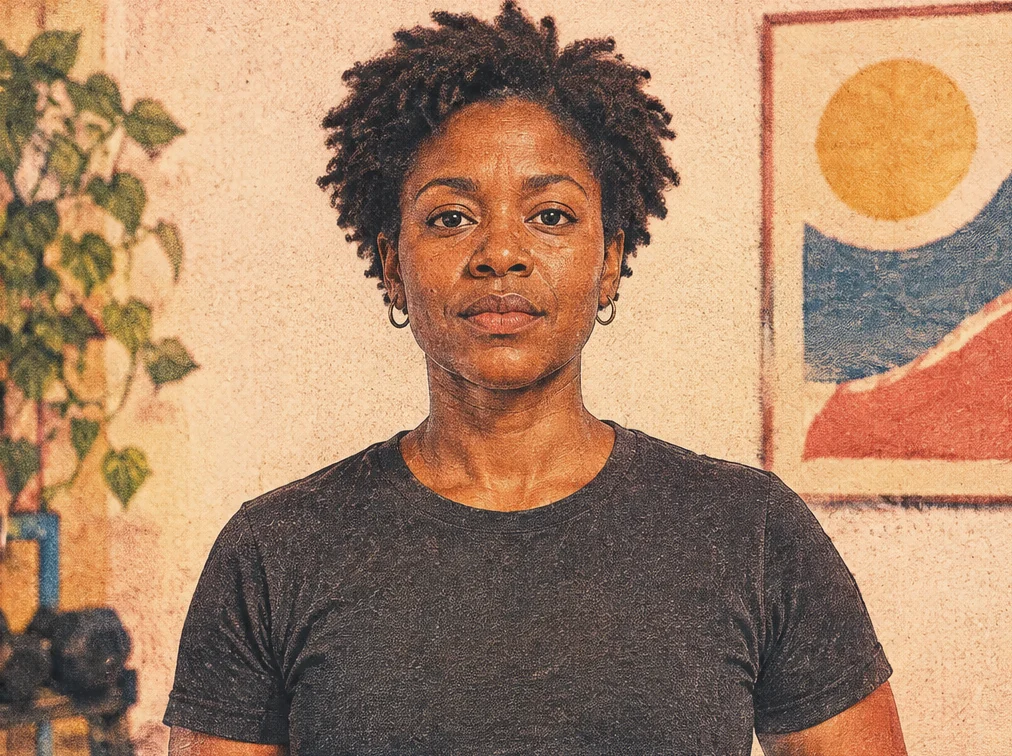
- Choose one clear portrait. Use a photo where the subject’s face is visible; this will be the lifter in the clip.
- Upload the photo as @Image1. The generator requires exactly one photo.
- Review the built-in effect prompt and edit it if you want to adjust the scene direction.
- Check the live credit quote before starting, then generate and inspect the clip when it is ready.
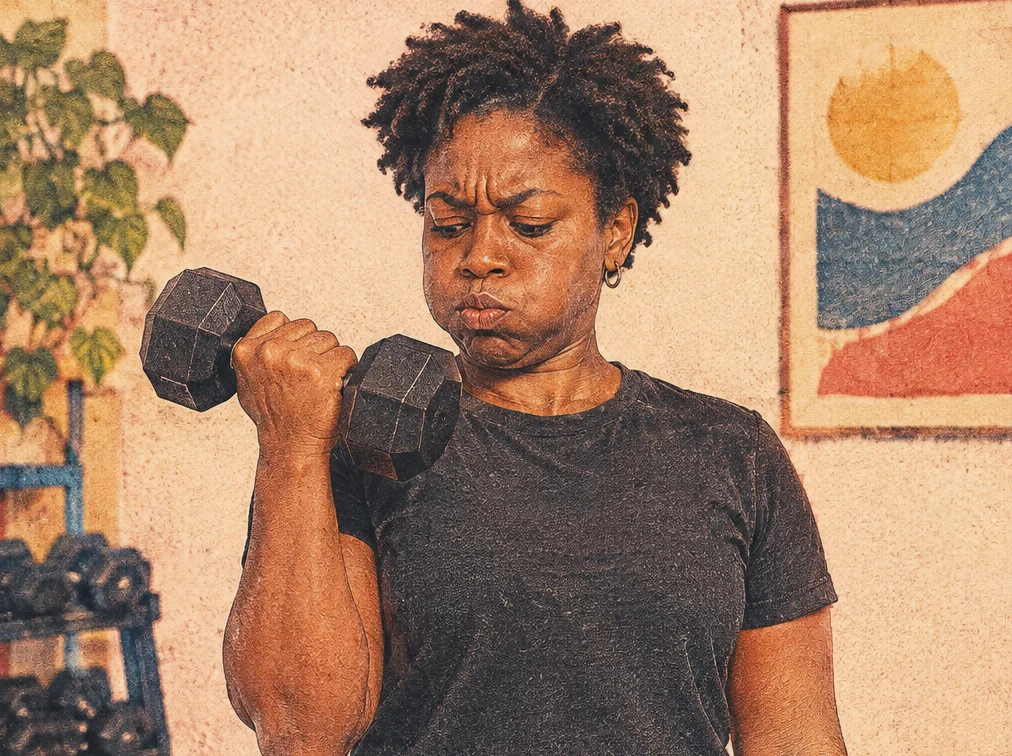
Portrait input and key-frame idea
Ways to shape the joke
- A home-gym character Turn a straightforward portrait into a deliberately intense lifter, as if one curl deserves a championship entrance.
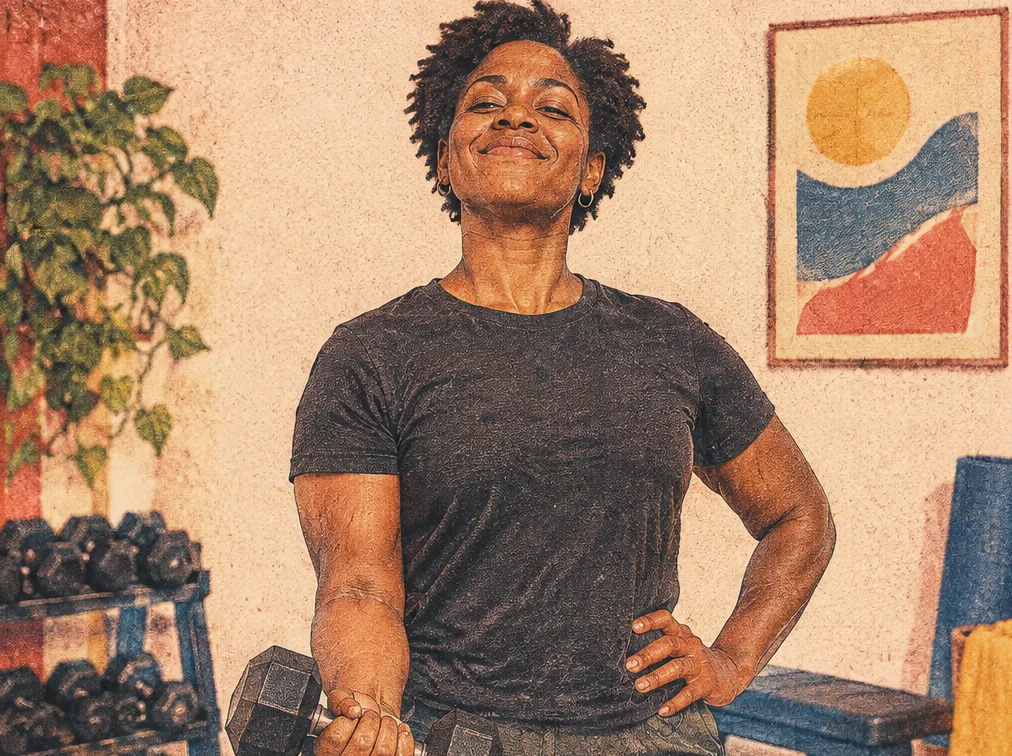
- A workout check-in Give a personal fitness update a comic contrast: a focused expression, exaggerated effort and a satisfied finish.
- A playful profile moment Make a short character clip from a portrait when you want your gym humor to feel more illustrated than polished.
Check the clip before saving
- Confirm the face and overall identity remain recognizable throughout the curl.
- Check that the dumbbell movement reads clearly, from the lift through the proud finish.
- Review the framing and retro print-inspired look, and decide whether the motion suits your intended use.
Common questions
What is Huss Huss Huss AI Video?
It is a comedic gym-meme video effect: one portrait becomes a very serious lifter performing an exaggerated dumbbell curl. The built-in generator uses Seedance 2.0 and creates a clip of up to 15 seconds.
Can I try Huss Huss Huss AI Video for free?
Check the live credit quote in the generator before starting and consult the pricing page for current plan details. No free credit amount is assumed here.
What do I need to upload or type?
Upload exactly one clear portrait as @Image1. The effect prompt is pre-filled, so you can keep it as is or edit it before generating.
How long does Huss Huss Huss AI Video take?
Generation usually involves a short wait, and the time depends on queue load. Check the page again when your clip is ready.
How can I make the curl read as comic effort?
Start with a clear, front-facing portrait and keep the prompt’s action simple: a serious look, one exaggerated curl with puffed cheeks, then a proud finish.