
Cyber Monday Campaign Ideas With a Simple Launch Timeline
Explore practical Cyber Monday Campaign Ideas for small shops and creators, with a short 2026 timeline, visual assets, and portrait-based styling concepts.
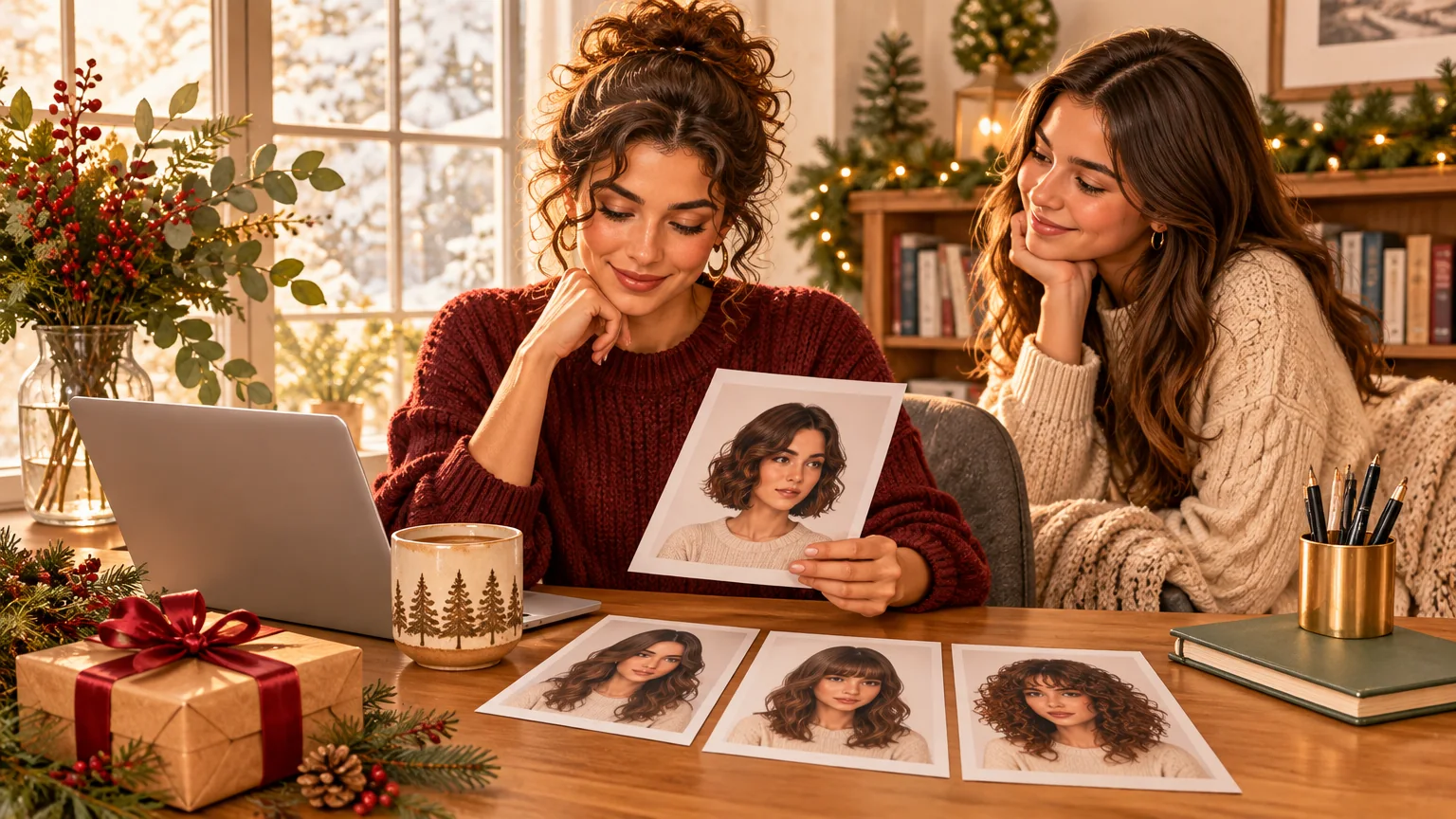
Cyber Monday Campaign Ideas work best when they make choosing a gift, outfit, or new look feel simple and personal—not when they add more noise to a busy holiday week. For 2026, plan around Thanksgiving on November 26, Black Friday on November 27, and Cyber Monday on November 30, and pair each offer with a clear visual your small business can make and reuse.
What's new on this page
- 2026-11-25 — Page published. Added Cyber Monday 2026 campaign ideas with a date plan and the visual each needs.
A gentle plan for Cyber Monday week
You don’t need a sprawling campaign to show up thoughtfully. Pick one main offer, one audience, and a small set of visuals that can carry through email, social posts, and your shop. If your business serves people exploring personal style, a portrait can help customers picture a change before they commit.
| Date | Focus | Prepare |
|---|---|---|
| Monday, November 23 | Quiet preview | Share a teaser and invite people to join your email list for the details. |
| Wednesday, November 25 | Make the offer clear | Explain what’s included, who it suits, and when it ends. |
| Thursday, November 26 | Thanksgiving | Keep the message warm and low-pressure; offer a useful gift or styling idea. |
| Friday, November 27 | Black Friday | Introduce the main offer and its most relevant benefit. |
| Saturday–Sunday, November 28–29 | Help people decide | Answer common questions, show variations, and remind without repeating the same post. |
| Monday, November 30 | Cyber Monday | Make the offer easy to find, understand, and act on. |
| Tuesday, December 1 | Close the loop | Thank customers and share any next steps or delivery details. |
12 Cyber Monday campaign ideas, with the visual each needs
Choose ideas that fit what you already sell. The visuals below can be made as a simple portrait-led graphic, a product image, or a few matching posts; they don’t require a large photo shoot.
- The “try a new look” gift card. Offer a gift card for someone who wants to explore a hairstyle direction. Visual: A portrait with two or three contrasting hair ideas, arranged as a gift suggestion.
- A cozy holiday makeover. Frame your service or product as a little treat during a busy season. Visual: A warmly lit portrait with a soft, seasonal setting and a style that feels like the recipient.
- The “before you book” preview. Help a cautious shopper picture a haircut or length change before making an appointment. Visual: One portrait shown with a short style and a longer style. For more short-hair inspiration, see the AI Short Hair Filter Guide.
- A bangs-and-layers idea board. Give customers a focused starting point instead of asking them to choose from every possible style. Visual: A small set of portrait variations with different bang shapes or layers.
- A family-photo-ready style edit. Speak to people getting ready for holiday gatherings and pictures. Visual: A polished portrait with a chosen hairstyle and a festive-but-not-costumed outfit; the AI Clothes Changer can help explore clothing options.
- A texture appreciation campaign. Celebrate curls, waves, or straighter textures without implying one is better. Visual: A portrait styled to show the texture clearly, paired with a caption about personal preference.
- The “keep your color” promise. Make it clear that a customer can explore shape or length while keeping their hair color by default. Visual: A portrait variation that changes the cut or length while preserving the original color.
- A longer-look inspiration post. Share a low-pressure way to imagine added length before choosing a new direction. Visual: A portrait with a longer hairstyle; point interested readers to the AI Long Hair Filter Guide.
- A gift for the hard-to-shop-for person. Suggest an experience or digital gift when you’re not sure which physical item they’d want. Visual: A friendly portrait-based gift card graphic, with the offer and redemption details added in your design editor.
- A small-business owner introduction. Give shoppers a person to connect with, not only a discount. Visual: Your own portrait with a hairstyle that feels like you; use the AI Profile Picture Generator to explore an avatar-style option.
- A three-day style prompt. Share one easy prompt each day: a cut, a length, then a texture. Visual: Three matching portrait cards, each showing one change so people can compare the direction.
- A last-call reminder that still feels kind. Remind shoppers when the offer ends without turning the message into pressure. Visual: A calm, uncluttered portrait paired with a short deadline note and a clear link to shop.
Make the visuals with one portrait
WigSay’s hairstyle tool is designed around trying a hairstyle direction from one portrait. Choose a cut, length, bangs, and texture, keep the hair color by default, then inspect the result before saving. That makes it useful for building a few related campaign images without planning a separate shoot for every style idea.
A simple workflow:
- Choose a suitable portrait. Use a clear image where the person’s face and hair are visible. Get permission before using someone else’s photo in marketing.
- Start with one campaign idea. For a “new look” gift card, for example, choose a short cut, then a longer option, rather than changing every detail at once.
- Explore a focused variation. Adjust the hairstyle direction you want to illustrate—such as bangs or texture—and inspect the result.
- Keep the original color when that suits the message. Color is kept by default, so your visual can focus on shape or length.
- Save only the version you’re comfortable using. Check that it reads well at the size and crop you need, then place it in your own email or social design.
Treat these images as style previews, not promises about a salon result or a product’s effect. Add clear offer terms and any relevant photo-use permission in your campaign materials.
Keep the offer and the image in step
A lovely visual can’t explain a confusing promotion. Before scheduling a post or email, make sure the customer can quickly find:
- What the offer includes and who can use it.
- When it starts and ends, including the time zone if relevant.
- Any exclusions, redemption steps, or delivery details.
- A direct next step, such as viewing the offer or choosing a gift card.
Use the same main offer across your campaign, then vary the reason to pay attention: a preview before Thanksgiving, a useful style idea on the holiday weekend, and a clear reminder on Cyber Monday. If you’re a creator rather than a shop owner, the same structure can support a digital guide, consultation, or other service you already provide.
FAQ
When is Cyber Monday in 2026?
Cyber Monday is Monday, November 30, 2026. Thanksgiving falls on Thursday, November 26, and Black Friday is Friday, November 27.
How many Cyber Monday campaign ideas should a small business use?
Start with one main offer and a few supporting messages. Choose only the ideas that fit your products, audience, and time to prepare.
What kind of image works for a hairstyle campaign?
A clear portrait is a practical starting point. Use it to explore a specific cut, length, bangs, or texture, and inspect the result before saving it for your design.
Can I use a hairstyle preview as a guaranteed result?
No. Treat it as an illustrative preview to help explore a direction, not as a guarantee of how a hairstyle will look in real life.
Give your next campaign a personal touch
Choose one idea that feels right for your audience, then build a small set of consistent visuals around it. Try a hairstyle direction from a portrait with WigSay’s AI Short Hair Filter and explore a campaign image before you save it.